Student Tech Product Guide

8 Best Graphing Calculator for High School 2026: Match Your Class

Pick a graphing calculator for high school that's exam-approved, accurate, and matched to your class, without overpaying.

8 Best Graphing Calculator for High School 2026: Match Your Class editorial illustration

Many low-cost models advertise graphing capabilities, but when accuracy on a timed exam matters, colorful spec sheets don't tell you how a machine behaves under pressure. The calculators that earn trust share something simpler: they're the ones teachers see every day and standardized exams actually allow.

The real decision for a high school student is set by the classroom. Teachers frequently mandate a specific model and restrict CAS units on tests, so buying on features alone can leave a student without an approved calculator on test day. Battery reliability and build quality also matter more than a bright screen.

That's what this guide sorts out: which graphing calculators for high school balance exam approval, dependable builds, and genuine accuracy — and where spending less actually costs more.

#1

TI-84 Plus CE

TI-84 Plus CE

High school standard

Customer rating 4.7/5
Check Price

Worth Noting

  • Overnight USB charging can be inconsistent between units, and the connection occasionally drops out until the cable is reseated.
  • For a four-year school span, longevity can vary
CAS Support
No
Display Type
2.8-inch color backlit
Battery Style
Rechargeable USB
Classroom Fit
Classroom standard
Read the full review

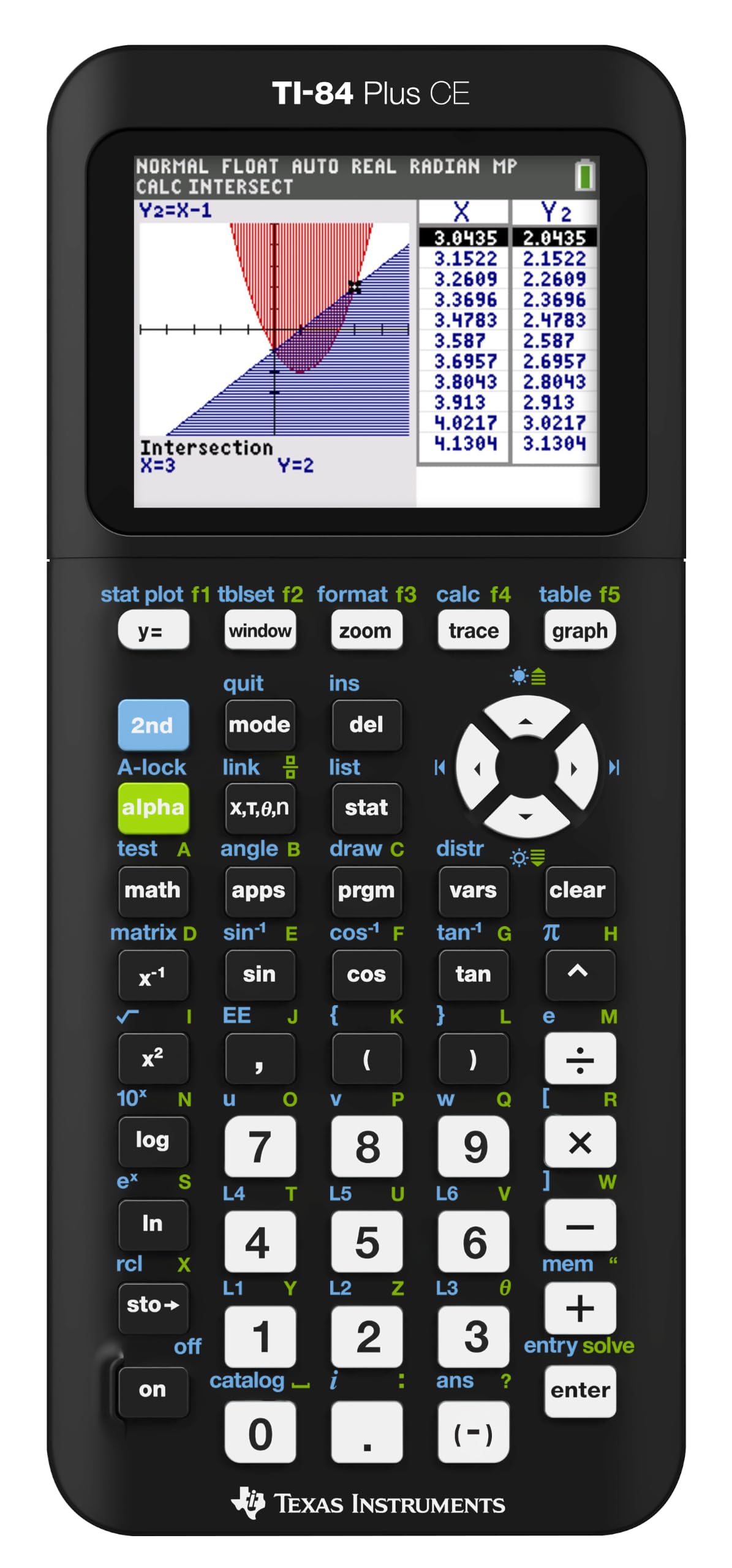
The TI-84 Plus CE holds universal SAT, ACT, and AP approval, pairing a color backlit screen with a rechargeable battery inside the interface layout that high school curricula already teach. Students moving up from an older TI model find the menus identical, so a first-period class starts comfortably rather than with a manual at hand. MathPrint renders fractions, exponents, and roots as they appear in a textbook, which cuts down on transcription slips during multi-step work. The blanket approval removes a whole class of pre-exam uncertainty, since the same calculator clears the SAT, ACT, and AP testing environments.

The 2.8-inch color display separates graph lines by hue, so tracing three overlapping functions on one screen stays legible instead of collapsing into a tangle of identical black curves. The backlight holds up under direct classroom light far better than monochrome predecessors, and the low weight lets the unit ride in a backpack daily without adding noticeable bulk. Menu navigation for graphing, tables, and statistics stays within a few key presses, and the rechargeable battery covers a full semester of ordinary use between charges. File compatibility across the CE line lets a teacher distribute the same activity to the whole class at once, keeping group work uniform.

This is the calculator for the high school student facing SAT, ACT, or AP exams who wants one device that clears every testing gate and every classroom mandate without a learning curve. The honest boundary sits with symbolic algebra: students who need CAS-style manipulation should look to the Nspire line, since this unit stops at numeric graphing and computation. Budget-constrained buyers who only graph occasionally can manage with a cheaper alternative.

The mid-range price undercuts the premium Nspire models while covering everything a standard high school math sequence asks for, from algebra through calculus and statistics. For the student who wants one approved unit with nothing extraneous to learn, that coverage is exactly what four years of coursework demand, and it keeps the CE line the classroom default rather than a niche tool.

Plug it into the same cable and wall adapter each night and charging stays predictable through the school year.

Bottom line: The TI-84 Plus CE is the calculator the SAT-bound student keeps reaching for: universal approval and readable color graphs in the familiar TI format. It carries four years of high school math as the established classroom standard.
#2

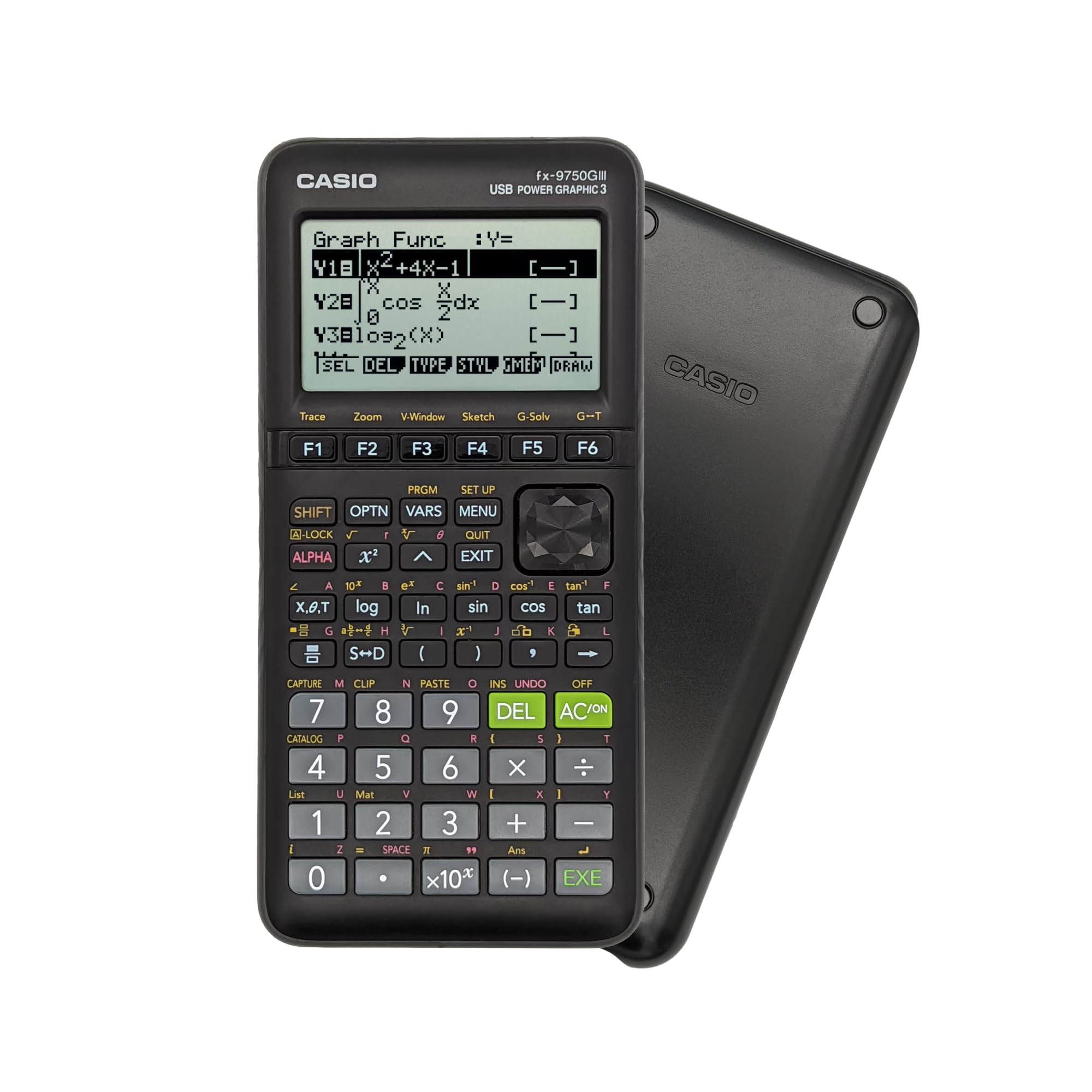
Casio fx-9750GIII

Casio fx-9750GIII

Budget students

Customer rating 4.7/5
Check Price

Worth Noting

  • Small graph details can blur on the lower-resolution screen
  • An occasional unit has produced rounding or entry mistakes on basic operations, so verifying results before graded work is wise
CAS Support
No
Display Type
Natural Textbook display
Battery Style
4 AAA replaceable
Classroom Fit
Casio ecosystem
Read the full review

The fx-9750GIII pairs full graphing capability with built-in Python programming at a price well under half of the color TI flagship, while carrying the same AP, SAT, ACT, and IB exam approval. That combination — real graphing plus a scripting language — is what separates it from cheaper pseudo-graphing units that merely preview a curve.

The Natural Textbook Display renders fractions and expressions the way they appear in print, and four AAA batteries keep the unit powered through an entire school year without hunting for a charger. Python support lets students write and run programs directly on the device, a feature usually reserved for pricier models.

Budget-focused students taking standards-based exams get the most from this unit. Its lower-resolution screen is noticeably less crisp than the TI color models, so dense function plots lose fine detail — acceptable for homework and typical classwork, but worth weighing if visual polish matters. Occasional units have delivered rounding or entry slips on basic operations, so spot-checking key results before graded work is a good habit. For the price, those tradeoffs are modest.

Re-run the occasional long calculation on the on-screen Textbook Display before you submit — it catches the round-off slips quickly.

Bottom line: Budget-focused test-takers get full graphing and Python for under a third of the TI flagship's price; just verify critical results before handing in graded work.

#3

TI-Nspire CX II CAS

TI-Nspire CX II CAS

Advanced math

Customer rating 4.7/5
Check Price

Worth Noting

  • Premium pricing misses budget shoppers
  • In the first weeks, the menu system and CAS syntax require deliberate study before symbolic tools feel natural.
CAS Support
Yes
Display Type
3.5-inch color
Battery Style
Rechargeable
Classroom Fit
Advanced math track
Read the full review

The TI-Nspire CX II CAS solves equations symbolically — factoring polynomials, expanding expressions, and stepping through calculus that the numeric-only TI-84 Plus CE can't touch. The 3.5-inch color display and tabbed menus read like a desktop application, and the bundled student software ties graphing, spreadsheets, and notes into one workspace for PC and Mac. The same interface handles an extensive function set, which reduces menu hunting once the layout is learned.

This is the right tool for IB and AP courses plus first-year engineering, where symbolic answers compress multi-step algebra into a single keystroke the CE can't deliver at any speed. The interface demands a genuine study phase before the symbolic tools feel natural, so students who expect instant familiarity are better served by the top pick.

Rechargeable battery life spans a full school week on one charge, and the display stays readable under classroom fluorescents without hunting for the backlight. A single USB cable tops the pack up between periods, removing the AAA swap of older class units. The included student software installs the full workspace on laptop and desktop, so homework can be checked away from the handheld. For engineering-track work that outgrows high school, this calculator carries forward into college math without a hardware upgrade.

Set aside time in the first two weeks for the bundled tutorials — the symbolic workflow speeds up once the interface patterns are internalized.

Bottom line: IB, AP, and engineering-track students gain symbolic algebra no standard graphing model delivers, carrying straight into college math.

#4

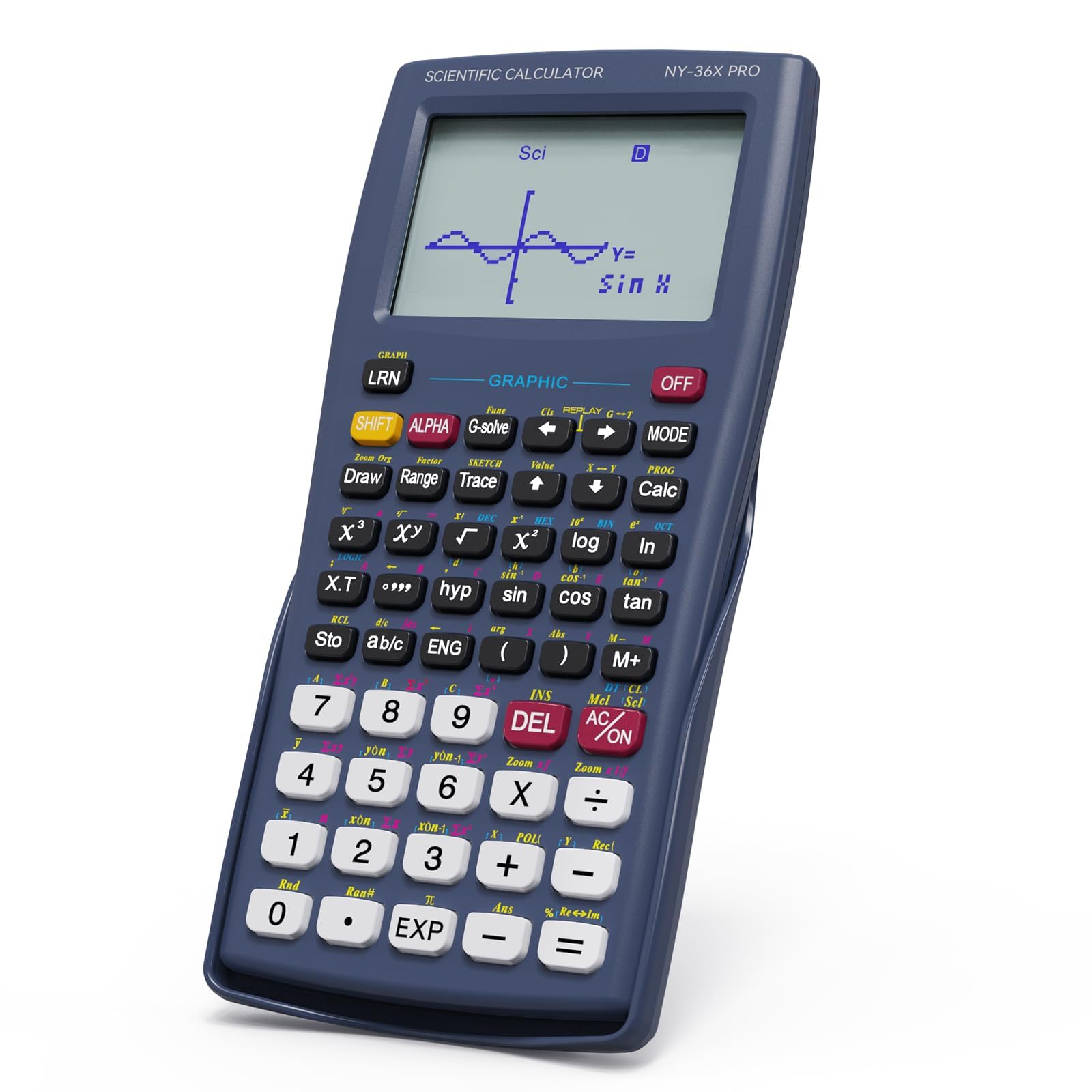
NEWYES 36X Pro

NEWYES 36X Pro

Note-taking students

Customer rating 4.4/5
Check Price

Worth Noting

  • Coarse display keeps curve plotting rough
  • Exam approval isn't verified at TI's level, so school policy needs a check before proctored tests
CAS Support
No
Display Type
Large graphical display
Battery Style
—
Classroom Fit
General school use
Read the full review

The writing pad is what sets this apart from the rest of the budget field — a student can scribble formulas and margin steps directly beside the calculation view instead of juggling loose scratch paper. Where the budget Python pick in this set pushes programming, this one anchors itself to the physical act of working a problem out by hand, which suits the way many classrooms still teach.

It targets a middle or high school student who wants one dependable, low-cost tool for daily classwork and reaches for a pen while solving. The exchange is straightforward: a note-friendly daily calculator is not a graphing instrument, so higher-level function analysis and proctored-exam certainty sit outside its lane.

Build quality draws the most consistent praise — the body feels durable enough for a four-year school bag, and the writing surface holds up to regular use without creaking. The 360+ functions comfortably cover algebra through precalculus, and basic calculations stay consistent for everyday schoolwork and quick homework checks.

Bottom line: For a student who writes each step and needs a durable budget calculator, the writing pad alone tips the balance — just not for anyone who needs true graphing or confirmed exam clearance.

#5

IPEROT

IPEROT

Basic graphing

Customer rating 4.4/5
Check Price

Worth Noting

  • Spongy keys may slow rapid formula entry, a minor hurdle for occasional graphing but noticeable in long sessions.
  • The poorly written manual may leave new owners guessing how to locate standard functions.
CAS Support
No
Display Type
128x64 resolution
Battery Style
4 AAA
Classroom Fit
—
Read the full review

Ten modes cover the graphing functions a typical high school course assigns, and the 128x64 display renders function plots clearly enough for homework and quiz use. The experience is held back by two usability tradeoffs — spongy keys and a poorly written manual — that a budget student can work around but a heavy formula typist cannot. Both detract more than the entry price suggests, which is why this unit sits below the higher-tier picks. It still completes the same coursework those models handle at a fraction of their cost.

Bottom line: It fits a budget-conscious student with modest graphing needs who can work around spongy keys and learn menus by experiment; heavy formula typists should look at a higher-tier model.

#6

HP Prime G2

HP Prime G2

Tech enthusiasts

Customer rating 4.2/5
Check Price

Worth Noting

  • Premium price
  • Touchscreen workflow adds a relearning step for coursework built around TI button sequences.
CAS Support
Yes
Display Type
3.5-inch multi-touch
Battery Style
—
Classroom Fit
—
Read the full review

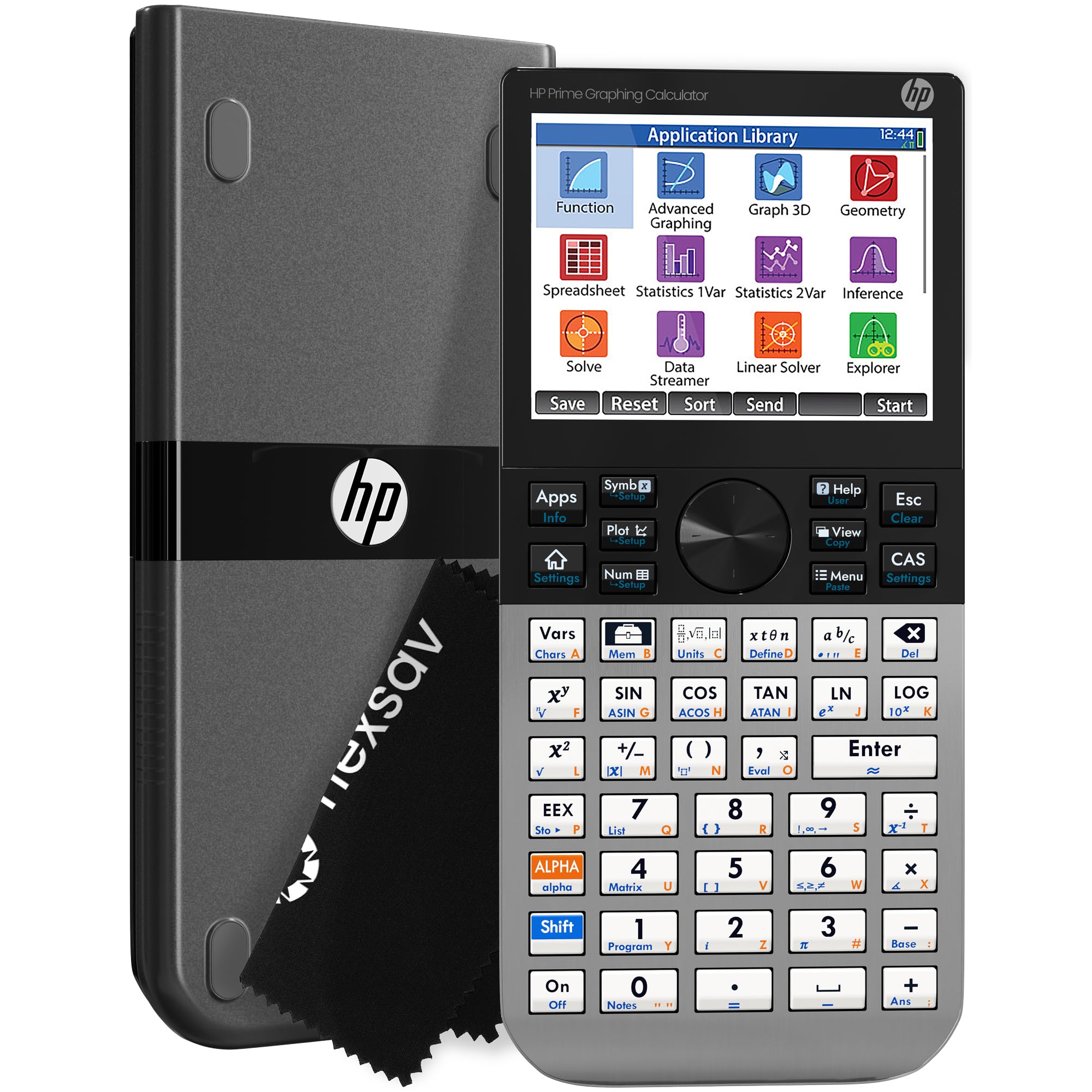
The HP Prime G2 is the most powerful handheld in this lineup: a 3.5-inch multi-touch color display, 256MB of memory, and full CAS symbolic algebra in a modern chassis. The touchscreen makes graph manipulation a direct interaction — pinch, pan, and drag replace the cursor-menu digging found on TI units.

The tradeoff: long-term durability across a four-year school span is still an open question — a meaningful gap for anyone who needs a calculator to last through high school. For a tech enthusiast who wants the most capable touchscreen hardware and accepts early-adopter risk, this is the pick here. For a student who needs a calculator trusted for graded exams, the established color TI is the safer call.

Bottom line: Best suited to a tech-minded student who prizes the touchscreen hardware and the full CAS feature set. Anyone needing a low-risk calculator for four years of graded coursework should take the established color TI instead.

#7

Nadex

Nadex
Customer rating 4.4/5
Check Price

Worth Noting

  • Screen legibility can be an issue for some users, most noticeable in timed exams
  • Graph display only visualizes curves
Read the full review

This Nadex carries 360+ functions spanning algebra, trigonometry, statistics, physics, and chemistry, and the dual solar-and-battery power keeps it working through long exam sessions with no charge cable. For honors and AP coursework that centers on computation rather than curve plotting, it covers the syllabus at a budget price.

The graph function previews curves for visual confirmation, but it does not perform true graphing — no full plot manipulation or detailed analysis — so students with assigned graphing work need a dedicated model. Screen legibility has also been noted by some users, which matters in fast-paced timed exams. It fits a student on a budget who wants verification of a result rather than a classroom graphing requirement.

Bottom line: Best for a high school student on a budget whose coursework centers on computation rather than curve plotting — the preview confirms results but cannot carry a graphing assignment.

#8

TOVO TS-259

TOVO TS-259
Customer rating 4.4/5
Check Price

Worth Noting

  • Graphing tops out at basic function plotting, short of the advanced tools on TI and Casio models.
  • Matrix support caps at one active matrix, so multi-matrix linear algebra needs sequential solves.
Read the full review

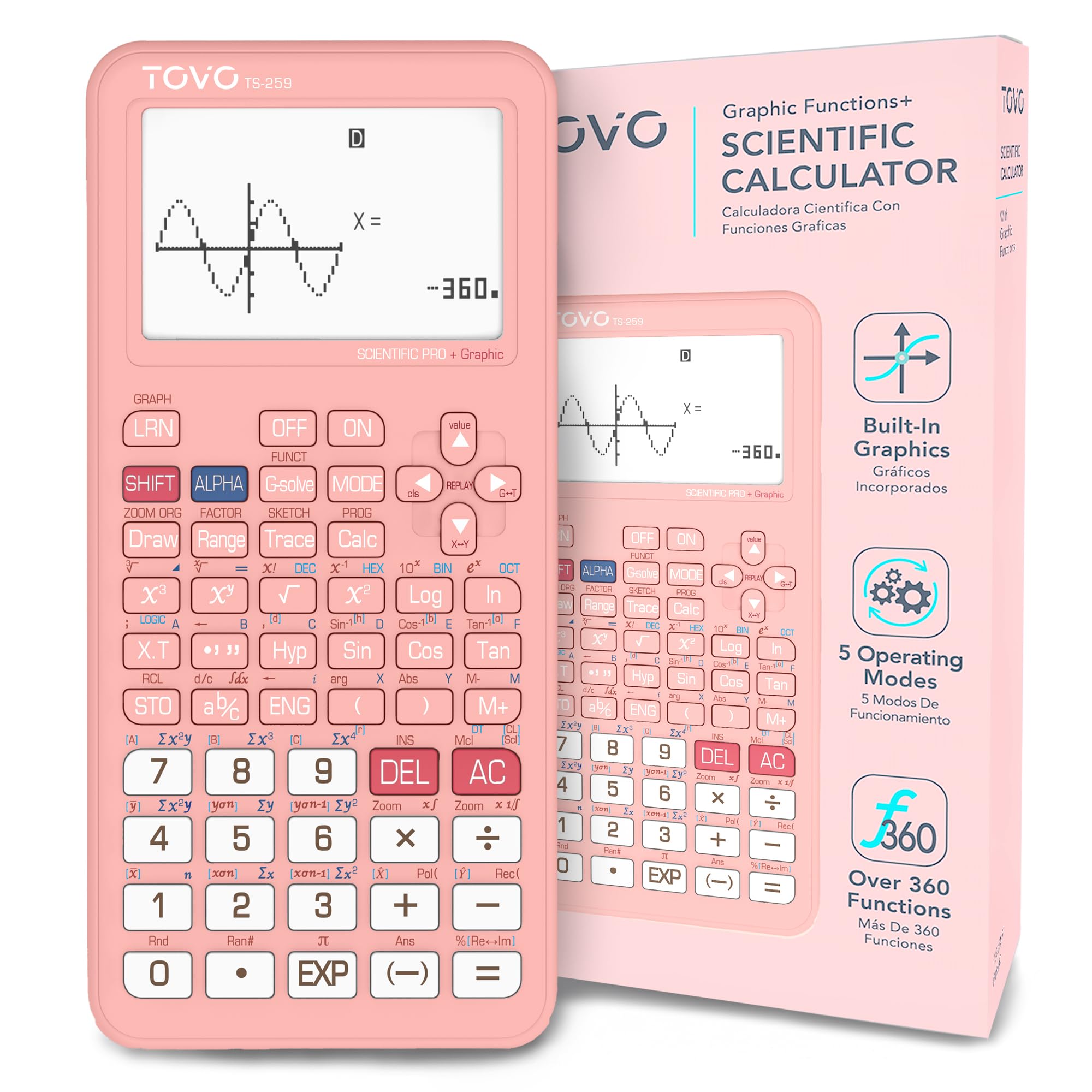
The TOVO TS-259 leads with a 3-inch display that stands out among budget graphing units, and the improved D-pad makes menu navigation glide past older models that force arrow-key hunting. For standard high school coursework — evaluating expressions, graphing functions, working scientific notation — the 360+ function set covers the territory without needing a flagship TI interface.

The tradeoff shows up in matrix work: the unit processes one matrix at a time, so students solving systems of equations must run problems sequentially. That same constraint is invisible when graphing parabolas or checking derivatives in a standard algebra track, keeping the TOVO a sensible large-screen budget pick rather than a candidate for matrix-heavy engineering coursework.

Solve and record each matrix problem before moving to the next — the unit holds one active matrix at a time.

Bottom line: Right for the budget student in standard algebra or precalculus who wants a large, readable screen; steer clear if multi-matrix linear algebra is on the schedule.

How to Choose

Display Type

A color backlit screen keeps multiple curves and intersections readable at a glance, but it changes the power system underneath: a bright panel drains cells, so color models tend to ship with rechargeable batteries. Monochrome screens sip power and let AAA cells run a full school year.

The cost shows up on test day under fluorescent classroom lighting, where a grayscale 128x64 pixel panel forces students to squint at exact values, while a color panel keeps both curves distinct.

Battery Style

Rechargeable models are convenient until a unit stops holding a charge — the TI-84 Plus CE shows inconsistent charging across owner reports. A replaceable AAA tray removes that failure mode: a spare pack solves it mid-period.

The hidden trade-off is lifespan. Internal lithium cells lose capacity over four years and can't be swapped by the owner, while AAA models keep working as long as cells are replaced. For a student running from class to exam, replaceable batteries mean zero downtime.

Exam Approval

A calculator's value collapses if the proctor won't let it in the room. The SAT, ACT, AP, and IB each publish an approved list, and their rules differ: most ban models with CAS because they can solve equations symbolically.

Confirm the exact test dates before buying, because school districts sometimes mandate a single brand so every student works the same interface during lessons. That requirement overrides any spec advantage a non-approved model offers.

CAS Capability

A CAS engine factors expressions and solves equations in exact symbolic form rather than decimal approximations — powerful for calculus and engineering-track coursework. Yet that same capability is exactly what the SAT and ACT prohibit.

The second cost is complexity. CAS units layer computer-like menus on top of graphing, so new students spend lesson time hunting for functions a simpler model reaches in one button press. For standard Algebra II or precalculus, CAS power rarely earns its price.

Classroom Fit

Brand isn't loyalty — it's interface familiarity. Teachers who run lessons on a TI line explain every procedure in that family's menu steps, and a student with a different brand translates each lesson on the fly.

That's why classroom fit outweighs specs: if a school standardizes on Texas Instruments, the easiest choice is the same family. Casio and other alternatives work, but only if the student can bridge the interface gap independently.

Frequently Asked Questions