Student Tech Product Guide

7 Best Calculator for Middle School of 2026: Buttons That Last

Which middle school scientific calculators keep buttons responsive and displays readable through a school year — and which budget picks fall short.

7 Best Calculator for Middle School of 2026: Buttons That Last editorial illustration

Middle-school math rarely needs more than a scientific calculator that handles fractions, basic trig, and square roots — yet plenty of parents overbuy graphing features a student will never use. The frustrations that actually surface are more routine: buttons that stick after a few months in a backpack and screens that wash out at the wrong angle. These two flaws cause more classroom headaches than any missing function.

That makes display readability and button reliability the real buying criteria. Multi-line displays that render fractions the way they appear in a textbook reduce entry mistakes, but they usually cost a bit more. Ultra-budget units hit their low price by using cheaper key switches and lower-contrast screens, which tend to show up by the second semester.

The picks in this guide balance those trade-offs for a middle-school workload, while flagging the budget shortcuts that are safe to accept and the ones that are not.

#1

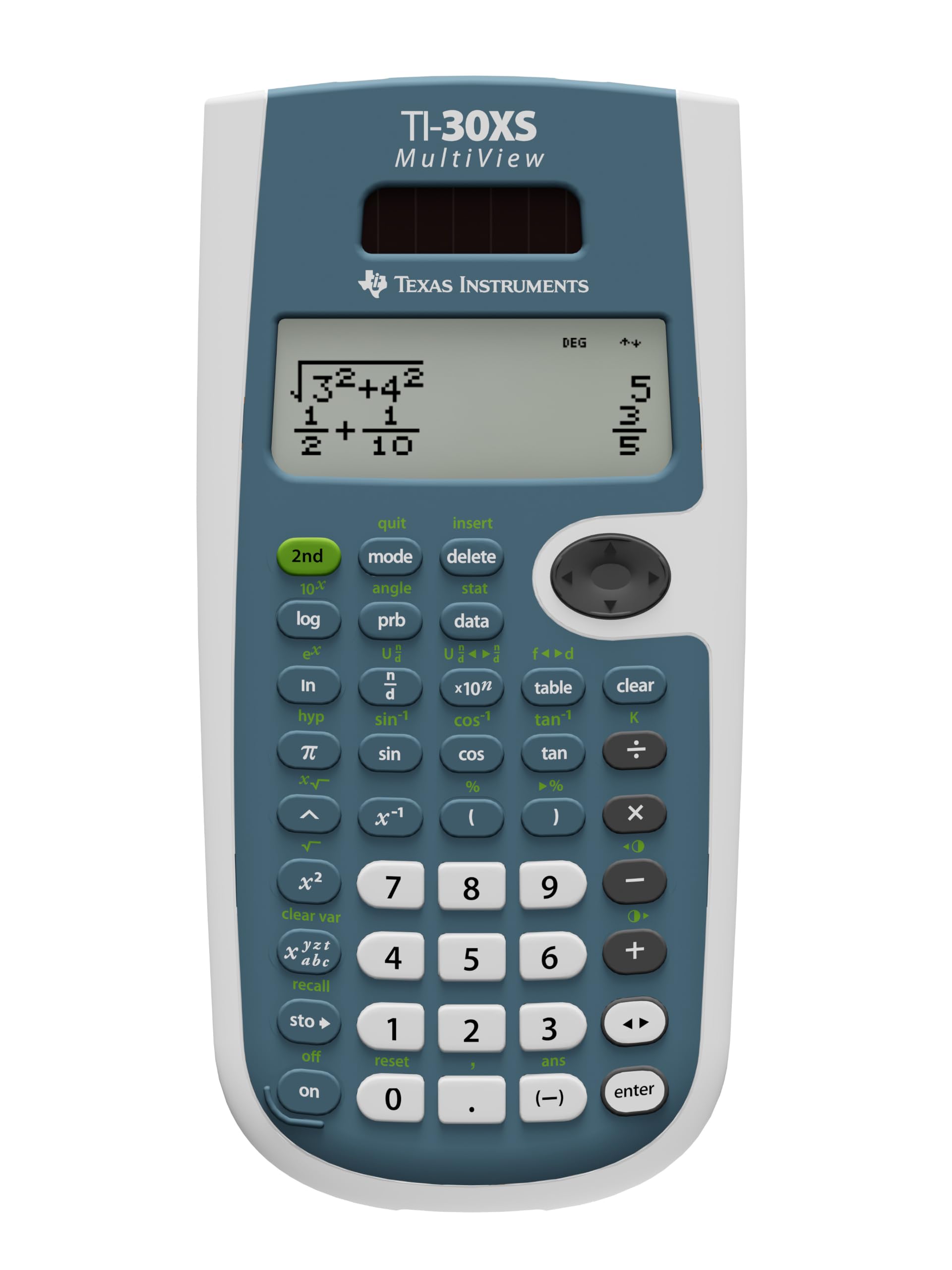
TI-30XS MultiView

TI-30XS MultiView

Middle school math

Customer rating 4.8/5
Check Price

Worth Noting

  • Occasional unresponsive or stuck keys can appear on some units during the first weeks of daily class use
  • A small share of units stop responding entirely within the first two weeks of normal classroom use
Display Type
MultiView 4-line
Power Source
Battery
Fraction Input
MathPrint textbook-style
Read the full review

The TI-30XS MultiView's four-line display with MathPrint renders fractions, exponents, and stacked expressions exactly as they appear in a textbook, cutting down the entry errors that single-line calculators invite. The full expression stays on screen while the answer updates below it, so a student verifies work against the on-screen form instead of re-typing. Transcribing a problem from a workbook becomes a check rather than a leap of faith, which builds confidence in the result. For the fraction-heavy problems that dominate middle school math, this is the clearest display in the mid-range, and it powers on instantly with the included battery.

Beyond the display, the unit covers what a middle schooler actually needs — fraction operations, powers, trigonometric functions, and a table generator — all in a menu-free layout with no learning curve. The same calculator carries SAT, ACT, and AP approval, so the mid-range price spans all of high school as well. Its battery-driven build holds up better in a backpack than TI's own budget entries in this set, which trim switch durability to reach a lower price point.

This is the right fit for a middle or high school student who wants accurate scientific functions and a display that mirrors their textbook — the standard classroom scenario for the better part of a school career. The one honest variable is early performance — unit-to-unit differences exist, so a returns-friendly seller smooths over that variance and is worth a few extra dollars. Budget-strapped families may prefer the leaner Casio fx-260 in this set, while the costlier TI-36X Pro adds advanced math for students on a STEM track.

Calculation accuracy is steady across fractions and repeating decimals, keeping graded homework dependable. It is not built for graphing or for students who are extremely rough on their belongings — both needs fall outside what this mid-range scientific is meant to handle. For those buyers, a graphing calculator or the sturdier budget entry in this set fits better.

Test each key and a few fraction entries on arrival — early detection turns a rare responsiveness issue into a quick exchange.

Bottom line: For fraction-heavy middle school work that needs to last into exam season, the MultiView's textbook display and exam approval make it the one calculator that grows with the student.

#2

Casio fx-260

Casio fx-260

Budget classroom use

Customer rating 4.6/5
Check Price

Worth Noting

  • Compact keys can feel cramped for larger hands when an adult leans in to help
  • In a bright classroom the single-line display washes out when viewed at a sharp angle
Display Type
1-line 10-digit
Power Source
Solar + battery
Fraction Input
Standard fraction key
Read the full review

Where the TI-30XS MultiView sells the clearest textbook display, the Casio fx-260 keeps things simple: solar power, a 10-digit readout, and the trig, fraction, and permutation functions middle-school math actually uses. Rival budget models cut corners on key switches and battery backup; the Casio holds up better through a school year of daily use. Staying with a single line keeps it light, small, and priced at the bottom of the set.

The solar cell with battery backup keeps working in dimmer classrooms, and the controls stay intuitive — press a function, get an answer. A sixth-grader working through fractions or basic trig won't need the manual. The 10-digit display shows long decimal answers in full, which helps with division and fraction results. The compact body slips into a pencil case, and the light weight adds nothing noticeable to a backpack.

This suits the budget-conscious family buying for a middle schooler who needs dependable scientific functions, not a feature showcase. Smaller hands manage the compact keys comfortably, though the layout gets cramped for larger hands when an adult leans in to help. The single-line display reads cleanly straight-on; tilt it sharply and contrast fades, so head-on desk work stays comfortable while off-angle glances from a shared table may strain.

Set the calculator flat on the desk rather than propping it up — the display reads best straight-on, and the solar cell gets full light either way.

Bottom line: For families who want dependable scientific functions at the lowest price, the Casio fx-260 is the right buy — as long as small hands and head-on desk viewing describe the user.

#3

TI-36X Pro

TI-36X Pro

Advanced STEM students

Customer rating 4.8/5
Check Price

Worth Noting

  • Multi-tap keys cycle through several functions per button, which can slow a new user until the layout becomes familiar.
  • The premium price buys advanced functions that middle-school assignments never use, so budget-conscious families pay for capability that stays idle.
Display Type
MultiView 4-line
Power Source
Solar + battery
Fraction Input
MathPrint textbook-style
Read the full review

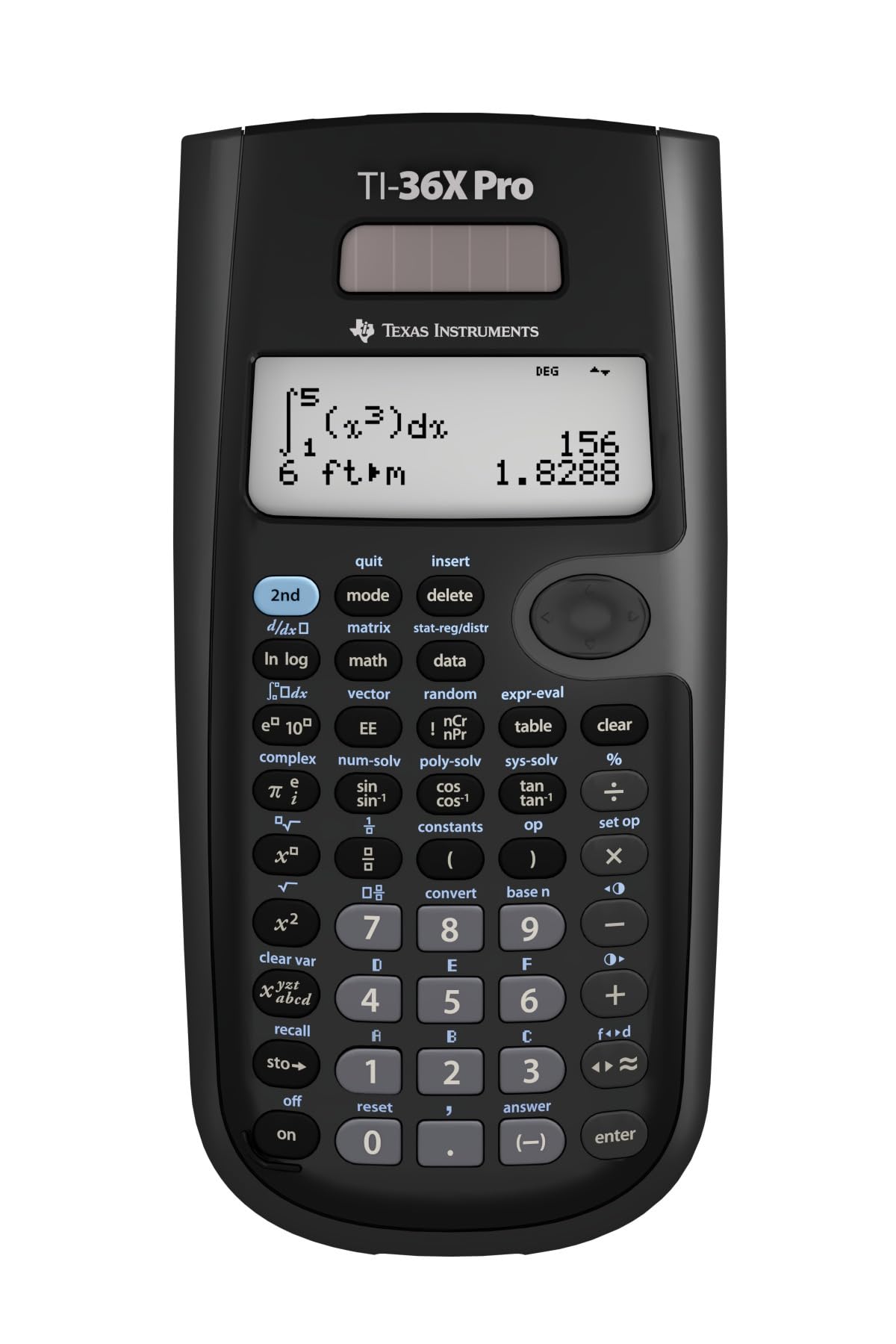
The most powerful non-graphing calculator in this lineup, the TI-36X Pro handles calculus, complex numbers, vectors, and matrix operations that middle-school math never touches. MathPrint notation renders fractions and expressions in textbook form on a four-line MultiView display, and the unit carries SAT, ACT, AP, and NCEES approval. Function depth like this grows with a student rather than being outgrown after eighth grade, so the same device moves from precalculus homework to professional licensing exams.

For a family shopping a middle-school workload, the multi-tap layout and premium price sit beyond what the coursework calls for — this is a better fit for the STEM-bound high-schooler who will carry one calculator from precalculus and physics through the SAT. Those advanced functions justify the cost over several years of use, while a fifth-grader's arithmetic homework never touches them.

The solar-plus-battery power setup keeps students from hitting a dead-battery surprise mid-exam, and the build wears better than TI's budget two-line models. MathPrint and the four-line display handle stacked fractions, definite integrals, and systems of equations without scrolling confusion. For a student working through long problem sets, that combination trims the back-and-forth between paper and calculator.

Give the multi-tap keys a week of practice — the per-button function cycling becomes second nature once the rhythm clicks.

Bottom line: Best for the STEM-bound student whose coursework reaches calculus and complex numbers; for basic middle-school math, the top pick covers the same school exams at a lower price.

#4

iPepul Notepad

iPepul Notepad

Notepad learners

Customer rating 4.4/5
Check Price

Worth Noting

  • Under bright classroom lights the screen can look dim when viewed at an angle, calling for a tilt to read digits.
  • For buyers who set aside the notepad, the feature set lines up with budget-priced calculators despite the mid-range price.
Display Type
1-line 10-digit
Power Source
2 button batteries
Fraction Input
Standard fraction key
Read the full review

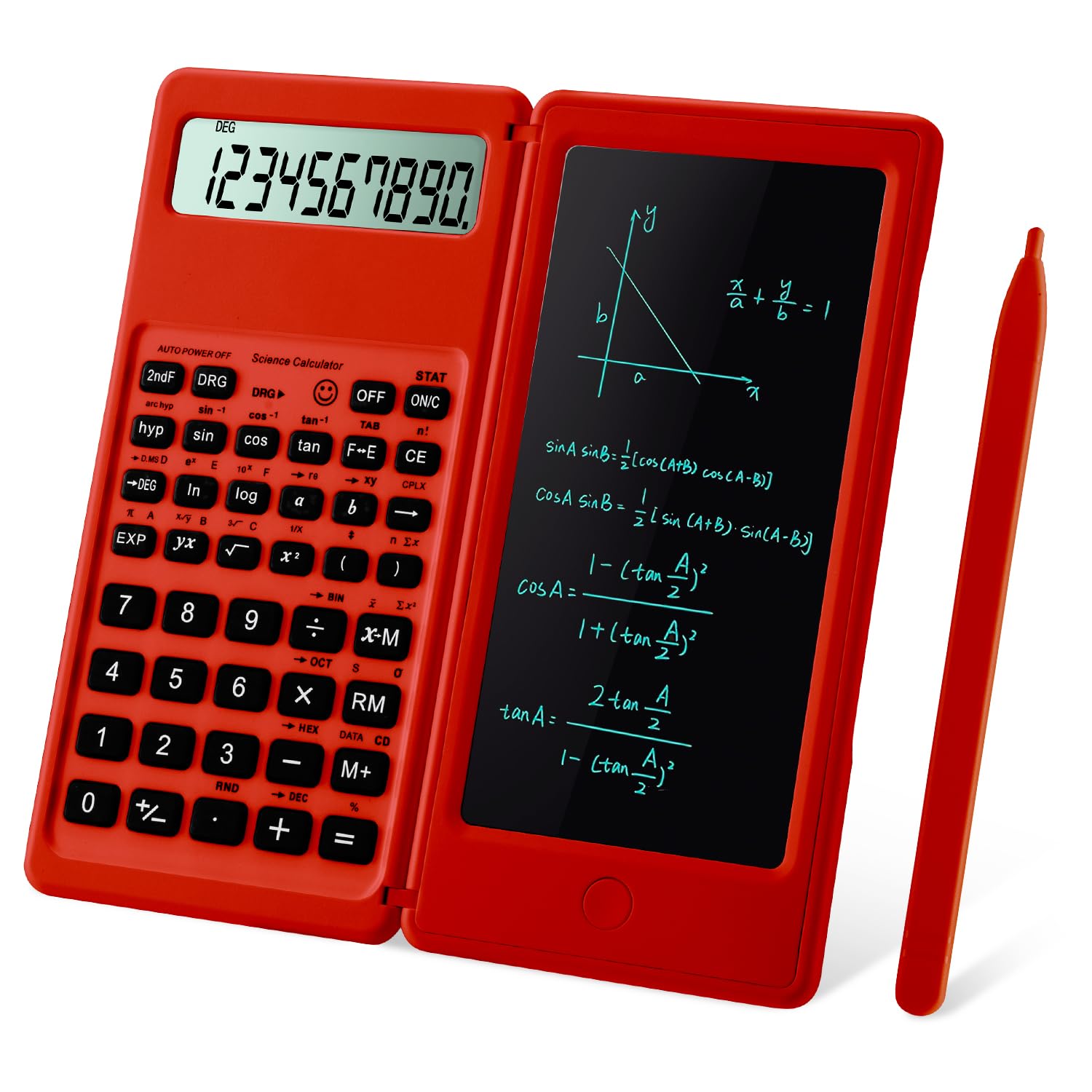
The iPepul Notepad mounts a full scientific calculator beside a write-on surface with a stylus, so students can show their work in the very place they calculate. That pairing is the one genuinely distinct idea in this set — every other model leaves scratch paper separate from the keypad. The red silicone body gives it a playful look that middle schoolers actually reach for.

The notepad's value shows up in homework flow. Students working through fraction or percentage problems can keep intermediate steps visible instead of re-entering numbers, which reduces transcription mistakes. The 10-digit display handles the arithmetic itself, and the two-button battery keeps the whole unit light at 120 grams for easy backpack carry.

This calculator fits middle schoolers who like to write problems before tapping digits, and it serves teachers stocking a classroom where engagement matters. It suits buyers who favor the notepad's writing experience over the brightest screen or the leanest price, since the display reads best straight-on and the feature set overlaps more affordable units once the writing surface is set aside.

Tilt the red case toward your light source when working under bright classroom lights to keep the digits crisp.

Bottom line: This is the calculator for the learner who wants to see their work beside the math — the notepad makes homework feel like a process, not just an answer key.

#5

Rudnia 991ES

Rudnia 991ES

Many-functions budget

Customer rating 4.6/5
Check Price

Worth Noting

  • Everyday functions like fractions sit behind extra menu taps in the dense 552-function layout.
  • For a middle-schooler who only needs fractions and trig, the feature clutter adds a learning curve with no added value.
Display Type
4-line 10+2
Power Source
Solar + battery
Fraction Input
Standard fraction key
Read the full review

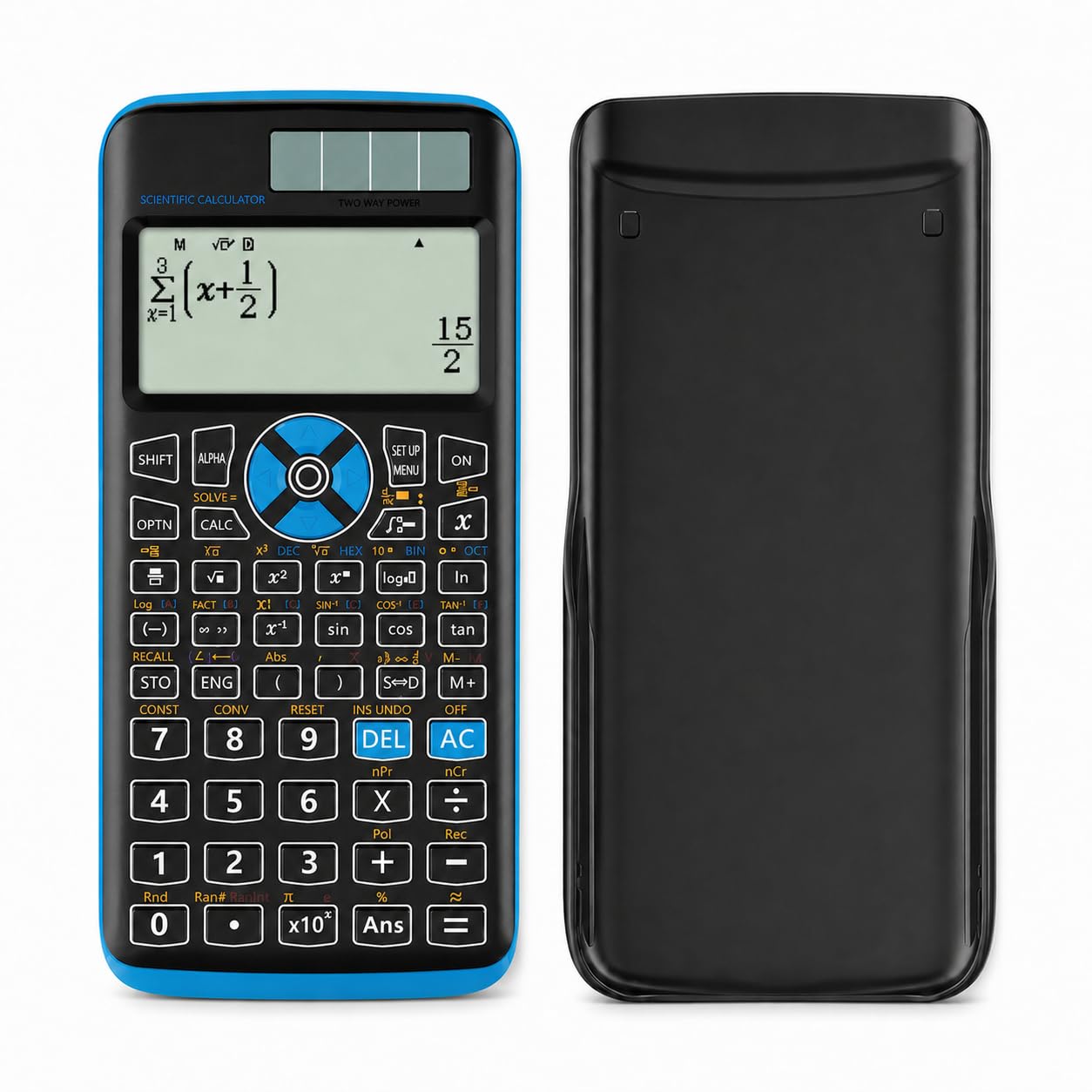
552 functions on a 4-line display for under $10 — the most features per dollar in this set, with solar and battery power in a light 125 g body. Buyers note the build quality and the stylish pink finish, and for a budget-savvy student who wants a big screen and broad functions, the value is clear.

The catch is meaningful: the brand is new, so this reads as a low-stakes purchase rather than a decade-long workhorse. Families wanting a budget option with broad field experience get more assurance from the established budget standard; this suits students who prize screen size and function count over pedigree.

Bottom line: Best for a budget-savvy student who wants maximum functions on a large 4-line display and is comfortable with a newer brand; families who need a multi-year guarantee are better served by the established budget standard.

#6

ROATEE 82MS

ROATEE 82MS

Budget notepad users

Customer rating 4.4/5
Check Price

Worth Noting

  • Fraction results can occasionally come out off, so a second check is wise
  • Some units may cease functioning within months of daily school use
Display Type
2-line
Power Source
Solar + coin battery
Fraction Input
Fraction key
Read the full review

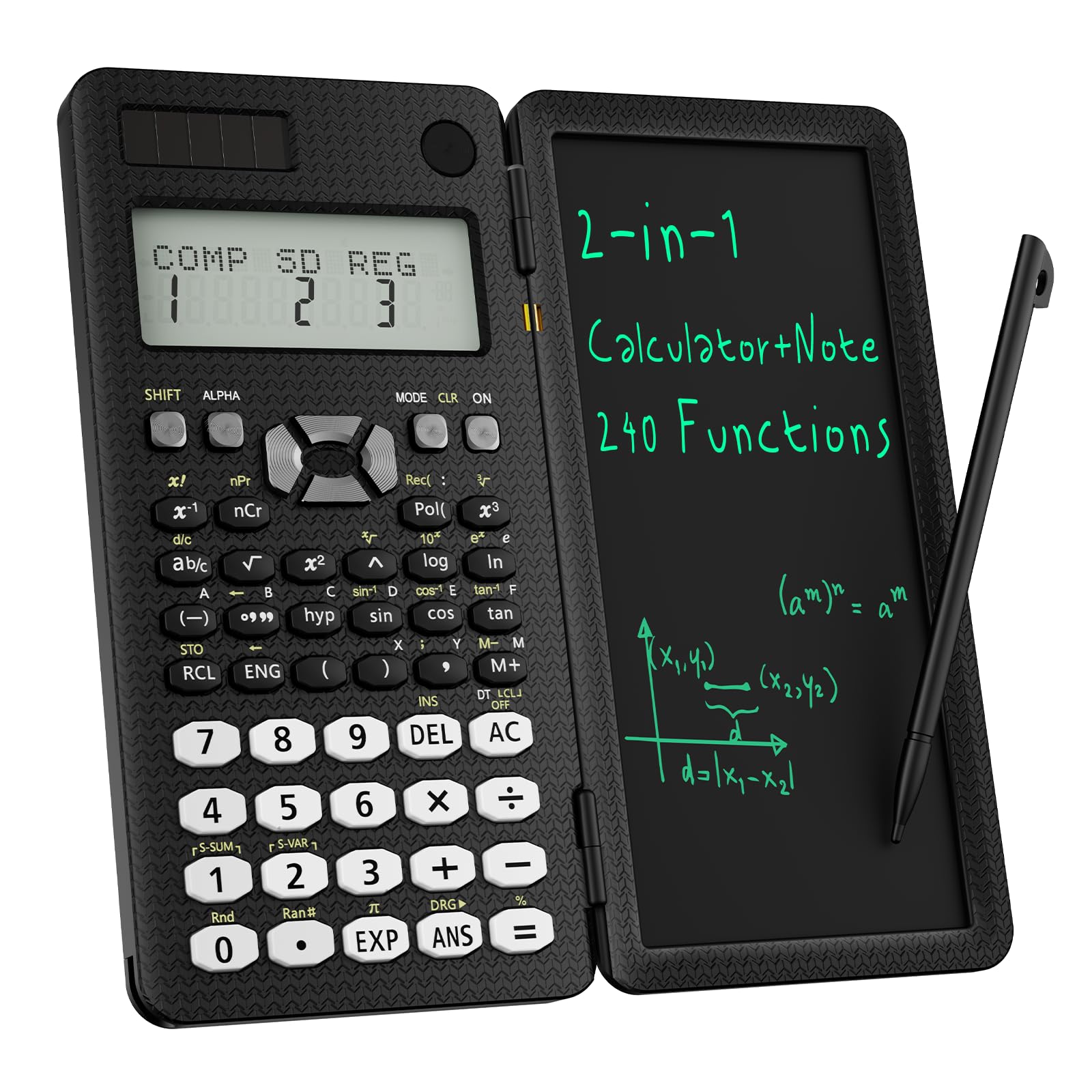
The ROATEE 82MS pairs a 240-function scientific engine with an integrated notepad, letting students jot down work steps directly beside their calculations. The 2-line display keeps input and results visible, and solar plus coin battery extends runtime in well-lit classrooms. For middle- and high-school practice problems, it holds its own.

The tradeoffs surface with sustained use — fraction results can occasionally come out off, battery life can run short, and a portion of units may cease functioning within months. For everyday practice work these limits rarely interfere, which is what the notepad design is built around, but they keep it out of the long-term durability lead in this set.

Keep a spare coin cell on hand — power management can be inconsistent.

Bottom line: It fits middle-schoolers who want a built-in scratchpad for working out problems and don't rely on it for exam-critical precision.

#7

YesBes 2-pack

YesBes 2-pack

Two-student homes

Customer rating 4.2/5
Check Price

Worth Noting

  • Each unit runs on two AAA batteries with no solar backup, so cells need replacing.
  • Sold only as a two-pack, so you commit to both units before gauging the build quality.
Display Type
2-line
Power Source
2 AAA batteries
Fraction Input
Standard fraction key
Read the full review

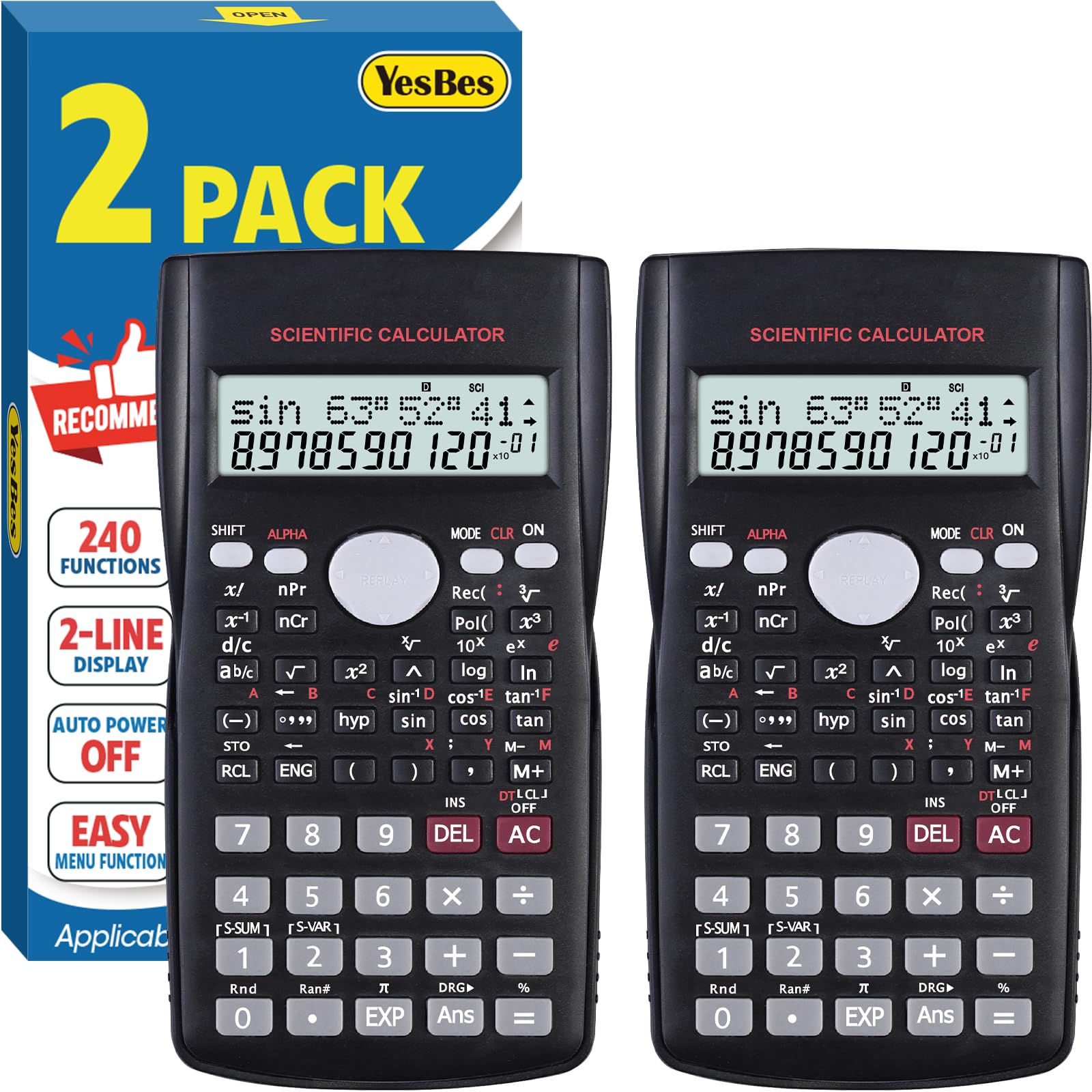
Two calculators with 240 functions each, 2-line displays, and sliding covers arrive in one box at a price well under a single name-brand unit. That math alone justifies the purchase for households with two students working through middle-school arithmetic and early algebra.

Durability across a full school year of daily use is the open question, and the price buys immediate value rather than long-term confidence. This works for families that want two working calculators now and accept that risk; households needing a single unit they won't second-guess for years should look at the established budget choice.

Bottom line: Fits families that need two working scientific calculators right away on a tight budget, where the second unit is the point. Households with a single student should buy one established calculator instead.

How to Choose

Pick a Display Your Student Can Read

Single-line displays show one entry at a time, forcing students to track intermediate results in their heads. Two-line and MultiView screens keep the typed expression and the answer together, so a student can verify an entry before copying it.

Multi-line displays that render fractions vertically cut entry errors, since misreading a one-line string like 3/4*2 is common. The trade-off is a few extra dollars over single-line models, which most families find worth it.

Fraction Input and Textbook Style

Basic scientific calculators handle fractions with a division-key shortcut, showing decimals unless you switch modes. MathPrint models stack fractions as they appear in a textbook and take mixed numbers directly, removing a conversion step.

For middle school, stacked fraction display matters more than function count. Budget units advertise hundreds of functions, but a pre-algebra student touches maybe twenty; what they notice is whether entering 3 1/2 feels natural.

Confirm Exam Approval

Many middle schools restrict calculators to non-graphing models, and standardized tests publish approved lists. The TI-30XS and TI-36X Pro carry SAT/ACT/AP approval, while budget units often skip certification, leaving test use to the proctor.

Check your school's policy and the testing board's list before buying. An unapproved model gets set aside mid-test, disrupting a student more than the few dollars saved.

Solar, Battery, or Both

Solar-only calculators can lose power under dim lights or during evening homework, so dual solar-plus-battery designs are safer for daily use. Battery-only units avoid light dependency but can die mid-test on a dead cell.

A dual-power model runs on light during the day and falls back to the cell at a desk. Confirm a budget unit takes standard AAA cells rather than an uncommon coin battery, so the fallback actually works.

Button Feel and Build Quality

Membrane keypads register a press when a rubber dome collapses onto a contact, and that dome loses springiness over time. On cheap units this surfaces as keys requiring a harder press or sticking down, which produces double entries and wrong answers.

Heavier routines — backpack commutes, desk drops — speed up that wear. A few extra dollars on a better key mechanism saves more homework time than the price gap, so models with a documented history of key problems are worth ruling out.

Frequently Asked Questions