Student Tech Product Guide

7 Best Calculator for Engineering Students 2026: Match Your Exams

The right engineering calculator hinges on your course load and exam rules — graphing for coursework, FE-approved for licensure prep.

7 Best Calculator for Engineering Students 2026: Match Your Exams editorial illustration

Engineering coursework splits calculators into two camps: graphing models for visualizing functions and non-graphing models that professional licensure exams actually permit. Buy for the wrong camp and your new tool sits unused — or gets turned away at the exam room door.

A high star rating doesn't guarantee a long lifespan. Battery drain and durability issues surface across brands within months of use, so the real choice is matching specs to your specific courses and accepting known trade-offs knowingly.

This guide sorts the options by the decisions that actually matter — exam approval, graphing versus symbolic computation, battery longevity, and how much interface you're willing to learn — so you can pick the tool that fits your degree track rather than the most popular listing.

#1

TI-84 Plus CE

TI-84 Plus CE

Coursework graphing

Customer rating 4.7/5
Check Price

Worth Noting

  • Heavy backpack use can stress the casing and buttons over a semester, so a padded case is worth carrying.
  • The rechargeable cell can stop holding a full charge on some units, leaving long study days tethered to a cable.
Display
Color backlit 2.8in
Battery Life
Rechargeable, 1 month
Interface Style
Button menus
Graphing & Symbolic
Graphing, no CAS
Read the full review

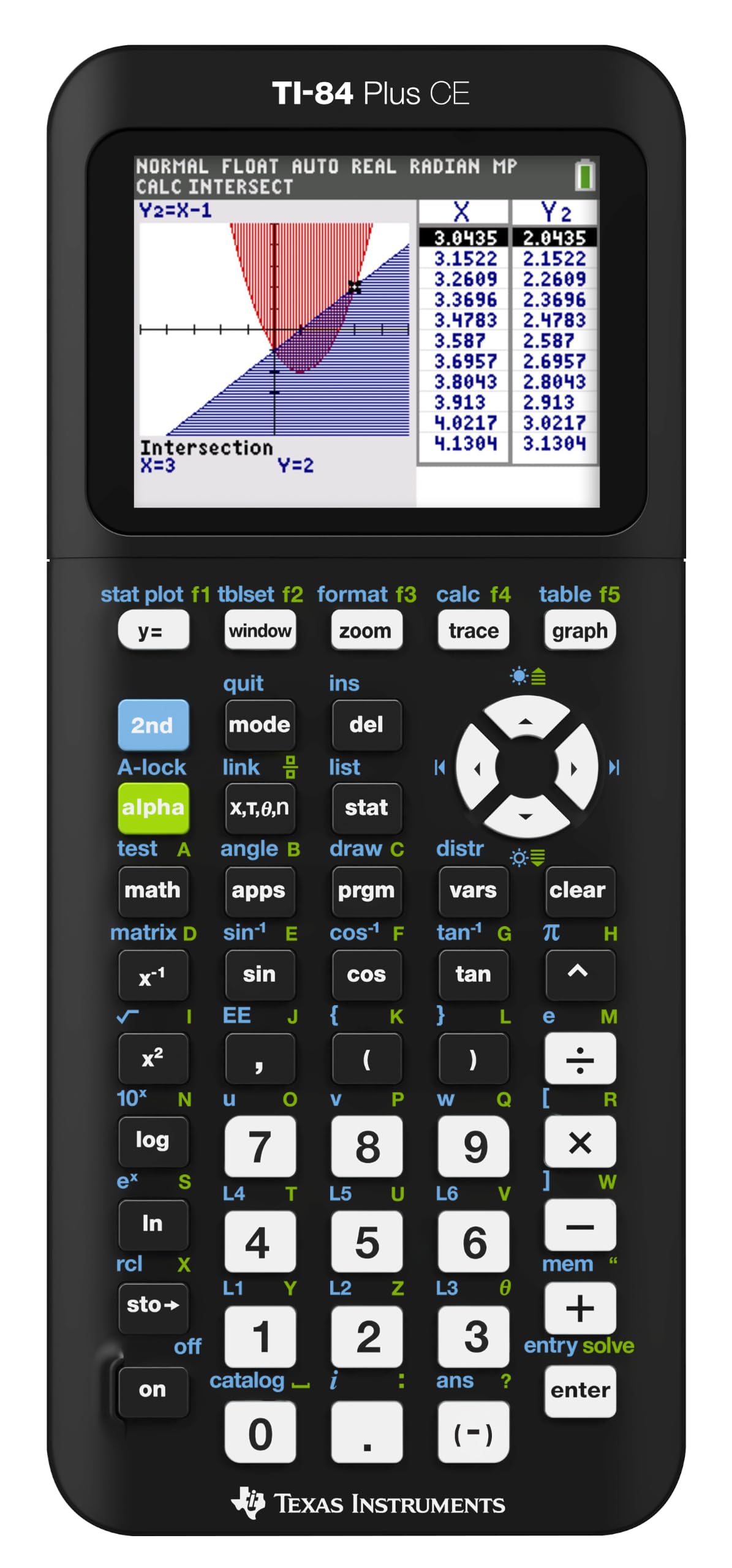
The TI-84 Plus CE builds on the classroom-standard graphing layout with a color backlit display that separates multiple plotted functions into distinct hues, making slope comparisons and intersection problems readable at a glance. The panel is bright enough for lecture-hall lighting, and the color coding removes the guesswork of telling two curves apart that plagues monochrome models. The interface takes complex equation entry without lag, keeping step with fast-paced lectures and timed practice tests — that responsive feel is why it appears on course syllabi across the country. Course breadth is the deeper advantage: the same device carries a student from algebra through calculus, statistics, and matrix work.

On a normal school day, a single charge covers lectures, labs, and evening study sessions without hunting for an outlet — the battery is rated at roughly a month of typical use. Standardized-test approval spans the SAT, ACT, and AP, so one calculator goes from homework straight to exam day with no switchover. The built-in statistics and calculus applications keep it useful well past the introductory course, where cheap scientific models run out of headroom. The menu layout also carries across TI's whole family, so a student who borrows a classmate's unit mid-semester finds familiar ground instantly.

The right owner is an engineering or pre-engineering student who needs graphing for regular coursework and wants the color display to make visual sense of complex problems. The honest tradeoff is quality control: some units arrive with battery or durability issues, so the purchase carries a small gamble despite the strong feature set. A padded case and a nightly charging habit shrink that exposure, and neither concern changes the day-to-day value for a student who will run this calculator through every class.

The line it does not cross is the professional exam track. The TI-84 Plus CE carries SAT, ACT, and AP approval but is not allowed on FE or PE exams, so a student moving toward licensure will reach for the separate TI-36X Pro at exam time rather than this unit.

Students who want symbolic algebra — writing expressions as letters rather than numbers — will find that capability only in the premium HP Prime, at a higher price. For lecture-driven engineering coursework, the CE's function set covers nearly all the necessary ground, so CAS becomes a want rather than a need.

Keep it on the charger overnight during heavy exam weeks — the battery covers a full day of lectures best when topped up.

Bottom line: For engineering students who want one calculator to carry them through lectures, labs, and standardized tests, this is the practical default — display clarity and course breadth that hold up through upper-level math.
#2

TI-36X Pro

TI-36X Pro

FE exam prep

Customer rating 4.8/5
Check Price

Worth Noting

  • Small, non-backlit keys and a glossy face
Display
MultiView MathPrint
Battery Life
Solar + battery
Interface Style
Button menus
Graphing & Symbolic
No graphing
Read the full review

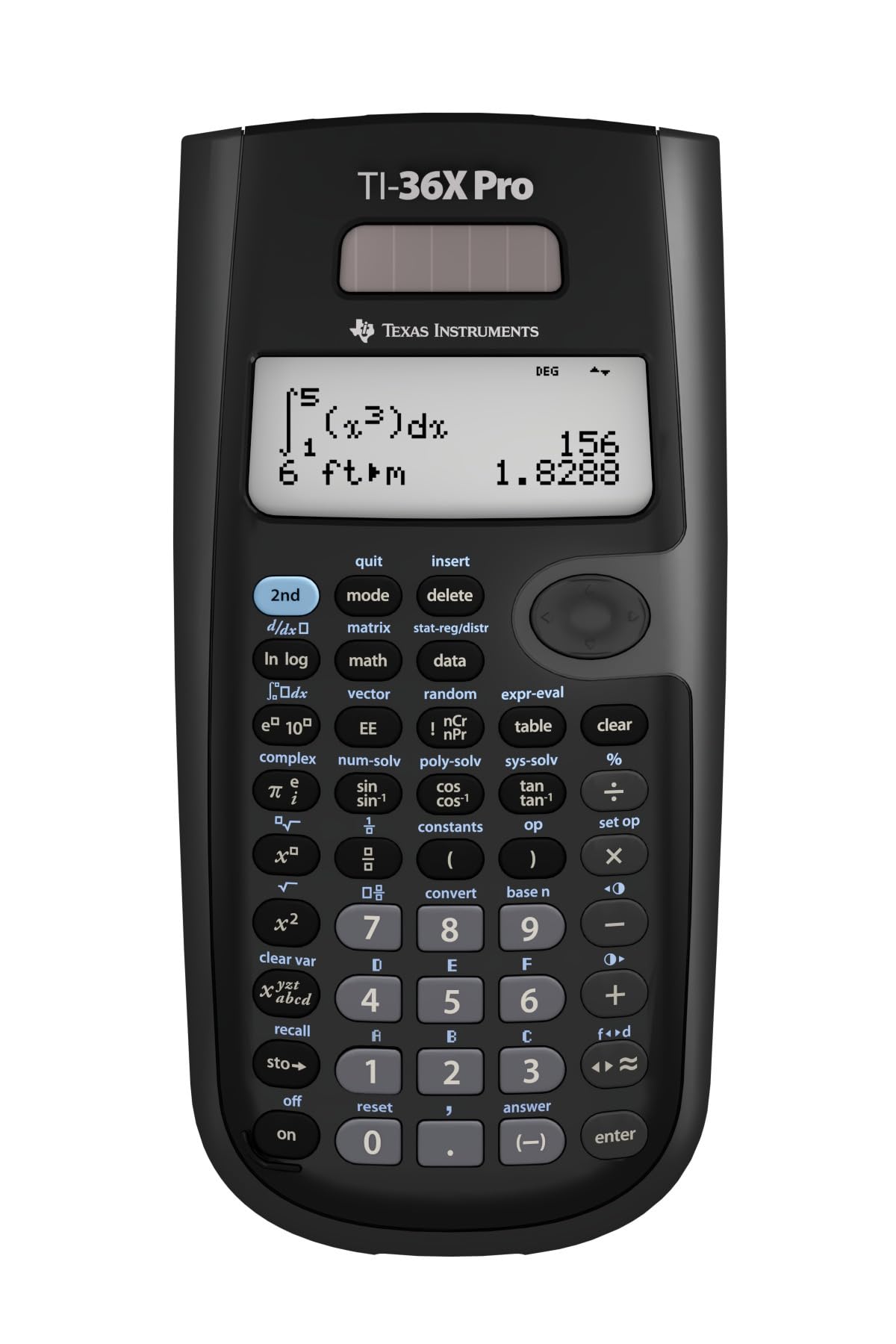
Approved for the FE and PE licensing exams, the TI-36X Pro carries calculus, matrix, and complex-number operations into professional testing while the top pick's graphing model is banned at the door. Solar-plus-battery power keeps it running through long sessions with no recharging, and the MultiView MathPrint display renders fractions, square roots, and integrals in textbook form rather than a cramped single line. Exam-day access, not processing speed or a color screen, is what separates it from the CE in this set.

This unit fits engineering students in FE/PE prep, courses that restrict graphing calculators, or anyone who wants professional-grade math without the premium of a color display. The honest boundary: there is no graphing here, so curve visualization belongs to a separate tool — for the exam-focused buyer that tradeoff is the point, since graphing models can't enter the testing room anyway. The small, non-backlit keys sit under a glossy face that can catch glare in bright lecture halls, an occasional annoyance during heavy entry rather than a barrier to exam work.

At a mid-range price that undercuts every graphing model in this set, the value is hard to argue with. The learning curve is gentle — complex-number entry and equation solving become comfortable within a couple of sessions — and for the budget-conscious engineering student it pairs professional exam approval with advanced computation for less than basic graphing models cost.

Keep the unit near a bright window on occasion — the solar cell maintains the charge, so it rarely needs manual battery changes.

Bottom line: The value-driven choice for students who need professional exam approval — FE/PE access with full calculus, matrix, and complex math at a mid-range price.

#3

HP Prime G2

HP Prime G2

Advanced symbolic math

Customer rating 4.4/5
Check Price

Worth Noting

  • On long exam days away from an outlet, the rechargeable battery may need a mid-session top-up.
  • On a multi-year degree track, some units have shown charge loss within a year
Display
Color touchscreen 3.5in
Battery Life
Rechargeable Li-ion
Interface Style
Touchscreen + buttons
Graphing & Symbolic
Graphing + CAS
Read the full review

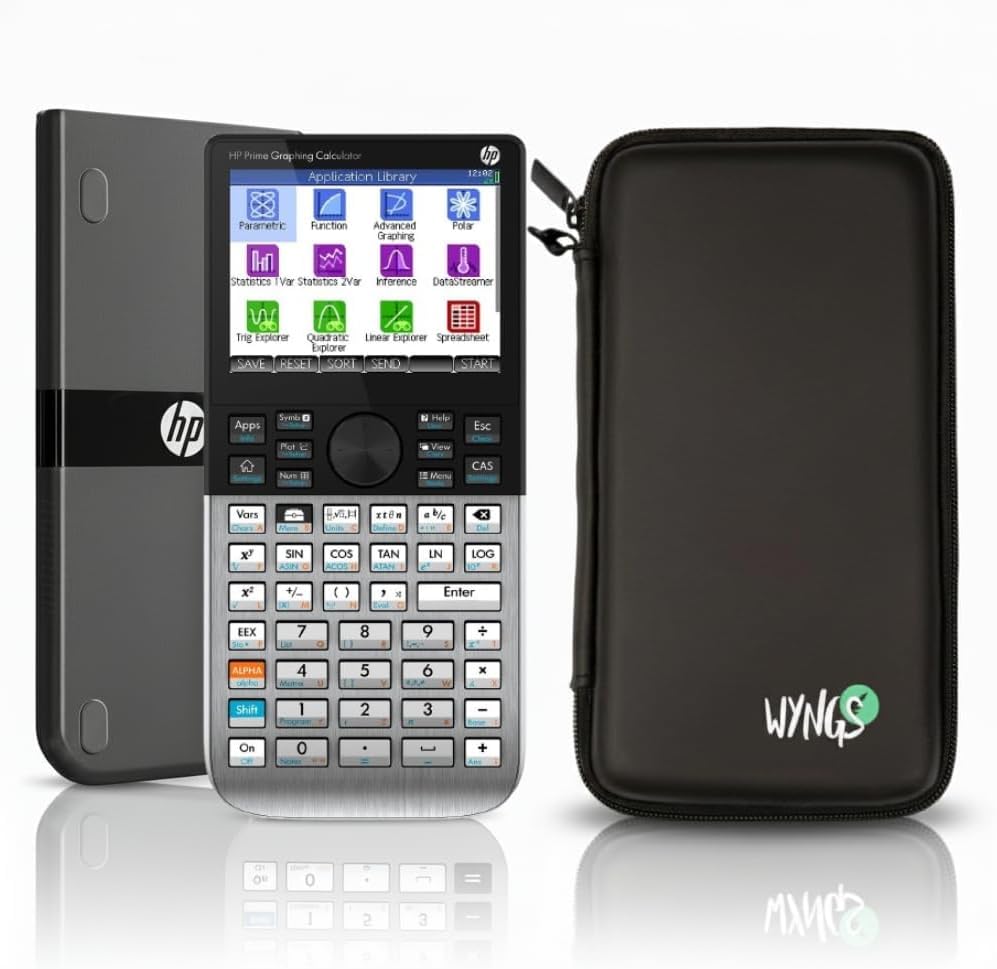
Multi-touch color display and built-in CAS make the HP Prime G2 the most advanced calculator in this lineup, giving engineering students symbolic algebra and calculus the classroom standard's base model can't handle. The 3.5-inch touchscreen responds quickly, and a fast processor keeps complex computations fluid — symbolic differentiation and integration on demand, with 3D graphing that doesn't stall mid-solve.

Both RPN and algebraic entry modes are on board — a modern upgrade over HP's older RPN workhorses — while Wi-Fi, USB, and app connectivity export data and screen captures to a phone or computer, turning the device into a study companion rather than a closed unit. The bright high-resolution display keeps graphs and data tables legible in direct light.

This build is for engineering students who want the most powerful option available and for early adopters who take quickly to a touchscreen. The real cost of entry is the premium price, a durability record shorter than the tested favorite's, and a battery that asks for the charger more regularly — a tradeoff worth weighing against the class default's predictability. Students set on a physical button layout should try the touchscreen before committing.

Spend a few sessions learning the touchscreen shortcuts before exam season — the interface rewards upfront practice.

Bottom line: Engineering students who want symbolic depth and a touchscreen will find more capability here than anywhere else in this set, provided the premium price and the frequent charger trips fit their routine.

#4

HP 50g

HP 50g

RPN professionals

Customer rating 4.7/5
Check Price

Worth Noting

  • Bundled documentation runs thin, sending users to forums for deeper function references.
  • The RPN interface demands a real learning investment before daily workflows feel natural.
Display
Grayscale 131x64
Battery Life
4 AAA
Interface Style
RPN keystrokes
Graphing & Symbolic
Graphing + CAS
Read the full review

The HP 50g pairs RPN keystroke entry with a built-in CAS inside a body that holds up to daily engineering use. Where the touchscreen model in this lineup leans on fast navigation, the 50g rewards deliberate input — an edge that only materializes for someone fluent in Reverse Polish Notation. Memory expands via SD card, so large programs outgrow the 512KB RAM and 2MB flash without a hardware swap.

This calculator suits engineering professionals who already speak RPN and want heavy symbolic computation close at hand. Expect a genuine learning investment and thin bundled documentation, which is why it fits a keystroke-fluent owner rather than a first-time graphing buyer. For someone who has internalized keystroke entry, symbolic differentiation, matrix work, and programmable solvers sit directly on the keys, backed by a broad library of built-in engineering functions.

At a luxury price, the 50g's depth pays off for a daily professional driver rather than a casual owner. Four standard AAA cells keep power simple to replace, and memory expands through an SD slot for long-running programs. Run daily through coursework and fieldwork, it carries its cost across a decade of use.

Spend one focused session on the RPN queue before the first assignment — the workflow pays off quickly once it clicks.

Bottom line: A durable RPN workhorse whose expandable memory and CAS depth reward the right hands; worth the premium only for keystroke-literate engineers.

#5

Casio FX-9910CW

Casio FX-9910CW

Budget scientific

Customer rating 4.6/5
Check Price

Worth Noting

  • Exam-approval status isn't stated, so proctored exam eligibility depends on your institution's own list.
  • No graphing capability
Display
Natural Textbook Display
Battery Life
AAA
Interface Style
Button menus
Graphing & Symbolic
No graphing
Read the full review

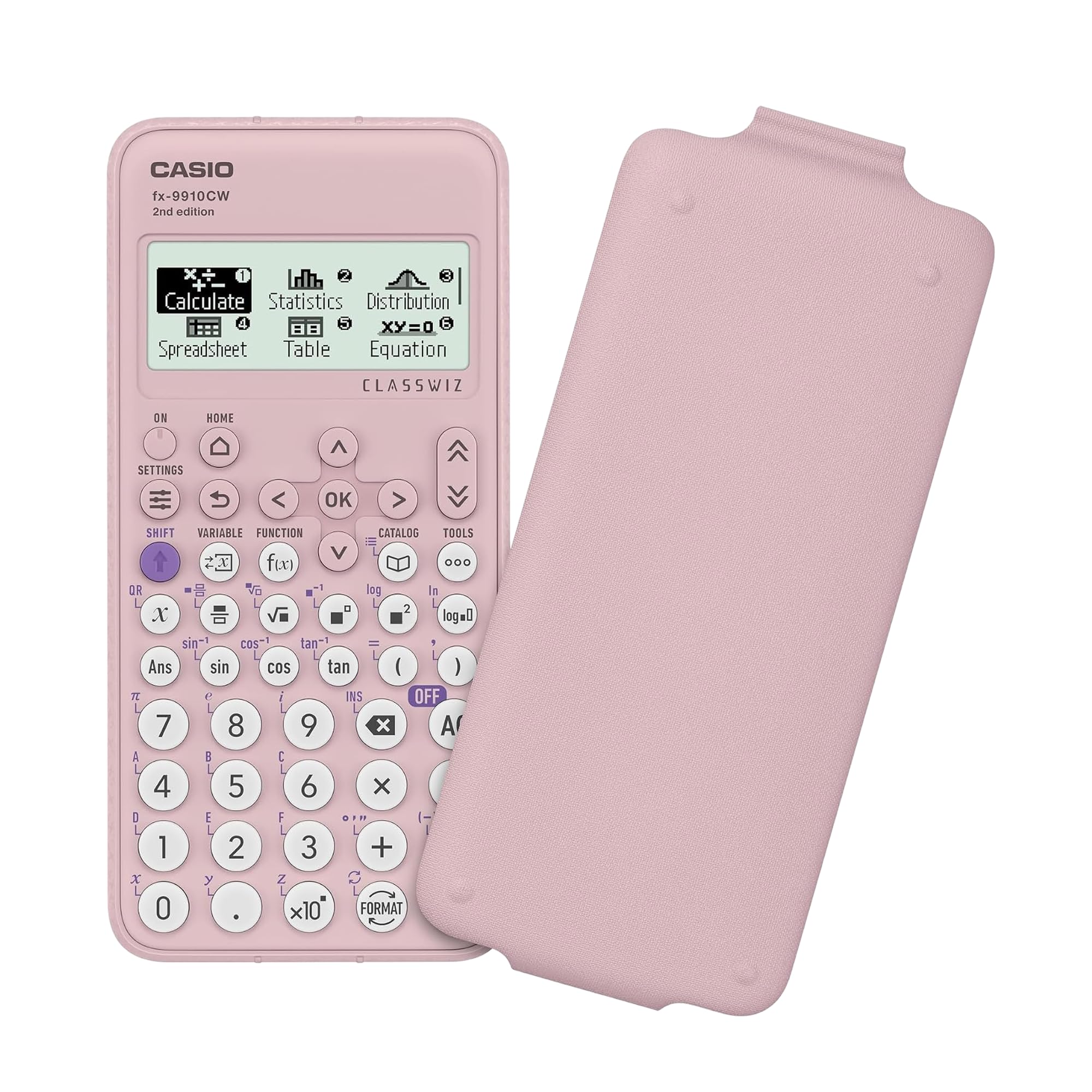
The Casio FX-9910CW pairs a natural textbook display with advanced scientific functions at a budget price, showing fractions, roots, and exponents exactly as they appear in a textbook — a time-saver when checking long expressions before pressing equals.

For budget-conscious students, the low price and legible display carry real appeal. The trade-off is that, as a recently introduced model, long-term durability under daily coursework isn't yet established — a gap weighed against the savings, leaving this a sensible pick for standard STEM work.

Plan a few days to adjust to Casio's menu layout if you're coming from a TI model — the natural display is worth the shift.

Bottom line: A sensible budget daily-driver for algebra-through-chemistry courses where the feature set matches the syllabus — beyond that scope, look to the FE/PE-approved TI-36X Pro.

#6

NEWYES 991ES MAX

NEWYES 991ES MAX

Budget study aid

Customer rating 4.4/5
Check Price

Worth Noting

  • No graphing capability, so courses that require plotting demand a separate graphing device.
Display
4-line LCD
Battery Life
Solar + rechargeable
Interface Style
Button menus
Graphing & Symbolic
No graphing
Read the full review

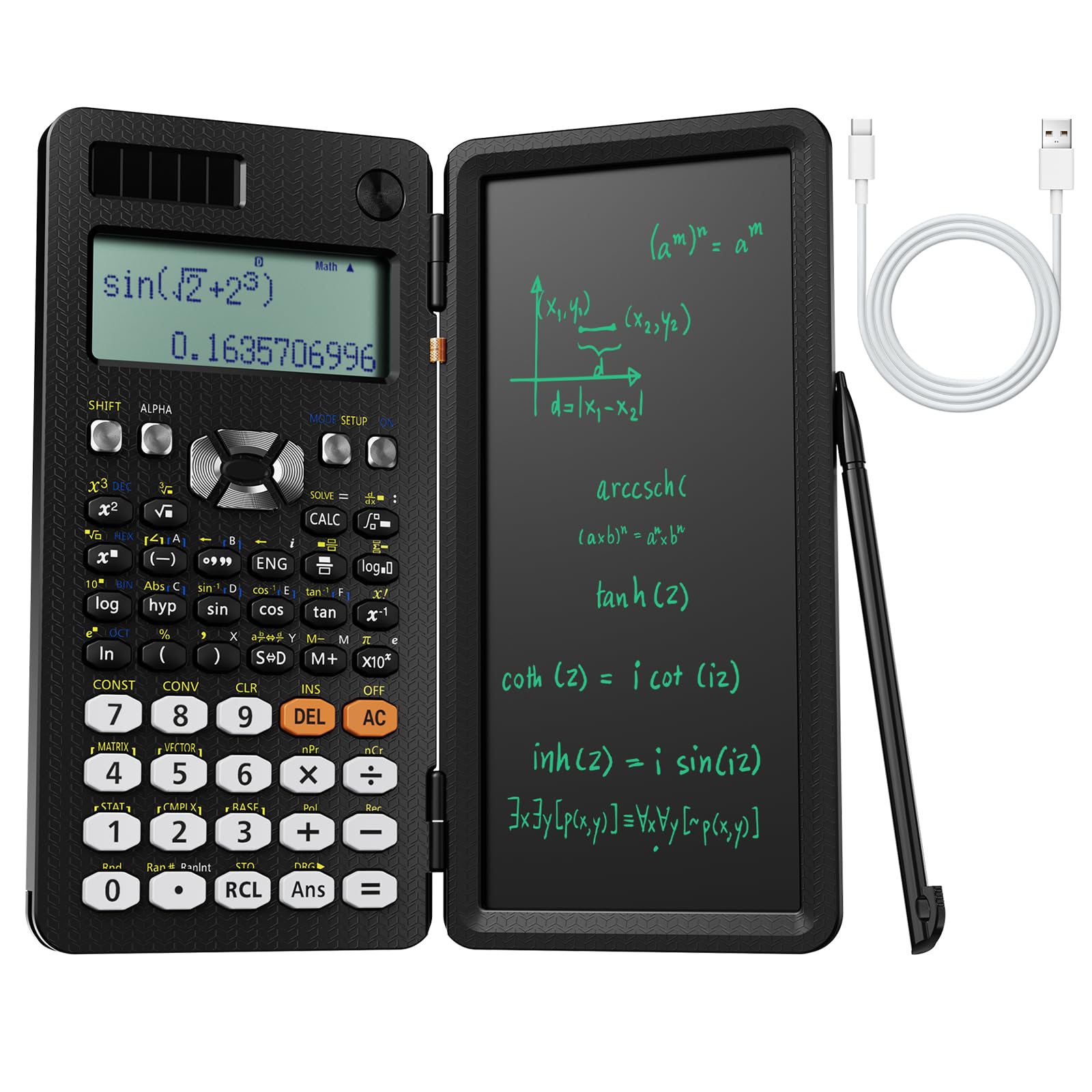
With 417 functions spanning calculus, matrices, and complex numbers, this budget scientific covers the standard engineering coursework load. Dual solar-and-rechargeable power keeps it running through long study blocks, and the writing pad — a plastic LCD surface for jotting formulas and erasing with a tap — adds a note-taking role that no graphing model matches.

The boundary sits just past those features: without graphing, differential-equation plots and statistics graphs require a separate device, and NEWYES is a younger brand than TI or Casio, so long-term durability is less established — a fair trade for students who value the writing pad and the low price.

Bottom line: This fits best as a budget companion for students whose coursework stays inside scientific functions — choose it when the syllabus features calculus and matrices rather than graphing.

#7

TOVO TS-259

TOVO TS-259

Budget graphing

Customer rating 4.4/5
Check Price

Worth Noting

  • Can only define one matrix at a time, adding extra steps for comparisons or chained calculations.
  • Some units can return wrong answers or won't power back on
Display
Large 3.3in screen
Battery Life
Battery powered
Interface Style
Button menus
Graphing & Symbolic
Graphing, no CAS
Read the full review

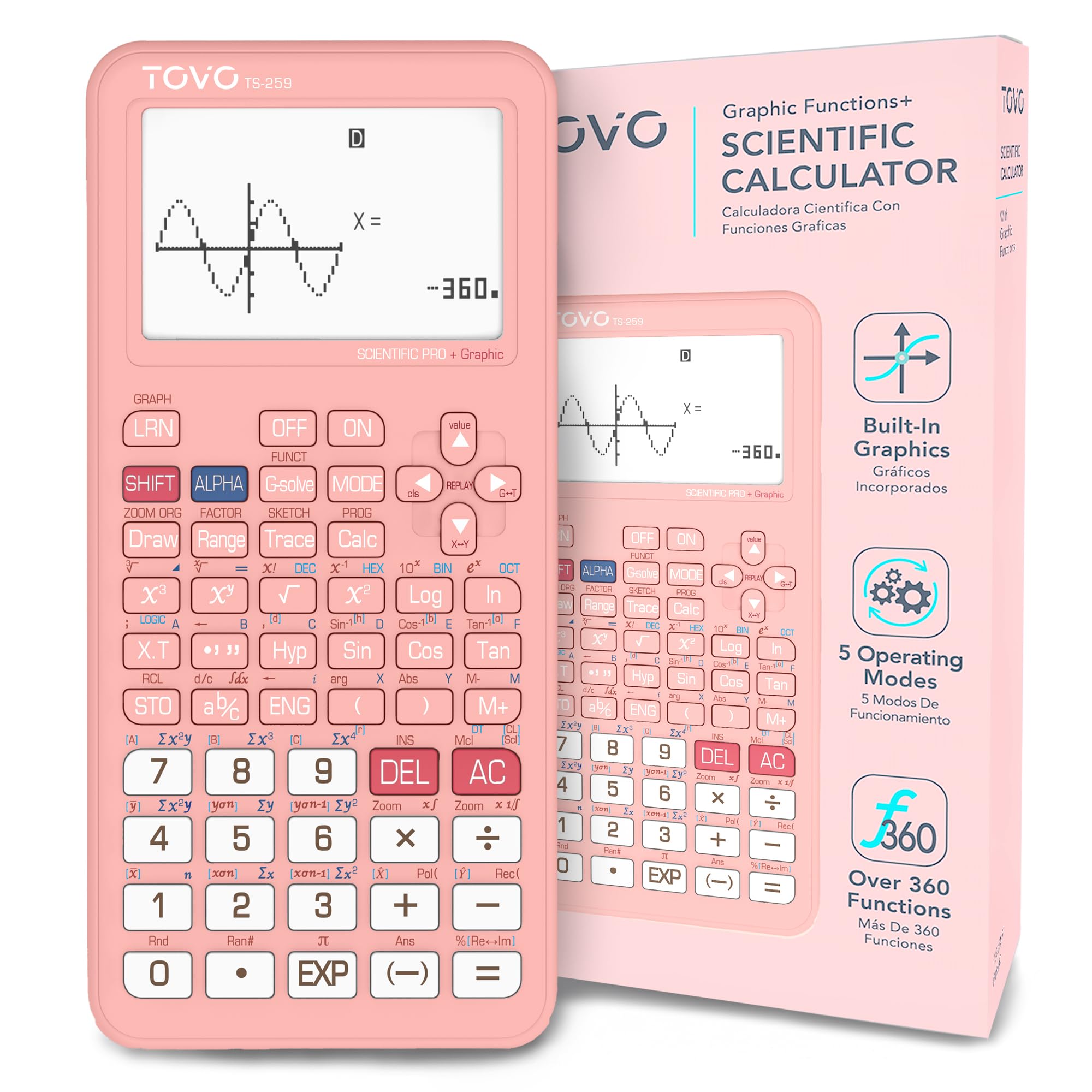
CATIGA's TOVO TS-259 brings a generous 3.3-inch screen and 360-plus functions to the budget graphing tier, handling first-year college math with enough polish for classroom use. The large display makes graph reading and multi-line entry easier than nearby budget models, so it works well as a first graphing calculator for students who don't need the flagship feature set. Its scope sits with the introductory student, not the engineering workload the class standard absorbs — a boundary worth weighing before buying.

Bottom line: For first-year and high-school students who want a large graphing screen at a budget price, this is the practical entry point.

How to Choose

Confirm Exam Approval First

Licensure exams split calculators into graphing and non-graphing camps; the FE and PE admit only the latter. The rule targets graphing and QWERTY capability, not raw math power, so a scientific model is allowed where a graphing flagship is barred.

Buy a graphing model for exam prep and you own a tool you can't use on test day. Check your program's approved list before spending.

Graphing vs. Symbolic Computation

Graphing calculators plot functions; CAS models add symbolic algebra — expanding, factoring, solving symbolically. That power carries a cost: many classrooms ban CAS, and its interface demands real study time.

If you can't run CAS fluently under a timer, it slows you down. Use symbolic computation in coursework where you control the pace.

Battery Life and Rechargeability

Rechargeable lithium packs are convenient but wear out, and sealed batteries are costly to replace. Solar-plus-backup scientific models run for years but can falter in low light when you need them.

Exam-day battery death is a recurring complaint. Prefer models with field-replaceable AAA cells or dual power for a two-minute fix.

Build Quality and Durability

Budget models use lighter plastic housings and cheap key switches, and those switches go first under daily keystroke abuse. QC varies from unit to unit even within one brand.

Backpack drops expose weak hinges and key mechanisms. Factor a possible early replacement into any too-cheap deal.

Display Readability and Resolution

Grayscale LCDs wash out under bright lecture-hall fluorescents, while backlit color screens stay readable but drain more power. Pixel pitch and backlight, not the marketing name, decide readability.

Pick a backlit model for dim labs or outdoors; a high-contrast grayscale screen suits steady indoor light and saves battery.

Learning Curve and Interface

RPN layout (HP) re-trains your input order up front, then rewards you with faster entry once it's muscle memory. Menu-based interfaces are discoverable day one but slower for repeated operations.

Match the interface to your timeline: if courses start in a week, choose a model you can drive immediately.

Frequently Asked Questions