Student Tech Product Guide

10 Best USB Drive for School in 2026: Fast Transfers That Last

Find school USB drives that transfer fast and survive backpack life — without paying extra for capacity you cannot trust.

10 Best USB Drive for School in 2026: Fast Transfers That Last editorial illustration

Most USB drives under $18 are USB 2.0, and their real-world write speeds fall well short of what the box advertises. A student moving a video project can wait hours for a single transfer, while budget multi-packs often ship one drive that stops working within weeks. The gap between price and usable performance is sharper here than in almost any other accessory category.

The practical approach is to weigh transfer speed and reliability against raw capacity. A dependable 64GB drive that saves a term project correctly beats a 128GB bargain that corrupts it the night before it is due. That is why this guide matches each drive to a specific student workload, from elementary school documents to college media projects, instead of chasing the biggest capacity number in the product name.

#1

SanDisk Ultra Flair 128GB
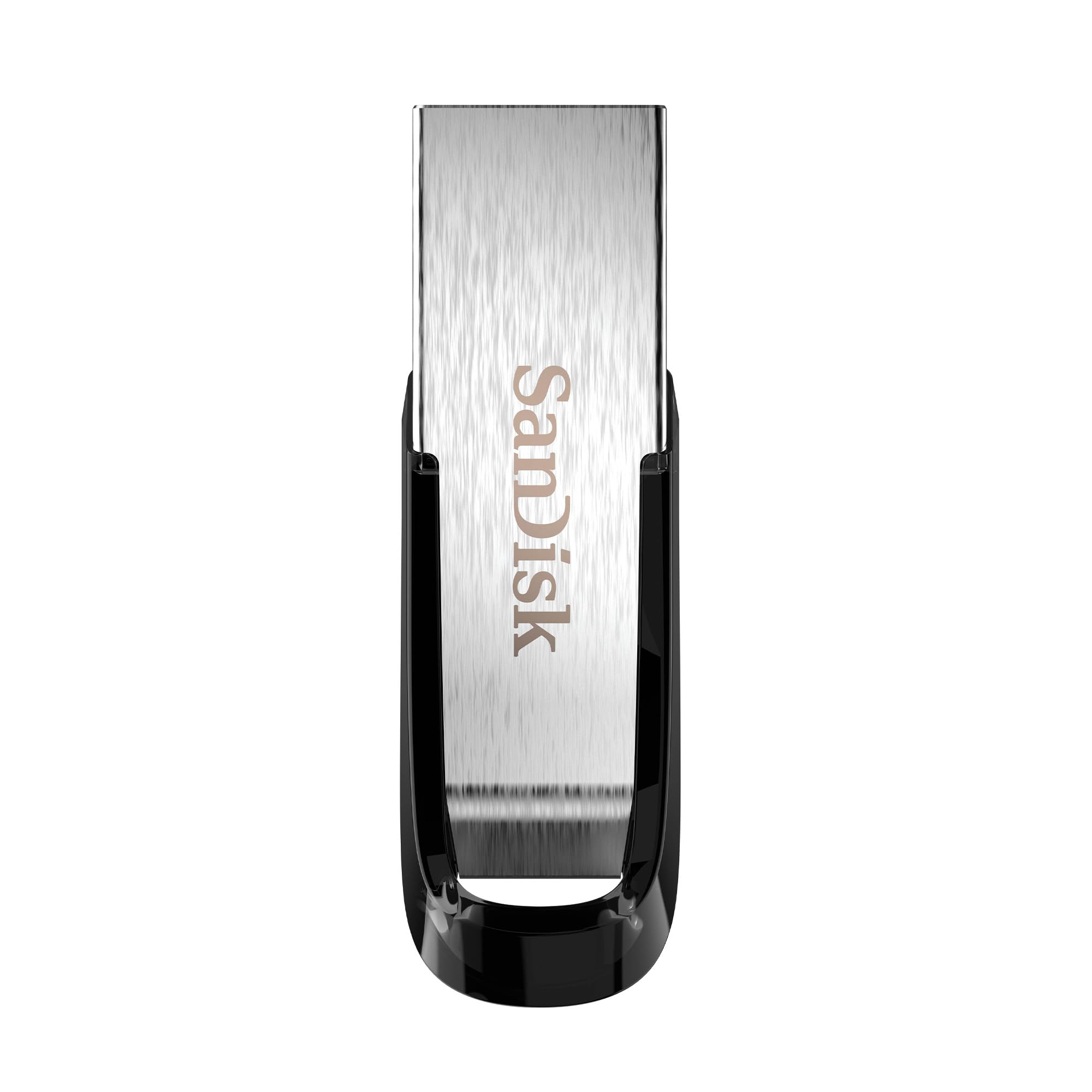
SanDisk Ultra Flair 128GB

Large media files

Customer rating 4.6/5
Check Price

Worth Noting

  • In a quiet library, the metal casing runs warm during long transfers
  • Individual units have stopped being recognized after extended use
Design
Metal casing
Pack Size
Single
USB Generation
USB 3.0
Storage Capacity
128GB
Read the full review

At 150MB/s read speeds, the Ultra Flair clears a 1GB presentation in seconds, and the metal casing shrugs off the pocket-to-laptop shuffle of a normal school day. The 128GB capacity holds a full semester of assignments, slides, and media files, while the compact profile disappears into a pencil case without adding bulk. It is the speed leader of this roundup — a clear step up from the dependable budget option that tops out on slower transfers.

Connected to a USB 3.0 port, the drive sustains those read speeds on large files, and it falls back to USB 2.0 for older laptop ports so nothing is stranded on an aging classroom machine. The built-in 128-bit AES encryption keeps essays and personal files protected without slowing the transfer. Sustained writes do warm up the metal casing — normal behavior for USB 3.0 and harmless to data integrity, so the main habit is letting the drive finish before unplugging.

This fits college students who move large presentation and media files regularly and want one drive that keeps up, with the longest record of consistent performance in this group. The honest tradeoff is price: at a mid-range cost for a single unit, it falls short of budget-first buyers who only carry small document files, where a cheaper 32GB stick handles the job just as well.

On long transfers the metal casing warms up naturally — let the drive finish and unmount before pulling it out.

Bottom line: For college students who move large presentation and media files, the Ultra Flair is the performance pick — USB 3.0 speed and 128GB capacity justify the mid-range price.
#2

mosDART 64GB 2-Pack

mosDART 64GB 2-Pack

Multiple subjects

Customer rating 4.6/5
Check Price

Worth Noting

  • On a Mac-only setup, a drive may not register until re-plugged.
  • 20-30 MB/s write speeds put large media transfers far behind USB 3.0 drives.
Design
Swivel, LED indicator
Pack Size
2-pack
USB Generation
USB 2.0
Storage Capacity
64GB ×2
Read the full review

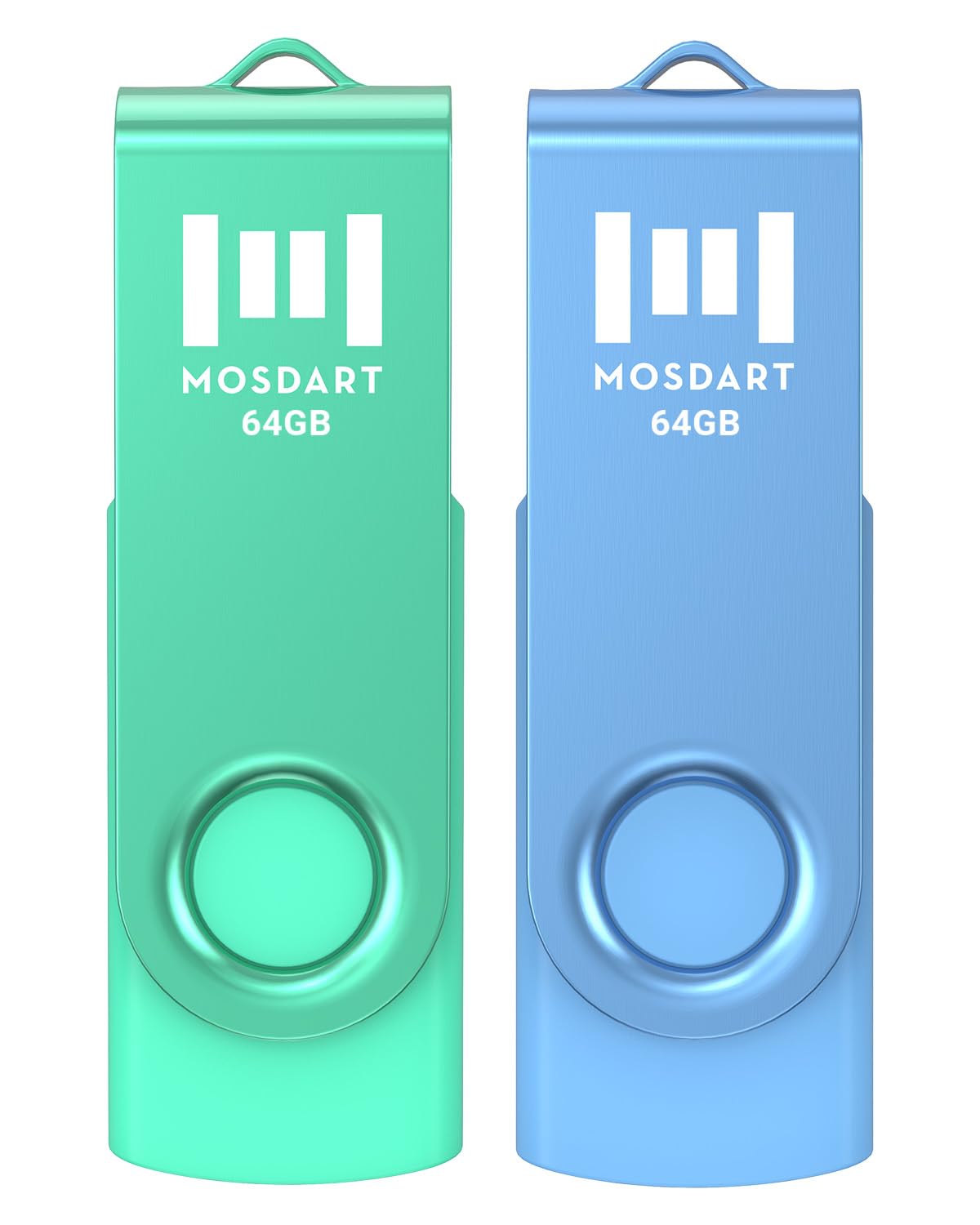
Two 64GB drives in blue and green, each with a swivel cap, keychain loop, and LED indicator, sell as a pair at a per-drive price that undercuts single-drive alternatives. The color coding does the organizing work — one color per child or per class keeps essays, slideshows, and print files separate with no labeling. The constraint sits at the interface: USB 2.0 caps write speeds near 20-30 MB/s, so large media transfers move slowly, while routine documents and presentations transfer without complaint.

This set suits families with several children or students juggling multiple subjects who want one visible drive per project. It handles a term of essays, slideshows, and print jobs comfortably, and the 5-year warranty spans several school years.

Reserve large video and photo transfers for a USB 3.0 drive; daily essays and slideshows move at comfortable speed here.

Bottom line: Best for families dividing files across children or subjects with color-coded order, where USB 2.0 speed is a non-issue for document-level work.

#3

SanDisk Cruzer Blade 16GB

SanDisk Cruzer Blade 16GB

Younger students

Customer rating 4.6/5
Check Price

Worth Noting

  • Plastic casing feels light in hand compared with metal peers, though storage function holds up
  • Moving large video folders over USB 2.0 takes notably longer than with the top pick's USB 3.0 link
Design
Compact contoured
Pack Size
Single
USB Generation
USB 2.0
Storage Capacity
16GB
Read the full review

The Cruzer Blade delivers on sustained dependability rather than transfer speed, leaning on the category's longest reliability record for document-level work. Where the top pick claims USB 3.0 performance, this drive claims consistent, predictable storage for the student who just needs essays and slides saved safely.

The budget price undercuts the usual single-drive alternatives, suiting classrooms and family households where a drive gets lost or borrowed. The compact contoured body rides on a keychain and fits a pencil case without bulk, while SecureAccess lets students password-protect their work.

This drive best serves elementary and middle school students whose coursework lives in essays, slideshows, and worksheets. The 16GB capacity and USB 2.0 link feel cramped for high schoolers moving media files — a boundary that points those students to the faster option.

Start large transfer jobs early — USB 2.0 moves big folders at a more patient pace than the top pick.

Bottom line: For elementary and middle school document work, this is the value choice a classroom can count on; media-heavy high school workloads belong with the USB 3.0 pick.

#4

PNY 128GB 2-Pack

PNY 128GB 2-Pack

Backup redundancy

Customer rating 4.6/5
Check Price

Worth Noting

  • Some units write far slower than USB 3.0 should allow, which stalls large project transfers.
  • Occasional units may not be recognized on first plug-in or may lock into write-protect mode.
Design
Sliding collar
Pack Size
2-pack
USB Generation
USB 3.0
Storage Capacity
128GB ×2
Read the full review

Two 128GB USB 3.0 drives at a mid-range price — the second unit doubles as an instant backup or a dedicated partition for separate course loads, an angle the single-drive options in this guide cannot offer.

Backup-minded students who want a spare for their full semester — one drive for active coursework, one for media or an ongoing archive — get genuine redundancy from this pack and never have to trade the archive against the projects they are actively editing. The honest tradeoff sits on the write side: transfer speeds vary between units and occasional drives arrive in a condition that needs attention before use.

Reads near 100 MB/s keep classwork transfers moving, and a per-drive price below typical single-drive alternatives makes the backup configuration the real value here — redundancy for barely more than a single 128GB drive.

The sliding collar can feel stiff at first — work it back and forth a few times to loosen the mechanism.

Bottom line: The PNY two-pack fits the student who keeps a running copy of everything — the redundancy, not raw speed, is the point.

#5

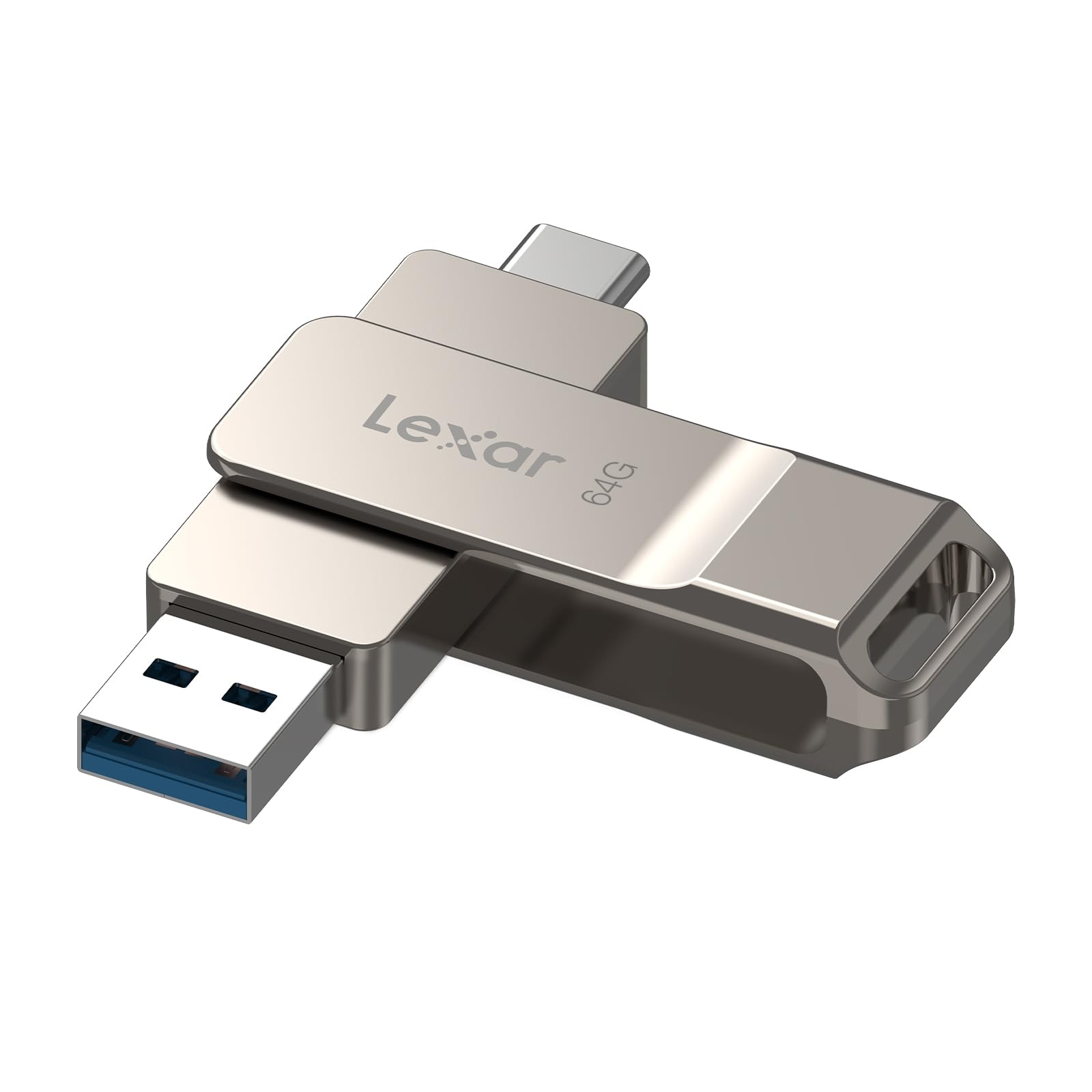
Lexar D40E 64GB Dual

Lexar D40E 64GB Dual

USB-C devices

Customer rating 4.3/5
Check Price

Worth Noting

  • Some devices may not recognize the drive on first connection, so a quick test before deadlines helps
  • Individual units can get stuck in ports or develop physical wear over time
Design
Dual metal connectors
Pack Size
Single
USB Generation
USB 3.2
Storage Capacity
64GB
Read the full review

USB 3.2 Gen 1 transfer speeds reach up to 70 MB/s, and the dual USB-C/USB-A connector lets students move files between a modern laptop and an Android phone without digging for an adapter. The all-metal casing feels sturdier than the plastic drives that fill the budget end of the category, and 64GB of capacity holds a semester of essays, slideshows, and phone photos.

At a premium price, this drive fits students whose devices run mostly USB-C — recent laptops, tablets, and Android phones — where the built-in connector replaces a separate dongle. The tradeoff is reliability: individual units can stop working within months, so this is a tougher sell when coursework lives nowhere else. Students who keep a cloud backup can absorb that risk and enjoy the speed; those storing their only copy on the drive should look elsewhere.

Bottom line: The D40E is the adapter-free speed pick for USB-C students — pair it with cloud backup and daily file moves stay quick.

#6

Maspen 64GB 2-Pack USB 2.0

Maspen 64GB 2-Pack USB 2.0

Spare drives

Customer rating 4.5/5
Check Price

Worth Noting

  • Moving large media files between home and school will be slow on USB 2.0's 8 MB/s write speed
Design
Swivel cap
Pack Size
2-pack
USB Generation
USB 2.0
Storage Capacity
64GB ×2
Read the full review

Two 64GB drives cost less than many single-drive alternatives, giving students a spare for keeping homework separate from personal files. Swivel caps protect the connectors inside a backpack, and keychain rings keep each drive easy to carry. Those strengths relegate the pair to a supporting role: a competing two-pack in the same price band adds a 5-year warranty, and USB 2.0 write speeds near 8 MB/s make large media-file transfers between home and school slow, steering this set toward document-level backup.

Bottom line: Best as a low-cost second set once a student already owns a faster main drive — ideal for backups and classroom file drops rather than daily heavy transfers.

#7

SIMMAX 32GB USB 2.0

SIMMAX 32GB USB 2.0

Light documents

Customer rating 4.6/5
Check Price

Worth Noting

  • USB 2.0 keeps write speeds low, so moving videos or large folders is a slow process.
  • 32GB fills up fast once a semester of coursework and presentations stacks up.
Design
Rotating metal clip
Pack Size
Single
USB Generation
USB 2.0
Storage Capacity
32GB
Read the full review

At under $10, this is the cheapest way to open a school account: 32GB covers a semester of essays, worksheets, and slideshows, and the rotating metal clip shields the connector with no cap to lose while the loop hooks onto a backpack or lanyard. The catch: USB 2.0 keeps transfers slow, so video projects or big folders crawl, and 32GB fills quickly once files accumulate. Long-term durability is unestablished for a drive at this price — treat it as a disposable for paperwork, not a keeper for a four-year degree.

Bottom line: A sensible match for a younger student shuttling essays, worksheets, and slideshows between school and home — but only when transfer speed and long-haul durability are not on the list.

#8

EASTFUN 5-Pack 8GB

EASTFUN 5-Pack 8GB

Classroom sharing

Customer rating 4.6/5
Check Price

Worth Noting

  • 8GB per drive holds little more than essays and slideshows
  • A drive may not appear when plugged in, adding friction to handing out files to students.
Design
Five mixed colors
Pack Size
5-pack
USB Generation
USB 2.0
Storage Capacity
8GB ×5
Read the full review

The five-drive bundle makes classroom distribution practical — each drive costs a few dollars and the mixed colors keep projects separate at a glance. For teachers handing out essays or slideshow files, the 8GB USB 2.0 capacity is enough. The catch is recognition: drives may not appear when plugged in, which adds friction when a student steps up to a classroom computer. That makes it a fit for small-file handouts, not for a single student's daily driver.

Bottom line: Best for a classroom handout drawer where each color-coded drive holds one small project — not for a student relying on a single drive every day.

#9

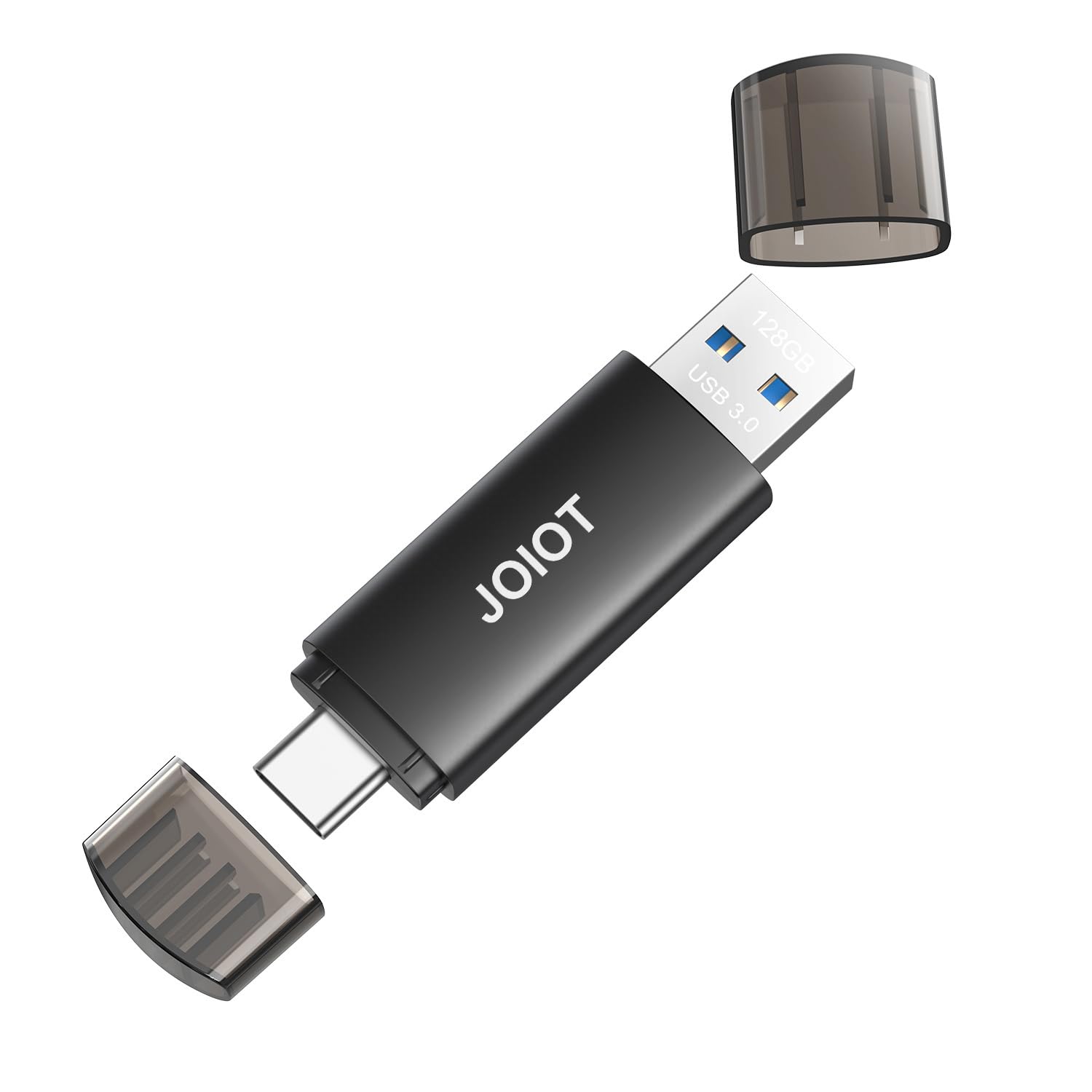
JOIOT 128GB Dual

JOIOT 128GB Dual

Phone transfers

Customer rating 4.4/5
Check Price

Worth Noting

  • A quick test soon after unboxing is worthwhile, since some drives arrive non-functional.
  • On certain units, stored files can corrupt, a real hazard for irreplaceable coursework.
Design
Dual USB-C/A
Pack Size
Single
USB Generation
USB 3.0
Storage Capacity
128GB
Read the full review

The JOIOT's dual USB-C and USB-A connectors let Android students pull photos and class files off a phone and onto a laptop without hunting for an adapter, and 128GB with 50–60 MB/s real-world writes clears a full semester. iPhone connection failures undercut the advertised dual compatibility, and on some units files can corrupt, so it is not the right home for irreplaceable coursework. Occasional dead-on-arrival drives also warrant a quick post-purchase check.

Bottom line: This suits Android students offloading routine media between phone and laptop, provided coursework is backed up elsewhere and no iPhone use is expected.

#10

IMEASON 16GB USB 2.0

IMEASON 16GB USB 2.0

Basic storage

Customer rating 4.5/5
Check Price

Worth Noting

  • USB 2.0 transfer speed keeps large file moves slow.
  • Capacity runs low once a semester stacks up media and project files.
Design
Swivel cap, keychain
Pack Size
Single
USB Generation
USB 2.0
Storage Capacity
16GB
Read the full review

An inexpensive 16GB drive with a swivel cap and keychain loop that keeps it attached to a backpack until a document or song needs moving, and it plays cleanly in car radios and classroom PCs. For primary-school worksheets and in-car playlists the scope matches the job, while long-term durability across years of daily use is not yet established — a light-duty companion for lighter workloads than the dependable budget pick handles.

Bottom line: This suits a primary-schooler's document storage or an in-car music library, where light usage keeps its boundaries out of the way.

How to Choose

Storage Capacity

Capacity should match how the drive is actually used. Document-only students need 16-32GB, while those handling video, design, or presentation files should start at 64GB and consider 128GB.

The hidden trade-off is that large capacity on a slow drive becomes a trap. Filling a 128GB drive over USB 2.0 can take hours, and budget high-capacity drives sometimes use lower-grade flash that corrupts under repeated writes. Buy the capacity your workload needs, not the biggest number on the label.

USB Generation and Speed

The generation sets the practical speed ceiling. USB 2.0 caps out near 35MB/s in theory, while USB 3.0 and 3.2 drives deliver 100-150MB/s on compatible ports - the difference between seconds and minutes per transfer.

The catch is port compatibility. A USB 3.0 drive only runs at full speed when plugged into a USB 3.0 port, and some older school lab computers still use USB 2.0. Check the ports on the machines your student actually uses before paying for performance those devices cannot deliver.

Write Speed

Listings highlight read speed, but write speed determines how long saving a file actually takes, and it is almost always lower. A 500MB video that saves in seconds on a good USB 3.0 drive can take minutes on a budget USB 2.0 model.

Look for documented write figures or test the drive with a large file before relying on it for deadline work. A drive that reads fast but writes slowly will still waste hours over a semester.

Single vs. Multi-Pack

Multi-packs lower the per-drive cost and make sense when a student wants separate drives for work and personal files, or when a household shares drives across several kids.

The trade-off is quality control. Packs of budget drives often vary, so one drive in a set can stop working while the others are fine. For irreplaceable coursework, treat a second drive as backup redundancy and buy from brands with a long, positive track record rather than the cheapest multi-pack.

Physical Design and Durability

Swivel caps, retractable slots, and keychain loops protect the connector in a backpack but add moving parts that can wear out. Capless metal designs drop the moving parts and feel more solid in daily carry.

The catch is heat. Metal casings conduct warmth during sustained transfers and get hot to the touch - normal behavior, not a defect, and it does not affect data integrity. Plastic casings run cooler but flex more. Match the design to how roughly the drive will be handled.

Frequently Asked Questions