HP Chromebook 14
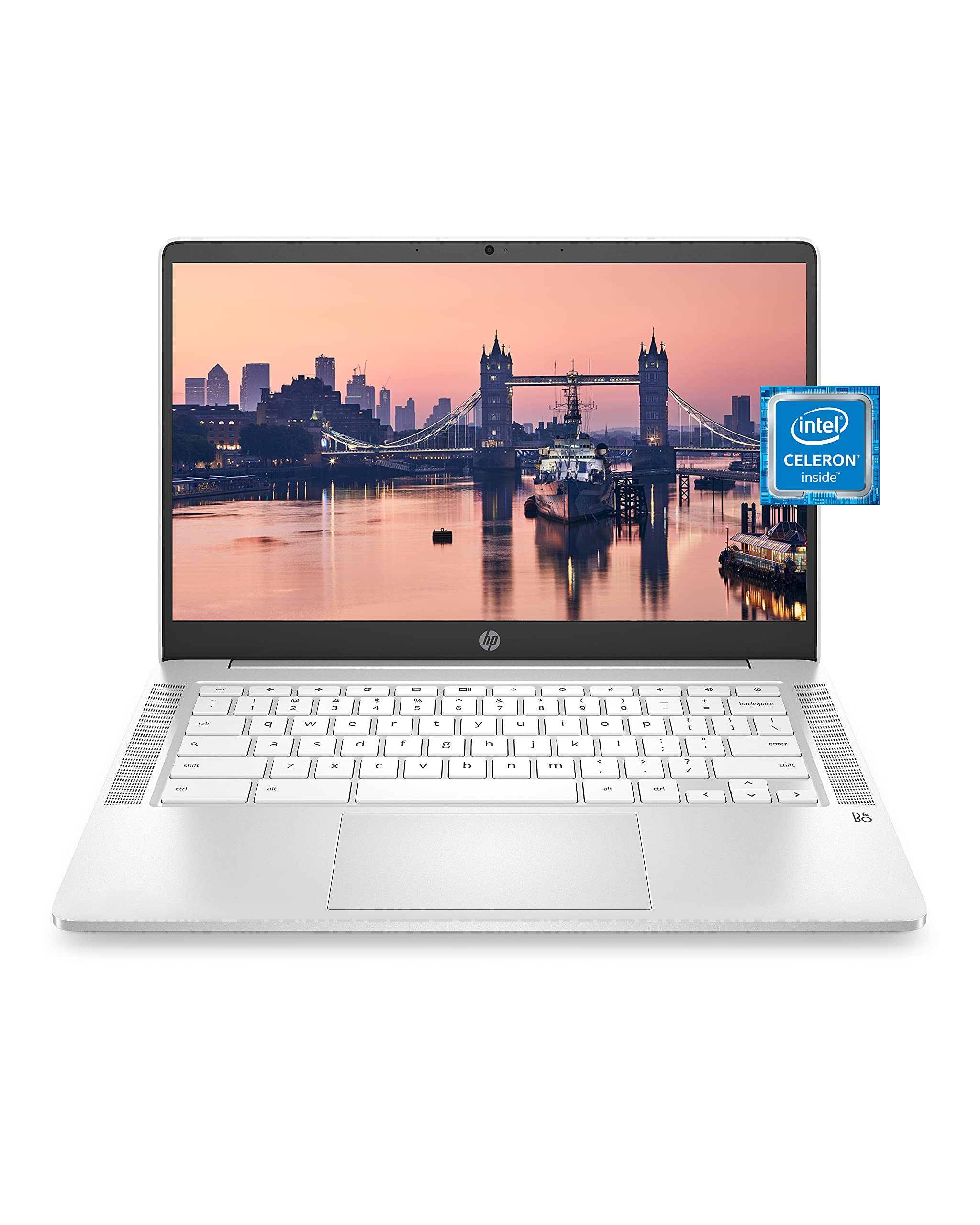
What We Like
- Battery endurance spans a full school day plus homework, cutting mid-day charging needs.
- A 14-inch screen and dependable daily performance at a budget price.
- Handles web browsing, word processing, and video calls without strain.
- 3.2-pound chassis slips into a backpack easily for daily commutes.
Worth Noting
- For movie nights at home, the 1366x768 panel shows muted colors and narrow angles; schoolwork reads fine.
- A student juggling a large browser session with a live video call may notice the modest Celeron chip slowing.
- RAM
- 4GB DDR4
- Weight
- 3.2 lbs
- Storage
- 32GB eMMC
- Processor
- Intel Celeron N4000
Read the full review
The HP Chromebook 14 pairs a full school-day battery with a 14-inch screen that gives growing students real room to work. The Intel Celeron N4000 processor and 4GB of RAM handle web browsing, word processing, and video calls without strain, and Chrome OS boots quickly while updating itself in the background — so parents skip the maintenance they'd normally own on a Windows machine. For the standard middle school mix of research tabs, document editing, and classroom apps, the machine stays responsive and cool through the day.
Rated for up to 13.5 hours on a charge, the Chromebook 14 holds through a full day of classes plus after-school homework, letting a student leave the charger at home. At 3.2 pounds it slips into a backpack without adding bulk, and the built-in webcam with dual microphones carries clear video calls — a student joins a homeroom meeting or group study session straight from the desk. The dual array mics pick up a voice clearly even in a busy room, which matters for online classes.
This is the right fit for a middle school student whose day runs on browser-based work: research, documents, slides, and video class. The 32GB eMMC storage runs tight once offline downloads pile up, so families should lean on Google Drive for file storage rather than the local drive. Some units show durability issues within two years of use, which makes a modest protection plan or careful handling a sensible precaution rather than a reason to look elsewhere.
Chrome OS keeps things simple and secure, with automatic updates that spare parents from troubleshooting sessions and a lightweight interface that feels instant on this hardware. At this budget price, the Chromebook 14 compares well against costlier Windows laptops for the narrow set of tasks a middle schooler actually needs. That pairing of honest battery endurance, a workable screen, and a price that respects a family budget is what makes it the sensible default for this grade level.
While it won't double as a gaming rig, the machine streams music and video smoothly, and the keyboard is comfortable for long drafting sessions in Google Docs. The 14-inch display keeps a full page of text readable without constant scrolling. For the typical school day — checking assignments, drafting essays, and joining class chats — the hardware never feels like a compromise.
Charge overnight and leave the adapter at home — a full school day plus homework runs comfortably on one charge.
Bottom line: A dependable everyday machine that matches the standard middle-school workload — web research, documents, video calls — with battery to spare and a price that respects a family budget.