Student Tech Product Guide

9 Best External Hard Drives for Students 2026: Protect Your Work

The best external hard drives for students balance price, portability, and reliability. See which picks protect your coursework without breaking the bank.

9 Best External Hard Drives for Students 2026: Protect Your Work editorial illustration

Between lectures, part-time jobs, and late-night study sessions, the last thing a student needs is an external hard drive that silently stops working. Yet budget drives flood the market with promises of portable storage at rock-bottom prices — and many fail within months, taking thesis drafts and project files with them.

The trade-off is real: affordable HDDs offer more capacity per dollar, but SSDs and carefully selected HDDs provide the durability that protects a semester's worth of work. This guide cuts through the spec sheets to highlight drives that combine realistic pricing with dependable performance.

Whether you're backing up lecture notes or editing a portfolio, the right drive depends on your priorities. We've pulled together picks that match different student scenarios—from rugged fieldwork to budget-conscious backups—so you can choose with confidence.

#1

Samsung T7 1TB SSD

Samsung T7 1TB SSD

Data safety

Customer rating 4.7/5
Check Price

Worth Noting

  • Occasional recognition quirks on some Windows machines after sleep or on particular USB ports
Capacity
1TB
Portability
Portable SSD
Reliability
Solid-state
Compatibility
Mac, Windows
Read the full review

Transfer speeds reach 1,050 MB/s over USB 3.2 Gen 2, close enough to an internal SSD that large project files and video timelines copy in seconds rather than minutes. The aluminum body shrugs off the bumps of a daily backpack commute, and at roughly the size of a credit card the whole drive weighs less than a typical phone. The same housing doubles as a heat sink, so sustained transfers hold their pace instead of throttling mid-session, and back-to-back multi-gigabyte exports keep the surface merely warm. With no moving parts, there's no head-crash risk from jostling — a real concern with mechanical drives on a crowded bus.

No driver installs or setup wizards — the drive mounts the moment you plug in the USB-C cable, on current Macs and Windows laptops alike. It runs silent and vibration-free on a desk during long renders, and the box includes both USB-C-to-C and USB-C-to-A cables, covering the ports a typical student laptop carries. Reading files directly off the drive stays responsive, so working from the drive itself is comfortable rather than a last resort.

Against the budget SSD in this guide, the T7 asks a meaningful premium and returns a sturdier enclosure plus a far better record on early-life failures than any mechanical or budget drive here. That difference isn't cosmetic — it maps directly to whether a semester's work survives. The fixed 1TB capacity fits a typical course load, though students archiving raw footage will outgrow it and should lean on the multi-terabyte HDDs covered separately. For the coursework crowd, that capacity ceiling is rarely the binding constraint — durability and ease of daily use matter more.

This is the pick for students whose thesis backup, design portfolio, or research files aren't open to being rebuilt twice. The premium price is that insurance policy — budget buyers willing to accept a mechanical drive's higher odds of losing data will find cheaper options in this guide. On compatibility, an occasional Windows machine can lose the drive after sleep or on a particular USB port, and a quick replug restores it; Mac users and typical Windows setups rarely see the quirk.

On Windows machines that lose the drive after sleep, a quick replug restores recognition — no reformat needed.

Bottom line: For a thesis, design portfolio, or research data, this is the drive to carry — the premium buys protection no budget HDD offers.

#2

ADATA HD710 Pro 1TB

ADATA HD710 Pro 1TB

Rugged use

Customer rating 4.6/5
Check Price

Worth Noting

  • Transfer speeds top out near 90 MB/s
  • Occasional USB connection dropouts may interrupt a transfer until the drive is replugged.
  • Long-term durability under heavy daily use can vary
Capacity
1TB
Portability
2.5-inch
Reliability
Mechanical
Compatibility
Mac, Windows
Read the full review

The ADATA HD710 Pro is IP68 rated — dust-tight and able to survive a 30-minute dunk in a meter of water — wrapped in a rubber-armored shell built to absorb the shock of a drop or a tumble from a backpack. No other drive in this guide offers that level of protection; they assume a desk, this one assumes a trail.

As a backup workhorse it delivers — nightly syncs and course-folder transfers run consistently, and the drive stays quiet during access. The 5400 RPM platter is unremarkable on paper yet adequate for the backup role it's built to serve, with the armored shell adding a layer of protection firmware specs can't.

The HD710 Pro's defining behavior is absorbing hits and splashes the rest of this guide can't — backpack drops onto concrete and field-kit spills that leave data intact. That resilience is what draws outdoor-leaning students to it over the slimmer picks.

This is the drive for students whose semesters happen in the field — geology digs, outdoor shoots, muddy commutes where a water bottle shares a backpack with a laptop. Peak throughput isn't the draw: students chasing maximum transfer speed will find the SSD pick a better match, and a long session may occasionally need a replug. If gear takes a beating, the protection justifies the mid-range price.

If the drive drops off mid-transfer, a firm replug usually re-establishes the connection — keep the bundled cable within reach.

Bottom line: For students whose coursework follows them into the field — trips, digs, muddy commutes — the HD710 Pro's armor is the whole point of the purchase. If the drive never leaves a desk, the SSD pick does more for the money.

#3

WD My Passport 2TB

WD My Passport 2TB

Secure backup

Customer rating 4.6/5
Check Price

Worth Noting

  • Ships Windows-formatted, so Mac owners must reformat the drive before first use
  • As a spinning drive, it can become unresponsive within the first year under constant daily use
Capacity
2TB
Portability
2.5-inch
Reliability
Mechanical
Compatibility
Windows, Mac (reformat)
Read the full review

The 2TB My Passport doubles the storage of the slim SSD leading this guide, and its hardware encryption plus bundled backup software give it a security layer the speed-focused alternative skips. The compact 2.5-inch shell feels solid in a backpack, and the 5400 RPM drive runs quietly through long stretches of active use — a trait the budget hard drives here don't all share.

This fits a PC-owning student with a full semester of lecture videos, design files, and older coursework who wants password-protected storage without paying SSD prices per gigabyte. It ships formatted for Windows, so Mac owners must reformat the drive before first use. As a spinning drive, the My Passport rewards a regular backup habit rather than standing as the single copy of a project.

Connected over USB 3.1, it copies a 360GB folder in about five minutes — quick enough for the weekly backup the bundled software schedules on its own. The password prompt engages before the OS mounts the drive, so encryption guards the contents at rest rather than acting as a decorative feature.

Capacity per dollar is the quiet argument: 2TB for near the price of the 1TB SSD top pick, which shifts the math for video-heavy majors. The security suite closes part of the durability gap, since a worn or lost drive never equals lost work when backups run on schedule.

Keep the bundled backup software on a weekly schedule; the security suite does the rest automatically.

Bottom line: For a Windows student whose archive passes 1TB, the My Passport's capacity and built-in security justify a price near the SSD — with a backup schedule as the entry requirement.

#4

SSK 1TB SSD

SSK 1TB SSD

Budget speed

Customer rating 4.5/5
Check Price

Worth Noting

  • Direct iPhone connection doesn't function as the packaging promises.
  • An occasional unit can cease functioning within the first year, so keep a second copy.
Capacity
1TB
Portability
Portable SSD
Reliability
Solid-state
Compatibility
Mac, Windows
Read the full review

Reads land near 800 MB/s in real transfers — a step above any budget HDD and close behind the premium SSD at the top of this guide, at a fraction of its price. That pace moves a semester of lecture files and project folders in minutes rather than hours.

The aluminum body is light enough to forget in a pocket, and the USB-C connection works without an adapter on recent MacBooks and Windows laptops. Durability does not match the top pick, though — an occasional unit has been noted to cease functioning within a year, so this is a working drive rather than a permanent archive. That tradeoff stays manageable when finished work lives in more than one place.

The right buyer is a student who wants SSD-class transfer speed without the premium price and already treats backups as routine — essay drafts, project files, and lecture captures that live in cloud storage as much as on the drive. iPhone-heavy workflows expecting a direct plug-in connection will find that advertised feature falls short, so phone-first editing setups have better options.

Mirror finished assignments to cloud storage — the drive handles fast daily work, not long-term archives.

Bottom line: The SSK delivers SSD speed at a lower price than the top pick — a strong daily driver for coursework, provided finished files live in a second place. Anything more demanding points back to Samsung's build.

#5

UnionSine 500GB HDD

UnionSine 500GB HDD

Budget backup

Customer rating 4.4/5
Check Price

Worth Noting

  • The 500GB capacity fills once lecture videos pile up, so plan a regular offload.
  • An occasional drive may show read errors early, risking whatever files sit on it.
Capacity
500GB
Portability
2.5-inch
Reliability
Mechanical
Compatibility
Mac, Windows
Read the full review

This is the least expensive drive in the guide — 500GB of USB 3.0 storage at a budget-friendly price below a similarly sized thumb drive. For a student watching every dollar, that price tag is the headline. When you plug it in, it copies an 8.5GB folder in two to three minutes, enough for lecture recordings, class notes, and draft essays. It does not try to imitate a premium SSD's speed or polish; it simply handles backup duty at the floor of the market.

Setup friction is minimal. The drive needs no software — connect it to a laptop and it appears as a storage volume, handy when you want to grab a file between classes. The slim 2.5-inch case slides into a backpack pocket beside the notebooks without weighing you down, which suits a student working from a coffee-shop table between lectures.

The honest boundary: treat this as disposable backup, not an archive. It suits a student who keeps rebuildable material — past-due notes, photo folders, download archives — while the finished thesis belongs on a second copy. The disposable framing is the point: cheap storage for files you could rebuild.

Mirror finished coursework on a cloud service so the low price tag never puts real work at risk.

Bottom line: For casual backup of rebuildable files, this is the most budget-friendly way to carry 500GB — a disposable drive for disposable data.

#6

Toshiba Canvio 1TB

Toshiba Canvio 1TB

Trusted brand

Customer rating 4.6/5
Check Price

Worth Noting

  • Carried daily between classes, the drive may not hold up for a full year before issues surface.
  • Mac owners must reformat before first use, and connections can be finicky afterward.
Capacity
1TB
Portability
2.5-inch
Reliability
Mechanical
Compatibility
Windows, Mac (reformat)
Read the full review

The Toshiba Canvio Basics brings a recognizable name, a compact body, and silent operation to the entry-level HDD space. Its 1TB capacity and mid-range price cover casual backups for PC users wanting a spare copy of documents and photos. The build feels respectable, and it won't hum in a desk drawer.

Durability reports temper that value. Some units may not survive a full year of heavy daily carry, which matters if you're trusting it with irreplaceable coursework. For casual backups this works; for a student depending on one drive for a thesis, the Samsung T7 in this guide is the safer pick.

Bottom line: Suits PC users who need a spare drive for casual home backups and accept some durability risk; anyone with irreplaceable coursework should look to the T7 instead.

#7

PMHKM 500GB HDD

PMHKM 500GB HDD

Ultra-light

Customer rating 4.6/5
Check Price

Worth Noting

  • 500GB suits essays and photo archives, but runs short when raw video files or large game installs join the mix.
  • The spinning-platter mechanism is less forgiving of physical shocks than an SSD
Capacity
500GB
Portability
2.5-inch
Reliability
Mechanical
Compatibility
Mac, Windows
Read the full review

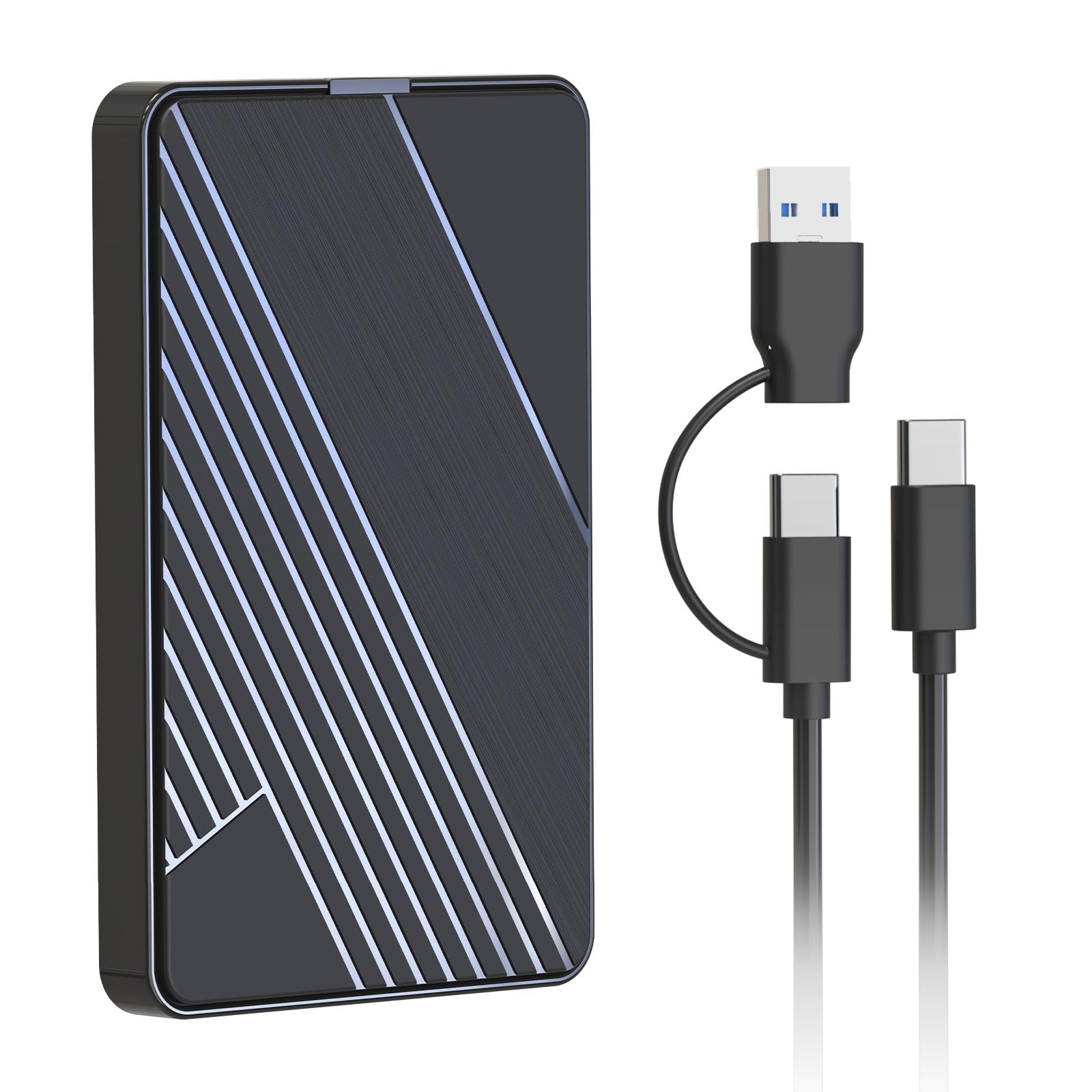
Roughly the weight of a spare smartphone and priced under most textbooks, this 500GB drive pairs a USB-C connector with a classic USB-A port, so it hooks up to both a modern laptop and an older desktop without hunting for an adapter. Build quality holds together well for light everyday use, and the 7200 RPM mechanism reads essays, lecture notes, and photo archives quickly for office-style work. The boundary that keeps it from ranking higher is endurance: this budget build favors price over hardiness, and that trade-off matters most when the files are irreplaceable. As a handy second copy for notes and photos it earns its keep — a student just shouldn't make it the only home for a semester's work.

Bottom line: Students who mostly back up lecture PDFs, essays, and phone-photo archives get a genuinely pocketable drive for little money.

#8

Seagate 5TB HDD

Seagate 5TB HDD

Large capacity

Customer rating 4.6/5
Check Price

Worth Noting

  • Macs may not recognize the drive without reformatting first
  • Some drives fail unexpectedly, so it is not a safe single copy of vital data
Capacity
5TB
Portability
2.5-inch
Reliability
Mechanical
Compatibility
Windows, Mac (reformat)
Read the full review

This drive's calling card is raw capacity: 5TB in a 2.5-inch case, costing less per gigabyte than most smaller portables. For photographers, video editors, or gamers archiving entire libraries, that space-to-dollar ratio is the reason to look past its flaws. Transfer speeds are fine for a 7200 RPM HDD — not SSD-fast, but acceptable for bulk file moves.

Where it stumbles is in the details that matter to less storage-hungry buyers. The case is bulkier and heavier than typical portable drives, so it is not the kind of thing to slip into a backpack for daily campus use. Mac users must reformat it out of the box, and long-term durability reports are mixed — a factor worth weighing if your files exist nowhere else. This suits a media hoarder on Windows who treats the drive as secondary storage, not a single copy of irreplaceable coursework.

Keep a separate backup of anything you cannot afford to lose — treat this as a deep archive, not your only copy.

Bottom line: For Windows-based media archivists who need bulk portable storage and can keep a secondary backup, this delivers the most terabytes per dollar. Skip it if you are a student on a budget or need Mac plug-and-play.

#9

WD Elements 6TB

WD Elements 6TB

Massive storage

Customer rating 4.7/5
Check Price

Worth Noting

  • Mac owners must reformat before the drive mounts
  • Long-term data integrity is the weak spot, so a separate backup copy is worth keeping.
Capacity
6TB
Portability
2.5-inch
Reliability
Mechanical
Compatibility
Windows, Mac (reformat)
Read the full review

Six terabytes in a 2.5-inch case is the headline — a 4K footage archive or a decade of photos that still fits in a jacket pocket. Transfer rates are brisk for a spinning platter on USB 3.2 Gen 1.

The asking price sits in luxury territory, and the drive ships formatted for Windows only, so Mac owners reformat before the first mount. Durability is the sharper edge: in some cases the drive may lose data after extended use, which argues for a second copy of anything irreplaceable. It shares that tradeoff with the 5TB option in this set — a heavy archive tool, not a daily student carry.

Bottom line: Best for content creators who archive large media libraries and accept moderate durability risk in exchange for 6TB of headroom.

How to Choose

Storage Capacity

Most students get by with 500GB to 1TB, which holds lecture recordings, project files, and a few Netflix downloads. But video editors or design majors might need 2TB or more when dealing with RAW footage or large InDesign libraries.

The catch: higher capacity drives often cost more per gigabyte, and HDDs with larger platters can be slower. For everyday backups, a 1TB drive is the sweet spot, but if you're constantly shuffling large media, stepping up to 2TB is a smarter investment than two separate drives.

Transfer Speed

SSDs read and write data two to twenty times faster than HDDs, depending on the interface. A USB 3.2 Gen 2 SSD can move a 4GB video file in seconds, while a 5400 RPM HDD takes over a minute. That speed matters when you're backing up your entire library before an exam.

But faster drives cost more. If you're only syncing documents, the extra speed isn't worth the premium. However, if you're editing photos or compiling code, the wait time subtracts hours from your week. The hidden trade-off is that magnetic HDDs slow down as they fill up, while SSDs stay consistent — so a 'fast' HDD can become sluggish at 80% capacity.

Portability

A 2.5-inch HDD slips into a backpack pocket, but SSDs are even lighter and more shock-tolerant. With no moving parts, an SSD survives a drop from a dorm bed, while an HDD can suffer head crashes. That's why the most portable drives are SSDs.

Weight and depth also matter for daily carry. A drive thicker than 0.5 inches adds bulk when you're already hauling textbooks. If you're walking across campus with your drive in a pocket, pick the lightest option — but remember that extreme thinness in HDDs sometimes means using a 2.5-inch case with fewer physical protections.

Reliability

The biggest disappointment in external drives is premature failure. Budget HDDs use the same mechanical components as premium ones, but they often lack the same cooling, vibration dampening, and quality control. A single drop or power surge can lead to a dead drive within weeks.

SSDs have no moving parts, so they're immune to mechanical wear. They also handle heat better, which is common in a laptop bag. However, cheap SSDs can use lower-grade NAND chips that wear out faster under heavy write loads. Always check for a reputable controller and TLC/QLC flash — and avoid no-name brands that cut corners on endurance.

Compatibility

Not every external drive works with every computer out of the box. Many HDDs are preformatted as NTFS for Windows, so they need to be reformatted to exFAT for Mac. If you switch between a Windows lab and a Mac at home, a drive that's exFAT-ready saves you from painful reformatting.

Consoles are another story. For PS4, always test the drive's filesystem — many support exFAT, but NTFS drives won't be recognized. And for Xbox, the drive must be formatted to the console's own system, which wipes all data. For students juggling multiple devices, choose a drive that's natively exFAT and dual-compatible.

Frequently Asked Questions