XP-Pen Note Plus
What We Like
- Real A5 paper with a battery-free 8192-level pen keeps handwriting authentic to the page.
- Bluetooth 5.3 syncs pages to a phone dependably for editing and filing.
- Outstanding budget value
- A natural entry point for students, online teachers, and new note takers.
- 14-hour battery with a 2.5-hour fast charge outlasts a full school day.
Worth Noting
- Stroke width follows a steep default pressure curve that takes effort to dial in.
- Touch sensors on occasional units stop responding, sometimes within days.
- Battery Life
- 14 hours
- Color Output
- Monochrome
- Writing Feel
- Battery-free EMR pen
- Sync Ecosystem
- Bluetooth 5.3, phone app
Read the full review
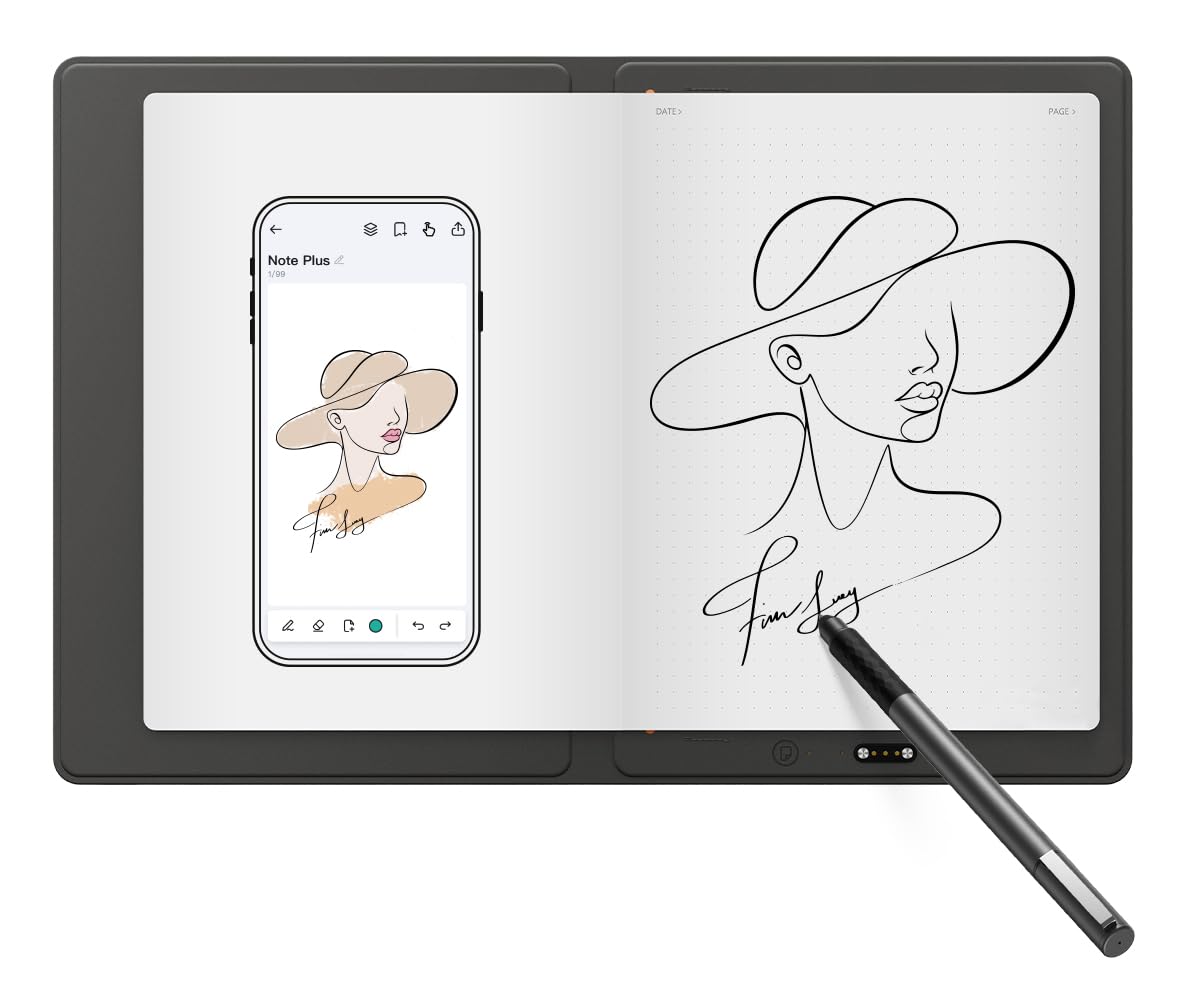
The XPPen Note Plus pairs a real A5 paper core with a battery-free 8192-level EMR pen, so handwriting keeps its natural friction while every stroke lands in the companion app. Bluetooth 5.3 sync moves finished pages to a phone for editing, sharing, and filing, and the pad itself stays a low-fuss writing surface that needs no charging or pairing mid-note. This is the low-risk note-capture setup in the set — a simple paper-first workflow that holds up for notes and light sketching alike.
Battery life reaches 14 hours on a single charge with a 2.5-hour fast top-up, comfortably outlasting a day of back-to-back classes even at high note volume. Because strokes render in monochrome in the app, the Note Plus is a writing tool rather than a drawing canvas — well-suited to lecture outlines, to-do lists, and margin annotations, with color left out of the equation entirely. The replaceable A5 core keeps the pad economical to run over a semester, since you swap in fresh paper rather than replacing the device.
Note capture runs page by page: each handwritten sheet shows up in the phone app, ready to be tagged, organized, and exported as an image or PDF. Offline pages queue up and sync when the phone reconnects, so notes taken in a no-signal lecture hall still make it to the app. For an online teacher, this lands somewhere between a whiteboard and a filing cabinet — a page of worked equations is captured as-is and can be shared with a class instantly. The phone-first flow keeps the device itself simple, which suits students treating the pad as a capture tool rather than a gadget to manage.
This is the right pick for budget students who want the permanence of real A5 paper plus dependable phone syncing, and for online teachers or beginners after a low-cost, low-complexity capture device. Plan for the phone to be the editing hub: there is no on-device screen, so review and organization happen in the app — anyone who wants to read notes back on the pad itself should consider the full-color Android tablet in this set instead. Confirm app compatibility for your operating system before buying, since sync software has gaps on Linux Mint and some Windows 10 Pro builds.
Bottom line: For a budget student whose notes should live on a phone, the Note Plus delivers real-paper feel with dependable sync and no screen-tablet premium.