How to Tell If an Educational App Works: Run a Two-Week Transfer Test
A practical evaluation that separates in-app progress from learning children can explain and use on paper, in conversation, in play and after a delay.
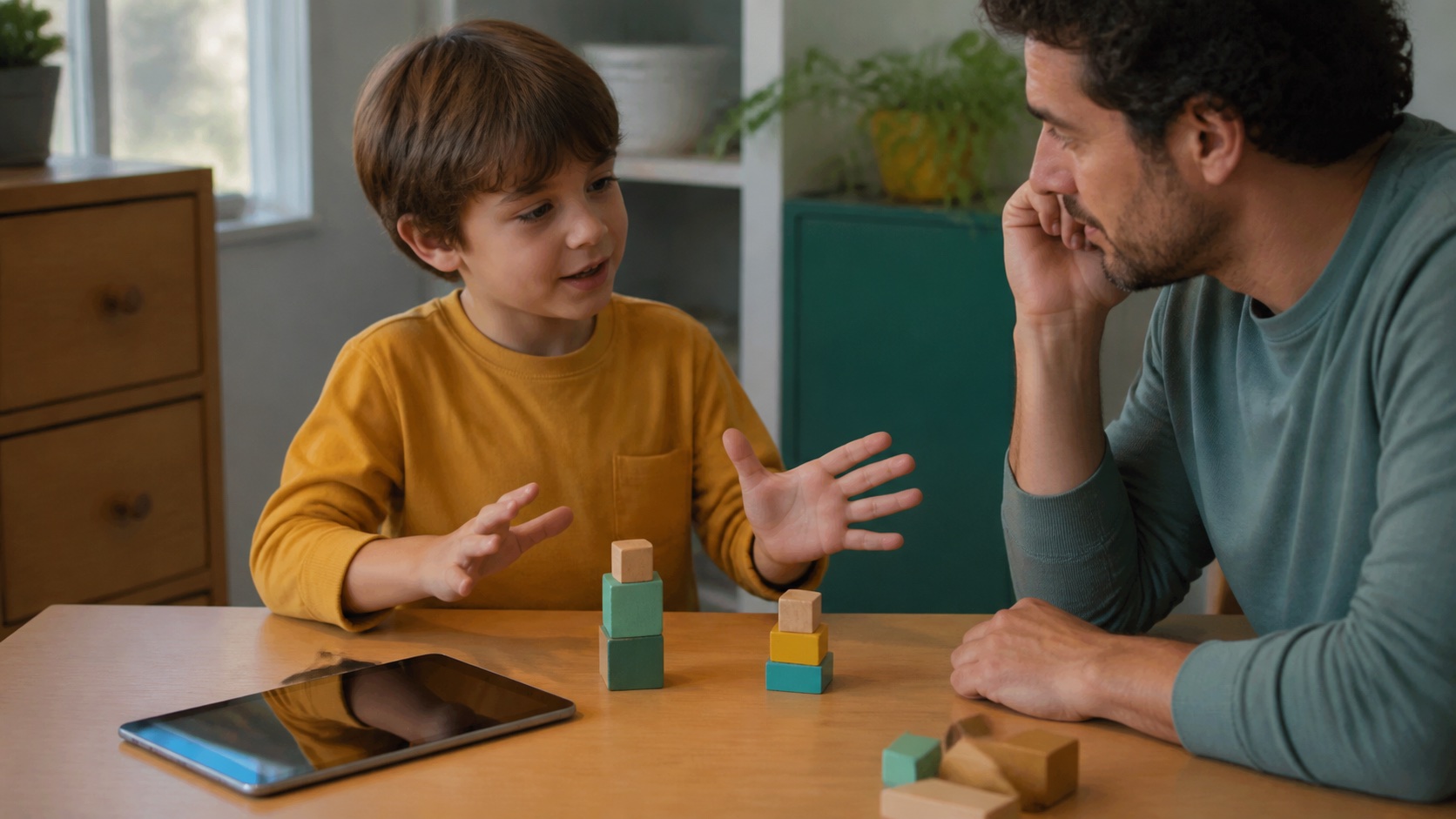
An educational app has not proved learning because a child advances levels inside it. Progress may reflect remembered screen positions, repeated answer choices, generous cues or rewards rather than knowledge available elsewhere.
Name one capability, record an off-screen baseline, use the app for a bounded period and test the same idea in four different contexts. Keep the app only when improvement transfers, lasts and is worth what the activity displaces.
Define “Works” Before Downloading
“Teaches math” and “builds reading” are too broad to test. Write an observable target: identify letter sounds, compare quantities to ten, blend simple words, explain a science relationship or use a calming strategy without the app.
Then define the population and setting. An app that helps a preschooler practice counting with an adult may not help an older child transfer multiplication facts independently. Evidence from a school routine may not predict unsupervised home use.
Finally, decide what improvement would matter and what the app must not replace. Entertainment, motivation and learning can all be legitimate goals, but they require different evidence.
Read Research Claims With the Measure in View
A meta-analysis of 36 educational-app intervention studies and 285 effect sizes found positive average effects in early literacy and mathematics. Many included apps were embedded in school contexts, not simply handed to children at home.
A 2025 Harvard CEPR summary emphasizes that effects vary by skill, learner and measure: gains were larger for constrained skills and researcher-developed assessments, while standardized measures showed smaller effects. This does not invalidate app learning; it means near tests can overstate broad transfer.
Ask whether a claim comes from a randomized comparison, how many children participated, who delivered the activity, what the comparison group did, whether the measure resembled the app and whether results persisted.
Audit the App Before the Child Uses It
Target
Does the activity practice the capability you named, or a visually similar but easier behavior?
Thinking
Must the child retrieve, choose, explain and revise, or mainly tap, trace and follow animation?
Feedback
Does feedback reveal why an answer works and support another attempt without solving everything?
Design
Do rewards, ads, autoplay and decorative sounds support attention to the idea or compete for it?
Data
What information is collected, shared or retained, and can the activity work without an unnecessary child profile?
Exit
Can the child stop easily and use the idea away from the device?
Run the Two-Week Transfer Test
Use one target and six checkpoints
- Baseline: before app use, sample three to five off-screen tasks without teaching.
- Bounded use: choose a short, consistent schedule and record actual minutes and adult help.
- In-app performance: note cue level, retries and whether answers survive new examples.
- Immediate transfer: test the same relationship on paper, in conversation, play and a real situation.
- Delayed transfer: repeat new examples two to seven days later without reopening the lesson.
- Independence: check whether the child explains and performs without app language, animations or adult prompts.
Do not practice the exact transfer items beforehand. Otherwise the test becomes another lesson rather than evidence of what generalized.
Use Four Transfer Contexts
Paper
Change the layout, symbols or answer format while preserving the underlying idea.
Conversation
Ask the child to explain how they know, predict an outcome or teach the idea to you.
Play
Embed the skill in blocks, pretend play, cards, drawing, movement or a child-created challenge.
Real world
Use the idea during cooking, shopping, travel, reading, observation or a genuine problem.
An app may legitimately build only a narrow subskill. If letter-sound retrieval improves but reading does not yet change, describe that result accurately rather than calling the app either a miracle or failure.
Inspect Feedback and Adaptivity
“Adaptive” can mean the software changes difficulty, repeats missed items or simply changes rewards. Observe what happens after an error. Does the app diagnose a misconception, offer a meaningful representation and retest the idea? Or does it highlight the correct button until the child taps it?
Good feedback leaves a cognitive job for the child. After a cue, the learner should attempt a new item and explain the correction. Endless celebration can obscure whether the child knows why an answer is right.
For AI-powered apps, ask what inputs drive adaptation and whether generated explanations are reviewed for age, accuracy and curriculum alignment. Personalization is not evidence of effectiveness.
Count Opportunity Cost
Twenty minutes of app use may replace passive waiting, or it may replace conversation, sleep, movement, outdoor observation, handwriting, manipulatives or shared reading. The same learning gain has a different value in those two cases.
Record what the app displaced during the two weeks. Also observe transition cost: bargaining before stopping, continued preoccupation, irritability or a longer bedtime routine. Engagement is useful only if it remains governable.
Keep a strong app as one component of instruction. The evidence base does not support assuming that a device should replace responsive adults, physical materials or broad real-world practice.
Treat Privacy as Part of Educational Quality
An app can teach effectively and still be a poor choice if it collects unnecessary voice, location, contacts, identifiers, behavioral profiles or advertising data. Use the least-data version, avoid real child details in open text fields and review deletion and sharing controls.
The U.S. Federal Trade Commission finalized COPPA Rule amendments in 2025, including separate parental consent for certain third-party disclosures. Legal compliance is a floor, not a complete quality test, and rules vary by place.
Schools should disclose who contracted the product, what data flow occurs and what non-digital alternative exists. Families should not have to trade avoidable data for basic access to learning.
Make a Keep, Modify or Remove Decision
- Keep: independent off-screen performance improves, the target matters, use remains bounded and the data practices are acceptable.
- Modify: learning appears only with prompts, transfer is narrow or adult co-use could connect the screen to real objects and language.
- Remove: progress is cosmetic, errors teach little, stopping is consistently disruptive, privacy is unacceptable or the app displaces a clearly better activity.
Record the decision and evidence in two sentences. Re-evaluate after the child outgrows the target; an effective app can become empty repetition.
Do Not Turn the Test Into a Product Ranking
The same app can produce different results by child, goal and context. A product list ages quickly and invites brand competition; the transfer test remains useful when interfaces and AI features change.
Consult a teacher or specialist when the child needs targeted intervention, accommodations or progress monitoring. Consumer apps should not delay evidence-based instruction or evaluation.
The decisive question is simple: after the prompts, animations and rewards disappear, what new capability does the child still own?
Frequently Asked Questions
-
Some do, especially for specific early literacy and math skills, but effects vary by design, learner, setting and assessment. Test whether gains appear off-screen and persist.
-
Two weeks is long enough for a practical first comparison if use is consistent and the target is narrow. Include a baseline and delayed off-screen check rather than relying on the app's progress dashboard.
-
It should target a defined capability, require meaningful thinking, provide informative feedback and support transfer. A school theme, alphabet characters or reward system does not establish learning.
-
Not automatically. Ask what the system adapts, what evidence supports it, how outputs are checked and whether the child learns independently. Personalization can improve fit or merely personalize engagement.
-
Co-use can help connect screen events to language and real-world action, especially for younger children. The adult should prompt explanation and transfer rather than perform the activity.