Lenovo IdeaPad 3i

What We Like
- Keeps a research paper, lecture video, and doc editor open at once
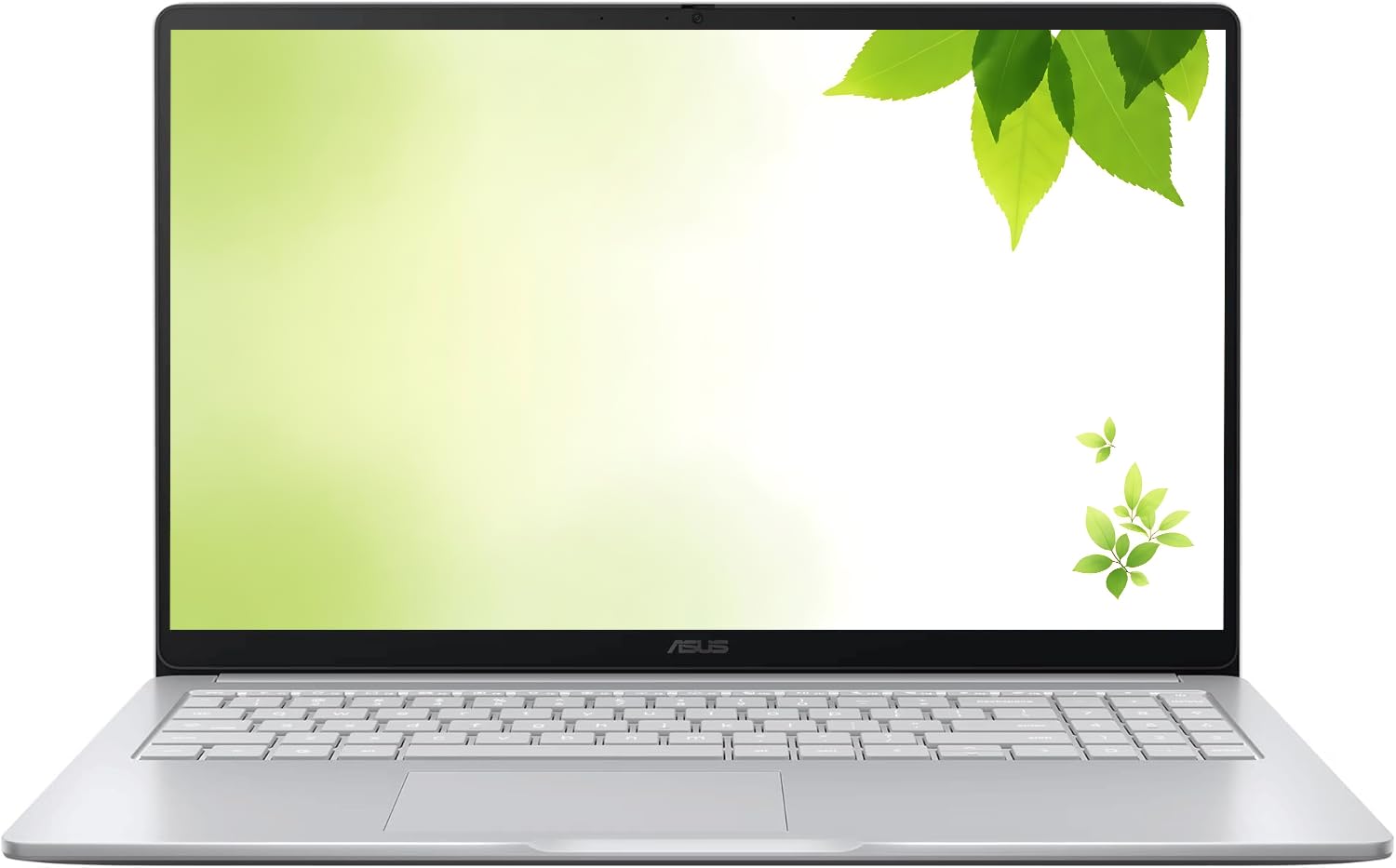
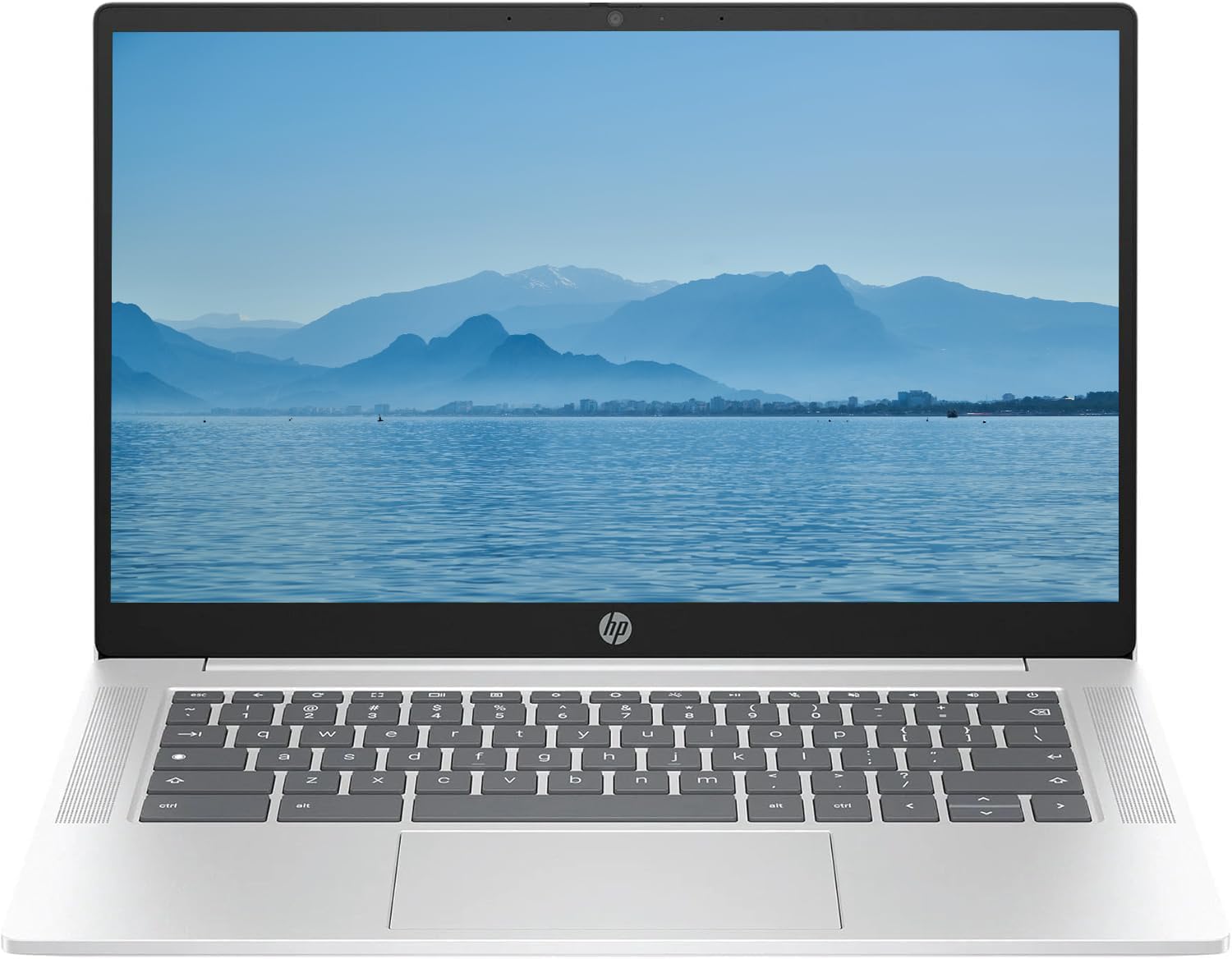
- Large 15.6-inch FHD screen fits two windows side by side for easier reading and note-taking.
- Simple set-up and responsive navigation make everyday schoolwork fuss-free.
- Holds up well for school and work tasks, from essays to web research.
Worth Noting
- In a bright room, the 45% NTSC gamut leaves colors looking flat
- Occasional WiFi or Bluetooth dropouts can interrupt a stream or video call on weaker home networks.
- RAM
- 8GB LPDDR4X
- Battery
- 10 hours
- Display
- 15.6-inch FHD
- Storage
- 64GB eMMC
Read the full review
8GB RAM is the defining advantage here: where 4GB budget Chromebooks stutter when a student stacks a research paper, a video lecture, and a doc editor beside each other, this Lenovo keeps all three alive without forcing a tab reload. The Celeron N4500 handles everyday schoolwork without lag, and the 15.6-inch FHD panel gives enough room to read a journal article next to a notes window without squinting — a real step up from the 1366x768 HD panels common at this price. For a student who lives in a browser, this removes the two biggest frustrations of budget Chromebooks at once.
Setup takes minutes — sign in and assignments start right away, and navigation stays responsive across typical school apps. Battery life runs to roughly 10 hours of mixed browser work, covering a day of back-to-back classes; sustained video streaming pulls it lower, so grabbing an outlet mid-day is worth planning. The 64GB eMMC storage holds coursework and a modest app collection, with heavier files living in Google Drive.
This fits a college student who runs several apps at once and wants a large, readable display — exactly the multitasking profile where 4GB rivals fall short. The honest tradeoff is the panel: colors render muted at 45% NTSC, which suits essays and research but falls short of photo editing or video color work, and occasional WiFi or Bluetooth dropouts can interrupt a video call on weaker home networks. There is no touchscreen, so students who prefer touch navigation should look to the touch model in this set instead.
Bottom line: A student who juggles a research paper, lecture video, and chat window will find this the rare budget Chromebook that holds all three at once on a screen large enough to read them — the premium over 4GB rivals buys an end to mid-session tab reloads.