Student Tech Product Guide

9 Best Voice Recorder for Lectures 2026: Clear Audio You Can Trust

Find a voice recorder for lectures that captures clear audio without reliability surprises — and decode misleading storage and battery claims along the way.

9 Best Voice Recorder for Lectures 2026: Clear Audio You Can Trust editorial illustration

Many lecture recorders advertise 9,000 hours of storage, a figure that only exists at the lowest bitrate — a setting that makes a professor's voice a hissy blur. That headline number says little about how the device sounds in a live hall, or whether it survives until finals. What matters is honest mic pickup and real battery life.

Reliability is where the category splits. Several budget favorites earn praise for price and capacity yet show a real share of units that stop working within months. A proven record matters most when a lost recording can cost you an exam grade, so choose by pickup distance and true run time, not advertised hours.

If you want automated notes instead of raw audio, plan for a monthly transcription subscription — every AI recorder gates full transcripts behind a recurring fee. That cost often exceeds the hardware price within a year, so decide it before you buy.

#1

Sony ICD-PX370

Sony ICD-PX370

Reliable lectures

Customer rating 4.5/5
Check Price

Worth Noting

  • In a dim auditorium, the display lacks a backlight for checking remaining recording time.
  • The start/stop beep can't be muted, so it stands out in a silent lecture or interview.
Ease Of Use
Simple start/stop
Battery Life
57 hrs, AAA
File Transfer
Built-in USB
Mic Performance
Distance pickup
Read the full review

The ICD-PX370's defining strength is dependable distance pickup — a lecturer's voice from the back of a hall comes through clear enough to transcribe word-for-word, something the budget capacity leaders in this set don't match. One-button start/stop and a fold-out built-in USB arm make recording a class as simple as pressing a key, then plugging straight into a laptop with no app or driver to install. Two AAA batteries drive up to 57 hours of recording at 128kbps MP3, and the overall build quality backs the mid-range price.

Real-world use matches that simple promise. Recording quality stays consistent whether you sit in the front row or the back, so moving seats mid-lecture changes little in what you hear back. Controls and folder structure are direct, and the small display keeps you oriented without constant attention. The unit remembers your settings between sessions, cutting the fiddling that comparable budget recorders demand. That steadiness matters most on the days a professor talks fast and you need every sentence preserved.

For students filling a lecture term, interviewers capturing conversations, and anyone who would rather press one button than manage files, this is the match — especially when your priority is clear pickup rather than advertised capacity. The honest limits sit here: the modest 4GB storage fills noticeably faster at high bitrate, and AAA batteries need spares for full lecture days. Mono recording suits speech but not music, so band or instrument work calls for a different unit.

The value question is straightforward. Budget rivals advertise 128GB and longer battery life on paper, but none match the Sony's distance pickup or the week-to-week consistency it delivers across a semester. With regular file offload, the 4GB rarely becomes a real constraint, making the mid-range price a fair trade for capture you can depend on. The trade-off matters only for buyers who need voluminous built-in storage, automatic transcription, or a rechargeable battery — those should look to the capacity-per-dollar leader and the AI note-taker in this lineup.

Bottom line: For the student who values capture confidence over storage headroom, the Sony does the one job that matters — and gets out of the way.

#2

EVIDA 128GB Recorder

EVIDA 128GB Recorder

Budget lectures

Customer rating 4.3/5
Check Price

Worth Noting

  • No transcription, speaker labels, or editing tools
  • Longevity varies by unit
Ease Of Use
6-level VOR
Battery Life
54 hrs
File Transfer
USB drive mode
Mic Performance
Distance pickup
Read the full review

The capacity-per-dollar story anchors this recorder: 128GB of storage and a 54-hour battery at a budget price, far beyond what the 4GB top pick offers. Voice pickup stays clear across a lecture hall, so front-row seating isn't required for intelligible audio.

Starting a recording takes a single button press, and mastering the controls doesn't require reading through the manual. The unit doubles as a USB flash drive, so files move to a laptop without extra software, while the four-folder filing keeps lectures and meetings sorted for later playback. A 6-level voice-activation mode leaves the recorder idle until speech begins, saving memory across long sessions. The compact body slides into a pocket or bag, so it can accompany lectures without feeling like extra gear.

This suits budget-conscious students and small meetings that want a full term of lectures stored without frequent file transfers. As an everyday capture device it fits comfortably, but it isn't one for mission-critical work. Buyers who need a multi-year guarantee or can't afford to lose an important session are better matched to the top pick.

Bottom line: This is the pick for students who record every lecture and rarely manage files — the capacity and battery handle a full term without effort.

#3

Plaud Note Pro

Plaud Note Pro

AI lecture notes

Customer rating 4.5/5
Check Price

Worth Noting

  • Without the companion app, the unit is a plain recorder
  • Some units have shown charging faults within the first couple of months
  • Past 300 free minutes monthly, transcription sits behind a paid subscription
Ease Of Use
Tap-to-start app
Battery Life
30 hrs claimed
File Transfer
Bluetooth + app
Mic Performance
Speech-optimized mics
Read the full review

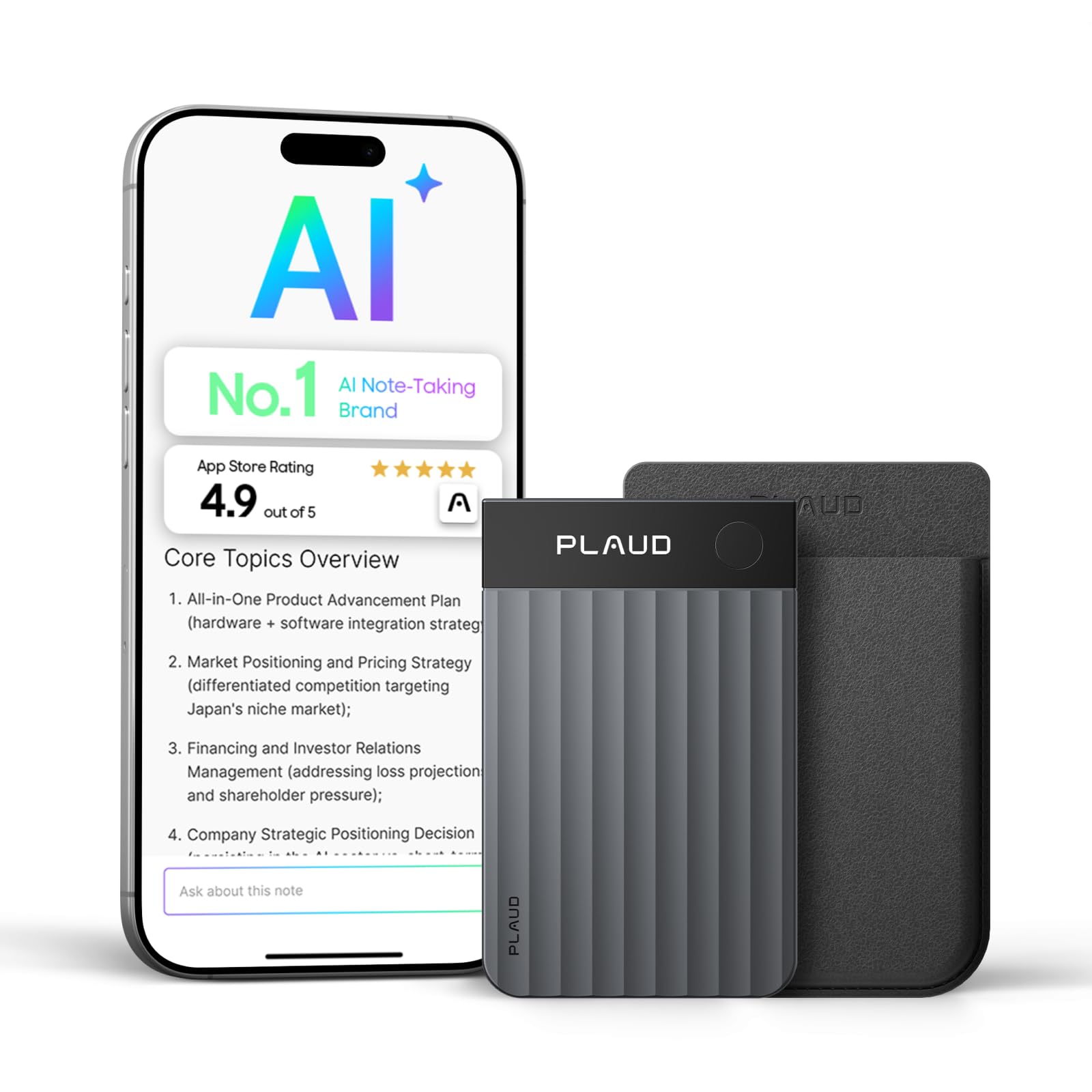
The Plaud Note Pro records audio and returns finished meeting notes — speaker-labeled transcripts and topic summaries in 112 languages, ready minutes after you hit stop. Where the top pick here leaves you scrubbing through playback, this unit hands back a clean summary to paste straight into notes. Accuracy holds with multiple speakers in one room, and the credit-card size with magnetic back clips to a phone for hands-free capture.

It suits professionals and students who want the outcome of a lecture or meeting, not the raw audio — anyone who transcribes their own notes or dreads typing them up. That value carries a condition: past 300 free minutes a month, full transcription moves behind a paid subscription, so the subscription is part of the real price, not an add-on.

A share of units have shown charging faults within the first couple of months, which makes it a weak fit for mission-critical recording until a replacement unit proves itself. For routine lectures and meetings, the convenience of finished summaries outweighs that variance.

The free monthly allowance covers 300 minutes of transcription — enough for a light lecture schedule, with paid plans for heavier use.

Bottom line: For anyone who wants meeting summaries instead of raw audio, the Note Pro turns speaking into finished notes on its own — fold the subscription into the price before buying.

#4

EVISTR 64GB Recorder

EVISTR 64GB Recorder

High-volume recording

Customer rating 4.2/5
Check Price

Worth Noting

  • Poorly translated setup manual leaves menu access and voice-activation levels to trial and error.
  • Disk errors and shutdowns can appear within the first year in some units, so important recordings warrant a backup.
Ease Of Use
Poorly translated manual
Battery Life
100 hrs claimed
File Transfer
USB-C
Mic Performance
Clear speech pickup
Read the full review

Clear speech pickup and a pocket-size body define the EVISTR's take on budget recording, keeping lecture voices and interview answers intelligible from across a room. Where the rock-bottom price pick in this set goes muddy in larger spaces, this unit holds clarity outdoors and across a lecture hall. A USB-C port and 64GB of storage round out a package that starts recording with no extra accessories, and playback is one button press away.

For a student filling a semester of lectures or an interviewer needing clear voice capture without a big spend, the honest tradeoff is longevity: some units have developed disk errors or shut down within the first year, so important recordings deserve a backup after each session, and the poorly translated manual makes early setup a matter of trial and error. That keeps it a dependable everyday recorder rather than the pick for mission-critical capture, where the top pick's track record carries more weight.

Battery life carries through a full day of classes, and the seven-level voice-activation sensitivity curbs background hum once the menu is configured. At a budget price this is the value-focused alternative to the top pick for anyone who wants clear speech capture without managing file sizes or carrying a second device.

Bottom line: For students and interviewers watching their budget, this captures clear lecture and interview audio in a pocket-size body — the value pick of the tier when the top pick's premium isn't in reach.

#5

Aomago 64GB Recorder

Aomago 64GB Recorder

Tightest budget

Customer rating 4.0/5
Check Price

Worth Noting

  • The instruction manual is near-illegible
  • Some units quit responding to record and playback within their first month.
Ease Of Use
Near-illegible manual
Battery Life
30 hrs claimed
File Transfer
USB transfer
Mic Performance
WAV speech capture
Read the full review

The Aomago crams 64GB of storage and a claimed 30-hour battery into a shell small enough for a shirt pocket, with sound that picks up a lecture clearly from across a mid-sized room. It lands at the lowest price tier in this set, undercutting the budget workhorse on cost while delivering the same clear-voice trick — the trade being that rival's lengthier field record.

Day-to-day the unit sustains a full week of lectures between charges, and the A-B repeat loop turns it into a capable study aid for language work. Sound quality holds up for meetings and lectures, and the 64GB of storage all but removes file management for a whole term. Voice-activation recording runs hands-free, so it can sit on a desk and capture a seminar without attention.

This is the pick for the budget-conscious student who prioritizes price over polish and will accept initial friction: the instruction manual is near-illegible, so plan to map the buttons by trial and error. The honest caveat is unit variance — a portion of units have stopped working within their first month, which rules it out for anyone recording an irreplaceable thesis defense. For casual lecture notes, language drills, and quick memos, the price makes that risk worth taking.

Spend a few minutes mapping the buttons before your first lecture — the controls are simpler than the documentation suggests.

Bottom line: For the budget student who wants the most storage per dollar in this set, this is the right buy.

#6

Pocket AI Recorder

Pocket AI Recorder

AI alternative

Customer rating 4.4/5
Check Price

Worth Noting

  • The magnetic back can leave permanent marks on softer phone-case materials.
  • Unlimited AI transcription carries a recurring subscription fee on top of the premium price.
Ease Of Use
Simple app setup
Battery Life
4 days claimed
File Transfer
Bluetooth app
Mic Performance
—
Read the full review

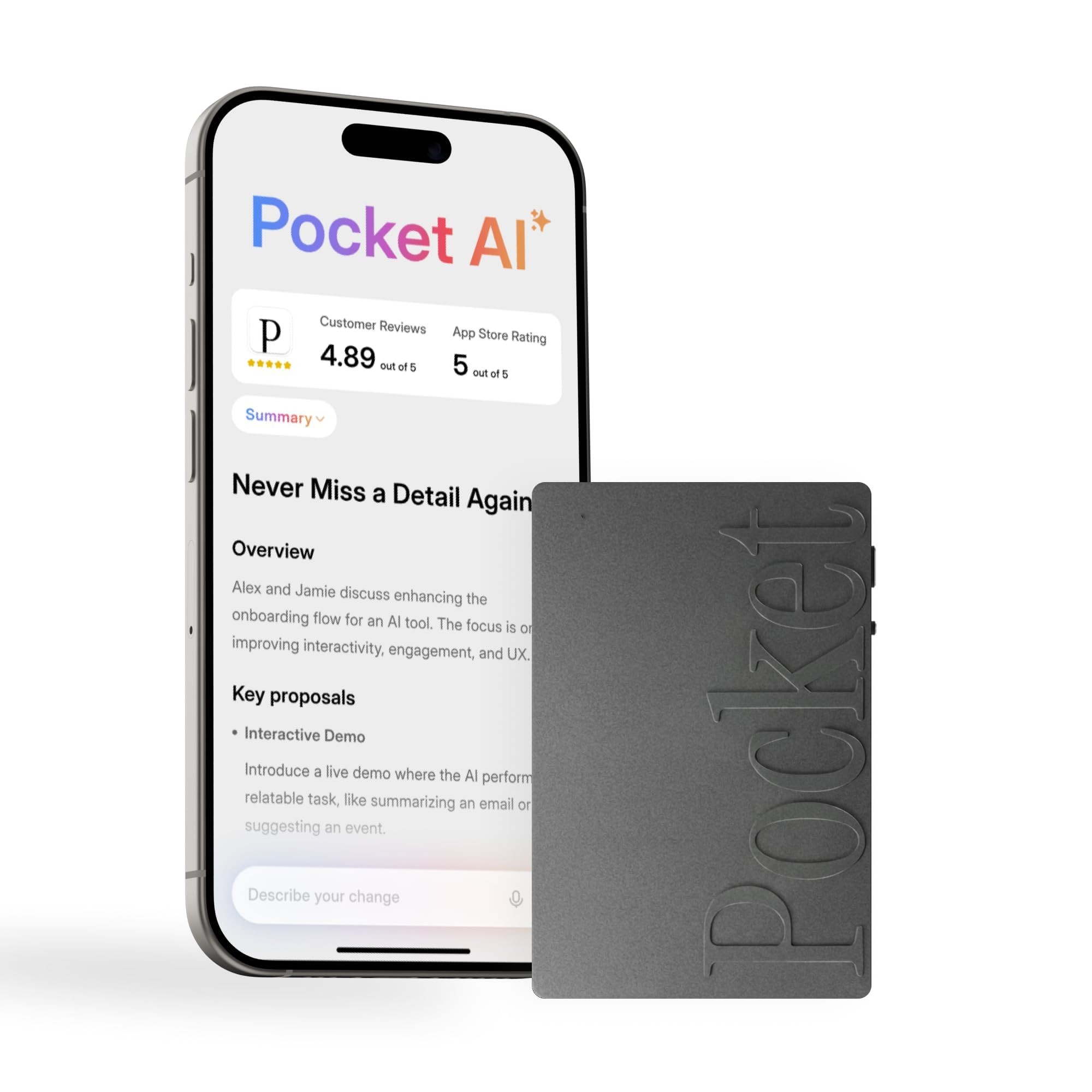
The Pocket AI Recorder delivers clean transcription with automatic speaker labels, plus summaries that give a clear meeting recap. The magnetic card clips to a phone back for one-hand capture between meetings, and the finish feels solid in hand.

Unlimited transcription requires a recurring subscription, the same gate that keeps this below the category-leading AI note-taker, and the magnetic attachment can mark soft phone-case materials. iPhone users recording back-to-back meetings get real value from auto-generated action items; buyers who only want raw audio should pick a simpler unit instead.

Bottom line: Best for iPhone owners working a packed meeting schedule who want the AI summaries handled for them — the magnetic fit narrows on non-iPhone setups.

#7

Comulytic Note Pro

Comulytic Note Pro

Budget AI notes

Customer rating 4.4/5
Check Price

Worth Noting

  • AI transcription and summaries require the companion app, leaving the device itself a basic recorder
Ease Of Use
Tap-to-start app
Battery Life
45 hrs claimed
File Transfer
Wi-Fi + Bluetooth
Mic Performance
—
Read the full review

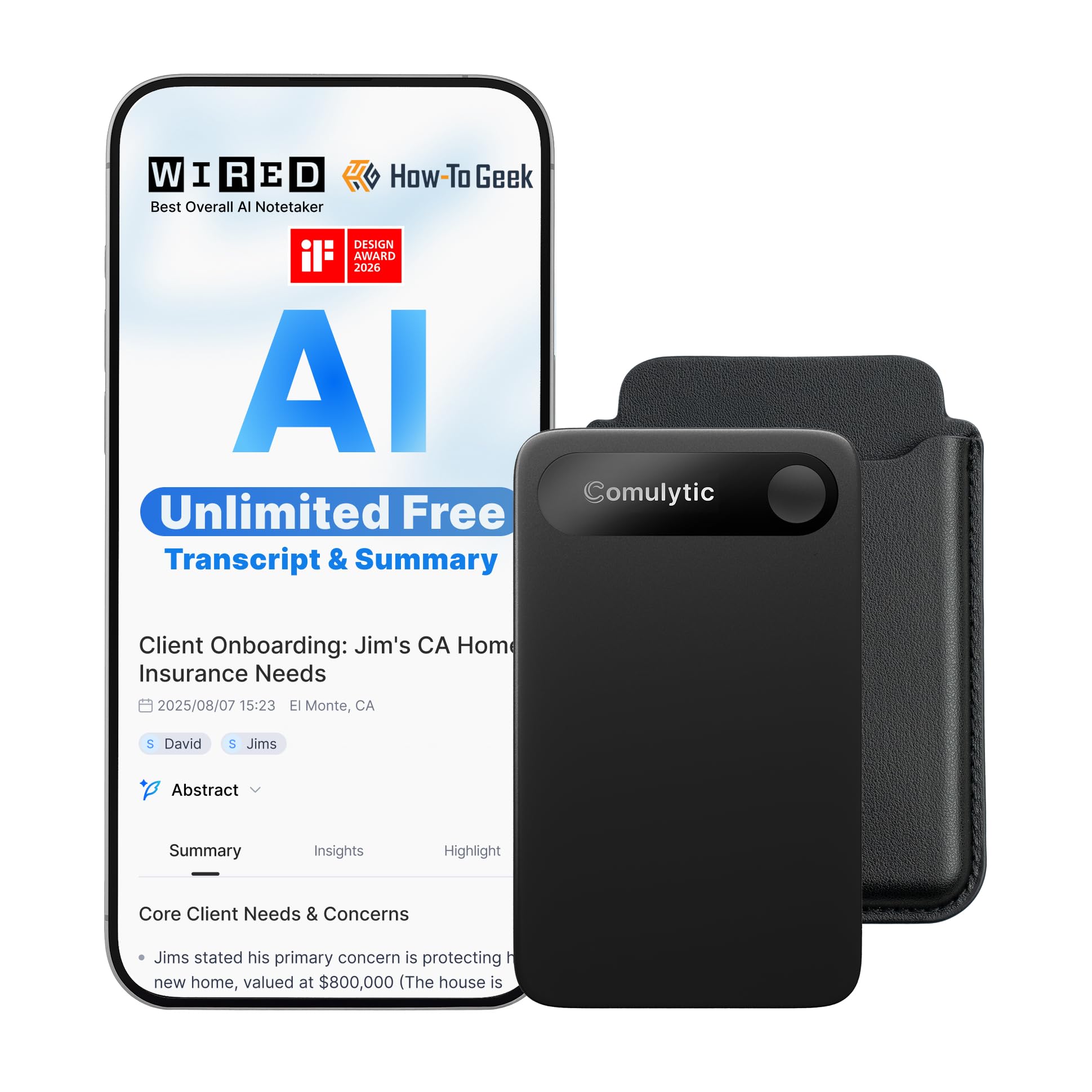
Tap-to-start recording produces accurate transcriptions and speaker-labeled summaries in 113 languages, turning hour-long lectures and meetings into searchable notes without replay. At a mid-tier price it undercuts the Plaud flagship while delivering close to the same AI output, and the 3mm magnetic body clips to a notebook or phone.

The tradeoff is the companion app: transcription, summaries, and cloud backup all live there. That suits people who keep a phone close by and want searchable notes without weekly file management; buyers wanting a fully standalone unit should start with the top pick.

Bottom line: Fits professionals and students who keep their phone handy and want AI meeting notes at a mid-tier price. Buyers who want a recorder that works fully standalone should start with the top pick instead.

#8

Sunlan 16GB Recorder

Sunlan 16GB Recorder

Simple dictation

Customer rating 4.2/5
Check Price

Worth Noting

  • The body is nearly toy-sized, too small for larger hands to hold comfortably.
  • The cheap plastic casing can shatter if the recorder is dropped.
Ease Of Use
Illegible manual
Battery Life
30 hrs
File Transfer
—
Mic Performance
Lecture pickup
Read the full review

At a rock-bottom price, the Sunlan captures lectures, phone calls, and church services with clean clarity, and the one-button operation needs no instruction. The 30-hour battery, MP3 playback, and voice-activation mode serve dictation and quick-note duty comfortably — a unit has even survived an accidental washing.

What keeps it below the runner-ups is long-term dependability: charge-holding faults have surfaced in some units, and the instruction pamphlet is nearly illegible. As a replaceable spare for dictation and quick notes, though, it fits its budget slot well.

Bottom line: For a student who needs a bare-bones backup recorder for one or two lectures a day and can treat it as disposable, the rock-bottom price makes the Sunlan a sensible spare.

#9

Tonfarb 136GB Recorder

Tonfarb 136GB Recorder

Huge storage

Customer rating 4.3/5
Check Price

Worth Noting

  • In large halls, occasional units capture speech with audible hiss rather than clean audio.
  • The advertised dual noise reduction doesn't hold for distance pickup in some units, so clean capture from across a room can't be assumed.
Ease Of Use
One-key record
Battery Life
68 hrs
File Transfer
Line-in, MP3
Mic Performance
Dual noise-reduction mics
Read the full review

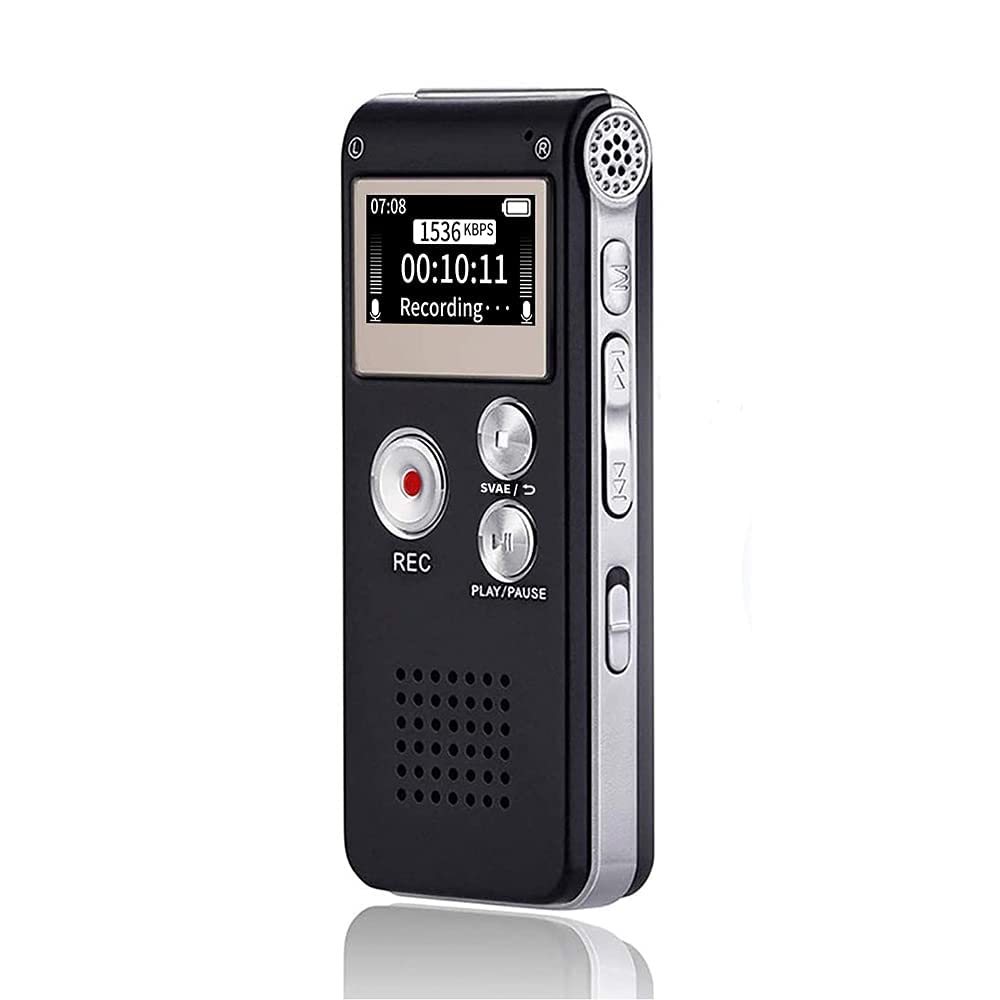
The Tonfarb packs the budget tier's largest storage — 136GB across built-in memory and a TF card — alongside a 68-hour battery that clears consecutive class days without recharging. One-key record and save plus a pocketable body keep everyday operation simple, and the PCM format at 1536 kbps with voice activation covers meetings and interviews comfortably.

The tradeoff for that capacity is audio dependability, since capture quality can vary between units and the advertised dual noise reduction isn't a guaranteed result. That makes it a fit for students who want maximum storage headroom and can tolerate an occasional re-record, but not for anyone who needs crisp capture from a single large-hall lecture they can't redo.

Bottom line: Fits students who want a semester's worth of storage and battery headroom at a budget price and can accept re-recording a garbled segment — not a pick for anyone whose single lecture must come out clean on the first take.

How to Choose

Microphone Quality

Dual noise-reduction microphones sound like a guarantee, but the algorithm matters more than the count. In a live hall, aggressive noise gating can strip out the teacher's voice along with the room hum, producing the muffled, hissy audio many budget units are known for.

What matters is the pickup pattern and how well it holds a voice thirty feet away without distortion.

Battery Life

Advertised run times are measured in controlled conditions, so a full day of lectures with playback and voice-activation drains faster than the box suggests. The safest pick is a unit with 50-plus hours of real endurance and a cell that doesn't degrade after months of weekly charging.

Replaceable AAA batteries, as on the Sony, remove the worst failure mode in this category — a lithium cell that simply stops accepting a charge.

Storage Capacity

Capacity figures like 9,000 hours are computed at 32 kbps, a bitrate far too low to hear a lecturer clearly. At the 1536 kbps PCM setting that actually captures intelligible speech, the same card fills roughly ten to twenty times faster.

Estimate your need at about 700 MB per hour of high-bitrate audio. A full semester of lectures fits comfortably in 64GB, while an 8GB unit forces constant offloading.

Ease of Use

One-button record and save is what separates a recorder you reach for daily from one you fight with. Voice-activation often triggers on room noise or fails to start when the professor begins, so a dependable manual start beats VOR for lectures.

Documentation quality varies widely across this category, with several well-reviewed budget recorders shipping illegible, poorly translated manuals. A brand with a clear manual saves more time than any extra feature.

File Transfer and Playback

Direct USB transfer is the fastest, most dependable way to move lecture audio to a laptop — many budget recorders double as a flash drive and need no software at all. Bluetooth and app-based transfer, typical of AI recorders, is slower and often routes files through a cloud service tied to a subscription.

Check that the built-in speaker and headphone output are clear enough for quiet review of your notes.

Frequently Asked Questions