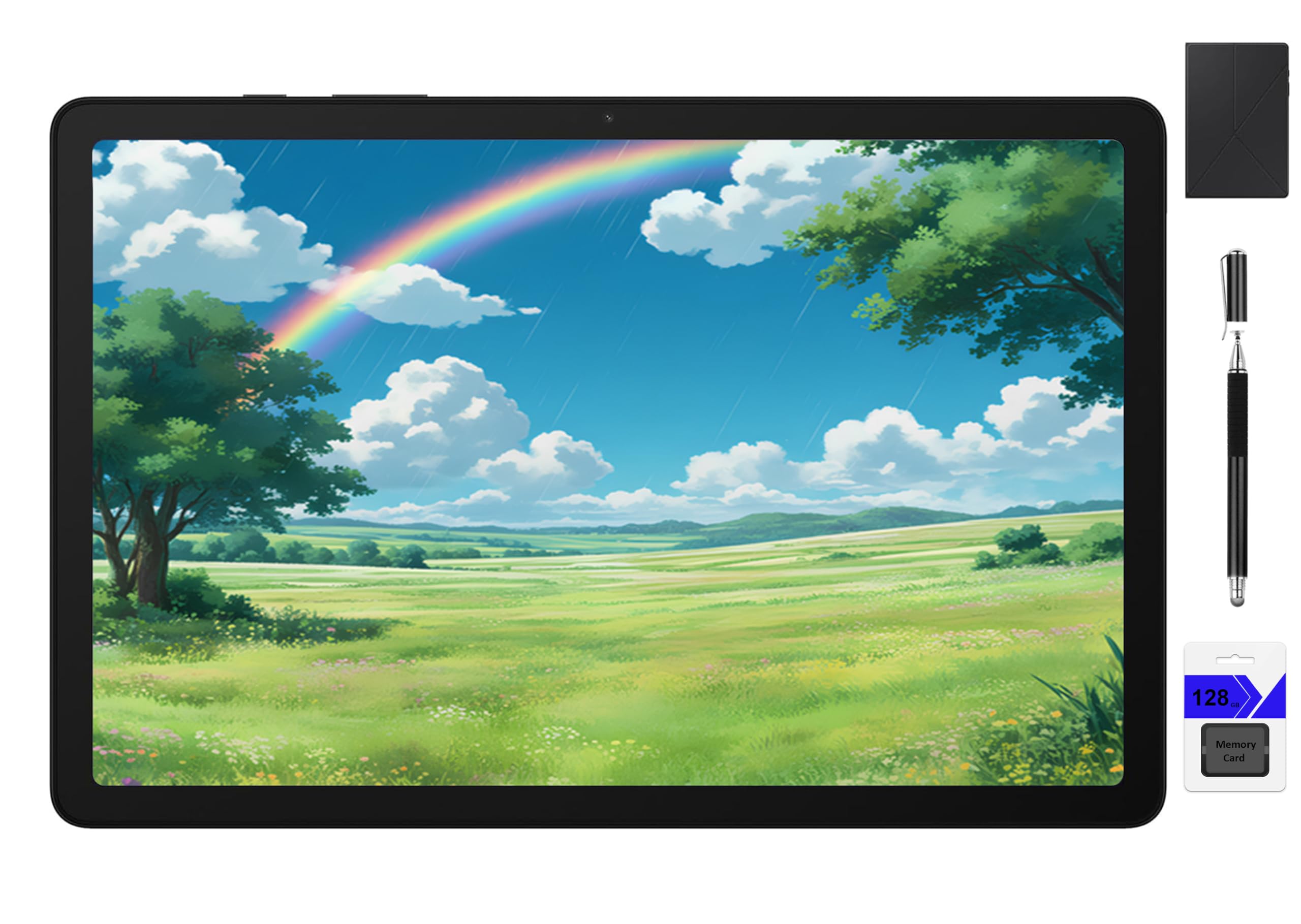
Lenovo Idea Tab 11

What We Like
- Bundled stylus handles PDF annotation and handwritten notes straight out of the box.
- Crisp 2.5K IPS panel at 500 nits keeps dense textbook text sharp and comfortable.
- 8GB RAM with the Dimensity 6300 keeps study apps and split-screen tasks responsive.
- 12-hour battery on a 7216 mAh cell covers full days of lectures and reading.
- Solid build with a complete kit
Worth Noting
- Bundled stylus suits notes and PDF markup, but sketch artists will want a dedicated drawing pen.
- microSD expansion isn't guaranteed on every unit
- Screen
- 11-inch 2.5K, 90Hz
- Battery
- 12 hr, 7216 mAh
- Pen Support
- Tab Pen included
- RAM & Storage
- 8GB, 256GB, expandable
Read the full review
The Lenovo Idea Tab is the only tablet in this set that ships with a stylus, folio case, 2.5K screen, and 256GB storage at a mid-range price — a package built around textbook markup rather than casual media. The 11-inch IPS panel (2560x1600, 500 nits) renders dense PDF text with sharp, high-contrast clarity, and the 90Hz refresh keeps page scrolling smooth. Eight gigabytes of RAM and the MediaTek Dimensity 6300 keep study apps and split-screen multitasking responsive when jumping between a PDF, a notes app, and a search tab.
Marking up documents is where the bundle earns its place. The included Tab Pen delivers highlighting and handwritten margin notes directly on PDFs — the workflow at the heart of grad-school reading — and the folio holds the tablet upright for long reading sessions without a separate stand. The 12-hour battery on a 7216 mAh cell carries a full day of lectures, library work, and evening reading on a single charge, so a charger rarely needs to travel with the tablet. The folio doubles as screen protection when the tablet rides in a backpack between classes.
Android 15 ships with Google Play, so textbook platforms like Kindle, OverDrive, and course-specific apps install without workarounds. The 500-nit display stays legible near bright windows, and the 90Hz panel keeps long document sessions comfortable on the eyes. For a tablet at this price, the chassis feels sturdier than typical — no creaks or flex when holding it one-handed.
This is the pick for college students who annotate PDFs and take handwritten notes, and for anyone who wants a complete study kit out of the box rather than paying extra for accessories later. Two boundaries apply. The microSD slot has come back non-functional on some units, so the 256GB internal storage is the working ceiling rather than the first step of an expandable setup. The bundled stylus handles notes and markup well but stops short of drawing-grade precision, so dedicated sketch artists will want a premium pen. Strict budget shoppers below $120 and anyone set on an iPadOS device should look elsewhere — the mid-range price buys the screen, pen, and storage, not a closed ecosystem.
Test the microSD slot before moving important files to it — the 256GB internal storage comfortably covers a semester's materials.
Bottom line: For students who live in PDFs and margin notes, this tablet makes annotation feel native — the screen, pen, and storage all pull in the same direction.