Dorm & College Product Guide

11 Best Monitors for College Students in 2026: Which Stay Reliable

Find a dependable monitor for dorm-room study and gaming without overpaying, so your display survives the academic year.

11 Best Monitors for College Students in 2026: Which Stay Reliable editorial illustration

A monitor is one of the few purchases that follows you through four years of late-night essays, video lectures, and the occasional multiplayer session. Most budget listings look identical on paper, yet the real difference shows up months later. That is why the buying decision comes down to one question: will this display still be working when finals arrive?

The trade-off starts with refresh rate and panel type. A 144Hz claim often delivers only 120Hz in practice, and an IPS panel gives you better color for reading and design work but costs a little more than a VA panel. Meanwhile, built-in speakers on budget monitors are consistently underwhelming, so expect to use headphones no matter which model you choose.

A reliable 24-inch IPS with 120Hz hits the sweet spot for most students, but ergonomics and warranty length matter more than the spec sheet suggests. This guide separates the dependable workhorses from the disposable deals so you can match the monitor to how you actually study and play.

#1

LG 24U411A-B

LG 24U411A-B

All-around use

Customer rating 4.6/5
Check Price

Worth Noting

  • In sunlit rooms the panel can look dim
  • The stand offers no tilt or height adjustment, and a bump can detach the panel from its mount.
Panel Type
IPS
Screen Size
24 inch
Refresh Rate
120Hz
Adjustability
Fixed stand
Read the full review

The LG 24U411A-B pairs a 120Hz IPS panel with HDR10 for a mid-range price, putting smooth scrolling and accurate color on a student's desk without the premium cost that usually tags that combination. The IPS screen keeps text and whites crisp from wide viewing angles, an advantage during long reading and essay sessions where you rarely sit dead-center. Reader Mode shifts to warmer tones and Flicker Safe limits backlight pulse, both easing eye strain during late-night study stretches. HDR10 support lifts bright highlights in supported streams and games above the flat look of standard panels. The 120Hz refresh makes browser scrolling and casual games feel noticeably fluid — a clear step up from the 75Hz panels that dominate this price bracket.

Setup takes under a minute through the single HDMI port — plug in and the panel is ready. The 1500:1 contrast ratio gives dark scenes in movies and games tangible depth, so an evening of streaming holds its own against pricier screens. Day-to-day, the panel carries lecture notes, spreadsheet work, and video calls without visual strain, and the slim base leaves most of a small dorm desk free for books and a laptop. The single HDMI input pairs cleanly with a laptop adapter, keeping cable clutter low in a tight space.

Students who dock a laptop and keep the panel at one angle get the most from this LG. Buyers who need to raise, tilt, or re-angle the screen after setup should look at the tilting stand in this roundup instead — the fixed stand here suits a stationary desk. Around coursework, casual gaming, and streaming, the panel holds a strong middle ground; it suits anyone who wants one monitor that covers both lecture work and downtime without compromise.

Pick up a low-cost VESA mount to add tilt control and a more adjustable setup for long study sessions.

Bottom line: Students who want smooth 120Hz scrolling and accurate IPS color at a fair price get exactly that here — a balanced daily driver for coursework and downtime.

#2

Philips 22" 221V8LB

Philips 22" 221V8LB

Budget reliability

Customer rating 4.6/5
Check Price

Worth Noting

  • Colors can look slightly washed out on the VA panel
  • Stand tilts but won't raise, so taller desk setups need a VESA arm to adjust height
Panel Type
VA
Screen Size
21.5 inch
Refresh Rate
100Hz
Adjustability
Tilt only
Read the full review

A four-year manufacturer warranty sets this 75-dollar VA panel apart from budget rivals, where a one-year policy is the norm. The 100Hz refresh handles browsing, streaming, and light gaming smoothly, and the 3000:1 contrast adds depth to text and video. Where the 144Hz budget gamble chases raw speed, this Philips plays the long game — a priority that suits a student desk.

This fits the budget-conscious student who wants a dependable workhorse for documents, research, and occasional gaming on a small dorm desk. The stand tilts but won't raise the screen, so taller or standing setups should count on a VESA arm. Colors can look slightly washed out on the 21.5-inch VA panel, making it better suited to coursework than color-critical photo editing.

Bottom line: For a student setup that values a monitor lasting past graduation over maximum refresh, this Philips packs a four-year-warranted panel into a budget price.

#3

Sceptre 22" E225W-FW144

Sceptre 22" E225W-FW144

Budget gaming

Customer rating 4.3/5
Check Price

Worth Noting

  • Built-in speakers are thin and quiet beyond basic audio
  • Some units deliver 120Hz rather than the claimed 144Hz in practice
Panel Type
VA
Screen Size
22 inch
Refresh Rate
Up to 144Hz
Adjustability
Tilt only
Read the full review

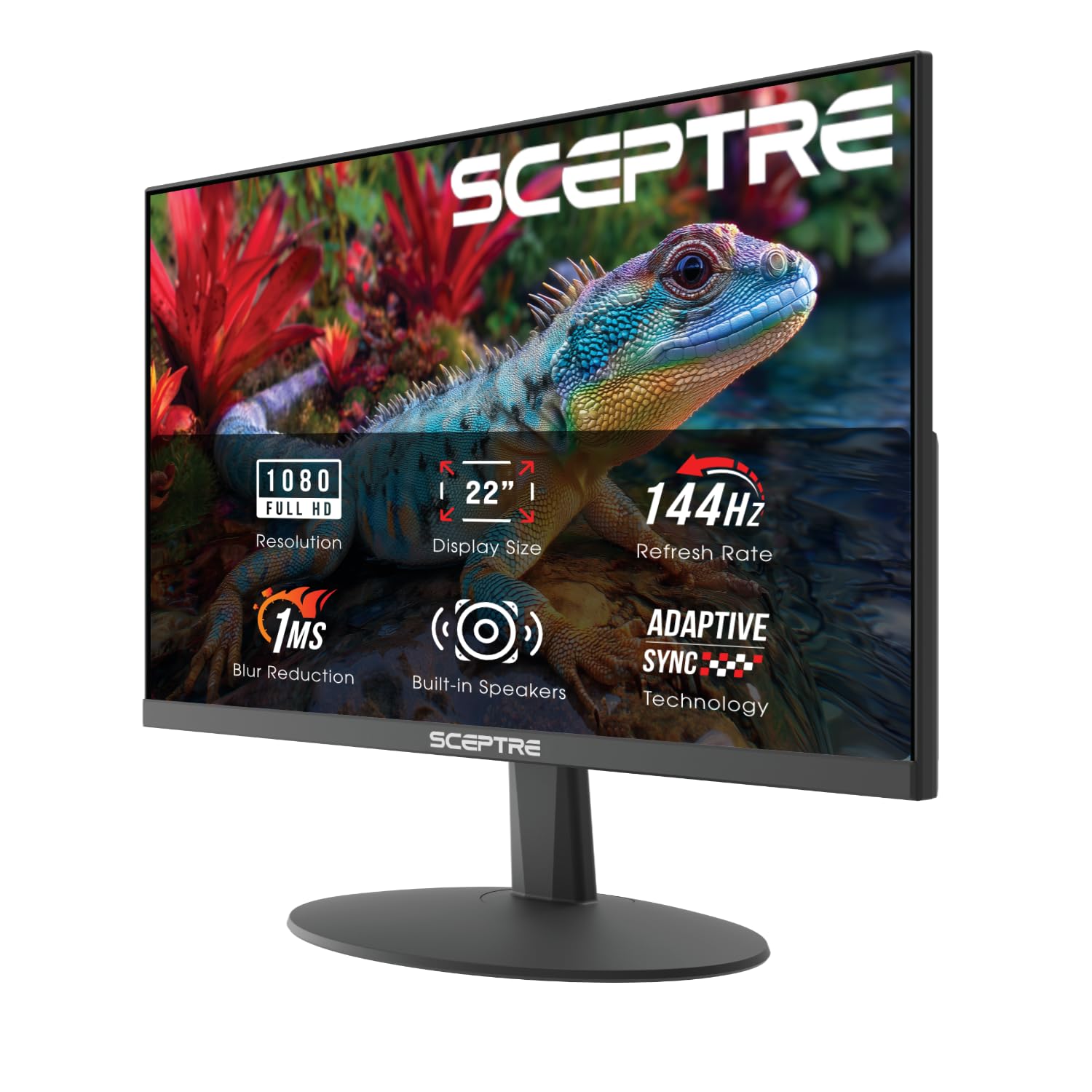
The up-to-144Hz refresh with a 1ms response and both HDMI and DisplayPort inputs make this the least expensive gaming-capable panel in this set. It costs a good deal less than the color-accurate top pick while pushing a higher refresh than the more conservative budget alternative, and picture quality stays sharp and clear for the money. Setup is quick and tool-free, with a blue-light shift mode for late-night work.

This fits the student on a tight budget who wants smooth motion for casual games and homework without paying a premium. The honest tradeoff: some units cap at 120Hz rather than the advertised 144Hz, and the built-in speakers run thin — a variance that comes with the lowest price in the class, one worth accepting for anyone who prioritizes speed over color.

Connect a headset or external speakers for sound — the built-in pair is thin.

Bottom line: For the casual-gaming student on a strict budget, this offers the strongest refresh-per-dollar value in the lineup.

#4

Amazon Basics 24" 75Hz

Amazon Basics 24" 75Hz

Ergonomic comfort

Customer rating 4.6/5
Check Price

Worth Noting

  • 75Hz refresh caps smoothness below the 120Hz+ panels in this set
  • Built-in speakers are barely audible, so a headphone or external speaker setup is needed
Panel Type
IPS
Screen Size
24 inch
Refresh Rate
75Hz
Adjustability
Tilt stand
Read the full review

The Amazon Basics 24-inch trades the top pick's 120Hz for what that LG lacks: an adjustable tilt stand. The tilt mechanism engages smoothly and holds position, adapting the screen to your seating height, while the IPS panel keeps a clean 1000:1 contrast at 75Hz — smooth enough for long document sessions, web research, and side-by-side dual-monitor spreads. HDMI, DisplayPort, and VGA inputs cover older laptops and dorm setups alike.

This is built for the student who spends full days writing and reading rather than chasing frame rates. The 75Hz refresh stays comfortable for text work but sits below the 120Hz+ panels in this set, and the built-in speakers are barely audible — headphone users won't mind. VESA compatibility opens up monitor-arm mounting when the tilt reach has limits, a sensible upgrade path.

Headphones handle the audio duty — the panel's picture quality is the reason to grab this monitor.

Bottom line: For the student who wants a comfortable daily driver at a fair price, the adjustable stand is what separates this from the top pick — just keep headphones nearby.

#5

Samsung 27" S36GD

Samsung 27" S36GD

Immersive viewing

Customer rating 4.5/5
Check Price

Worth Noting

  • On a shallow desk, the curve's extra depth may push the screen closer than a flat panel.
  • The fixed stand offers no tilt or height adjustment, so the panel may sit off your natural eye line.
Panel Type
VA (curved)
Screen Size
27 inch
Refresh Rate
100Hz
Adjustability
Fixed stand
Read the full review

The 1800R curve and 27-inch VA panel wrap movies, games, and long reading sessions around your field of view — a presence the flat 24-inch IPS monitors in this lineup don't attempt. The 3000:1 contrast ratio gives dark scenes real depth, and 100Hz keeps motion smooth enough for casual gaming and everyday multitasking alike. This is the entertainment-first screen of the set, where the flat top pick prioritizes color accuracy for productivity.

Best suited to the student who spends evenings streaming or gaming and wants a large, immersive canvas. The stand is fixed — no tilt or height adjustment — so arrange chair and desk around the panel rather than the reverse. The curve also reaches forward an extra inch or two, which can crowd a shallow dorm desk, so measure your space before ordering.

Set the monitor on a riser or a few books so the fixed panel lands at your eye line.

Bottom line: Right for the student who wants a big curved canvas for games and movies and has desk room to spare.

#6

Dell 27" S2725HSM

Dell 27" S2725HSM

Premium versatility

Customer rating 4.4/5
Check Price

Worth Noting

  • On a shallow dorm desk, the chunky adjustable stand and 27-inch panel demand more depth than the compact budget picks.
  • Premium pricing puts it well above the budget mains in this set
Panel Type
LCD
Screen Size
27 inch
Refresh Rate
144Hz
Adjustability
Full ergonomic
Read the full review

The Dell 27 Plus pairs a 144Hz IPS-like panel with a stand that adjusts in every direction — height, pivot, swivel, and tilt — where the curved Samsung in this set offers none of that movement. The 1ms response keeps rapid scrolling and research multitasking fluid, and the built-in 3W speakers produce noticeably more usable audio than the weak sound on budget rivals.

Built for the student who spends eight hours at a desk and wants a professional-grade setup: full ergonomic control, sharp 1080p across 27 inches, and TUV-certified eye care for long study blocks. Long-term durability is less substantiated than the more established budget mains in this set — a boundary worth weighing for anyone who prefers the option with the longest track record.

Bottom line: For the student who treats their desk as a primary workspace and wants the full range of motion in one monitor, this is the panel to anchor a study corner to.

#7

SANSUI 22" ES-22X3AH

SANSUI 22" ES-22X3AH

Dual monitor setups

Customer rating 4.5/5
Check Price

Worth Noting

  • An occasional cracked frame on delivery makes a quick unboxing check worthwhile
Panel Type
VA
Screen Size
22 inch
Refresh Rate
120Hz
Adjustability
VESA mountable
Read the full review

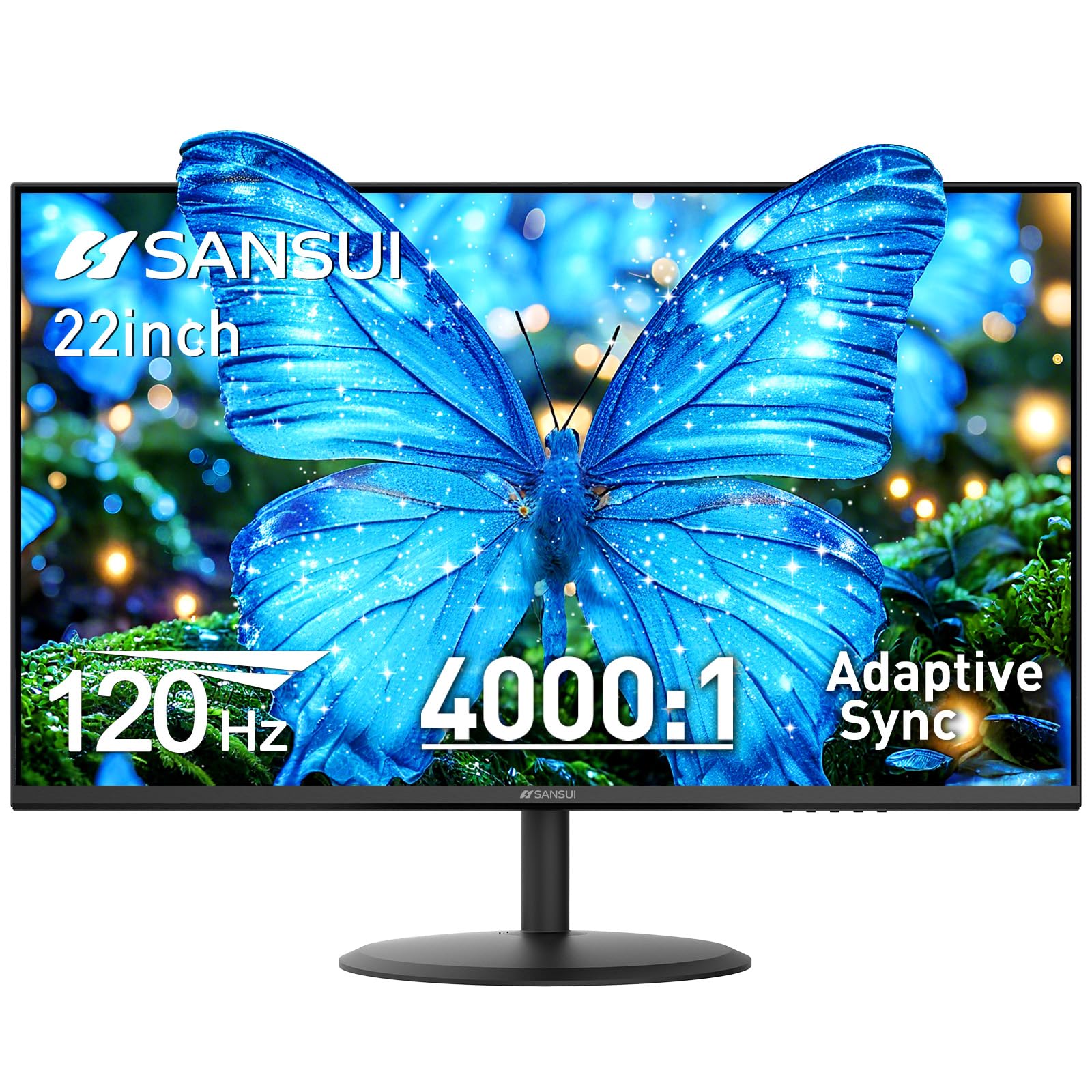
The SANSUI delivers a smooth 120Hz VA panel with a 4000:1 contrast ratio and VESA mounting at a budget price. Colors come across bright and vivid, and the easy arm or wall mount makes it a natural fit for light office work and dual-monitor setups. It sits below the top picks because the advertised dual HDMI ports don't always arrive — some units ship with a single HDMI and VGA.

Bottom line: Best when a single video input covers your desk — light office work or a second monitor — within a tight budget.

#8

Samsung 24" S32GF

Samsung 24" S32GF

IPS color quality

Customer rating 4.5/5
Check Price

Worth Noting

  • Power button sits recessed on the back, requiring a blind reach to switch on
  • No built-in speakers, so external audio is required even for basic system sounds
Panel Type
IPS
Screen Size
24 inch
Refresh Rate
120Hz
Adjustability
Not specified
Read the full review

The S32GF keeps a flat 24-inch IPS panel running at 120Hz, delivering crisp, color-true image quality that holds up for spreadsheet grids, reading, and casual gaming alike. Two HDMI ports let a laptop and a console stay connected without swapping cables. The gaps that keep it from ranking higher are real but narrow: the power button sits recessed on the back and takes a blind reach, and there is no built-in speaker, so headphones or a small external speaker become part of the setup.

Bottom line: Fits students who already own headphones or a speaker and want clean IPS color at 120Hz without spending extra — the S32GF delivers that pairing clearly.

#9

KOORUI 22-inch E2212H

KOORUI 22-inch E2212H
Customer rating 4.5/5
Check Price

Worth Noting

  • On a desk that gets bumped, the stand allows noticeable wobble
  • As the primary display for daily coursework, some units stop working within the first months of ownership.
Read the full review

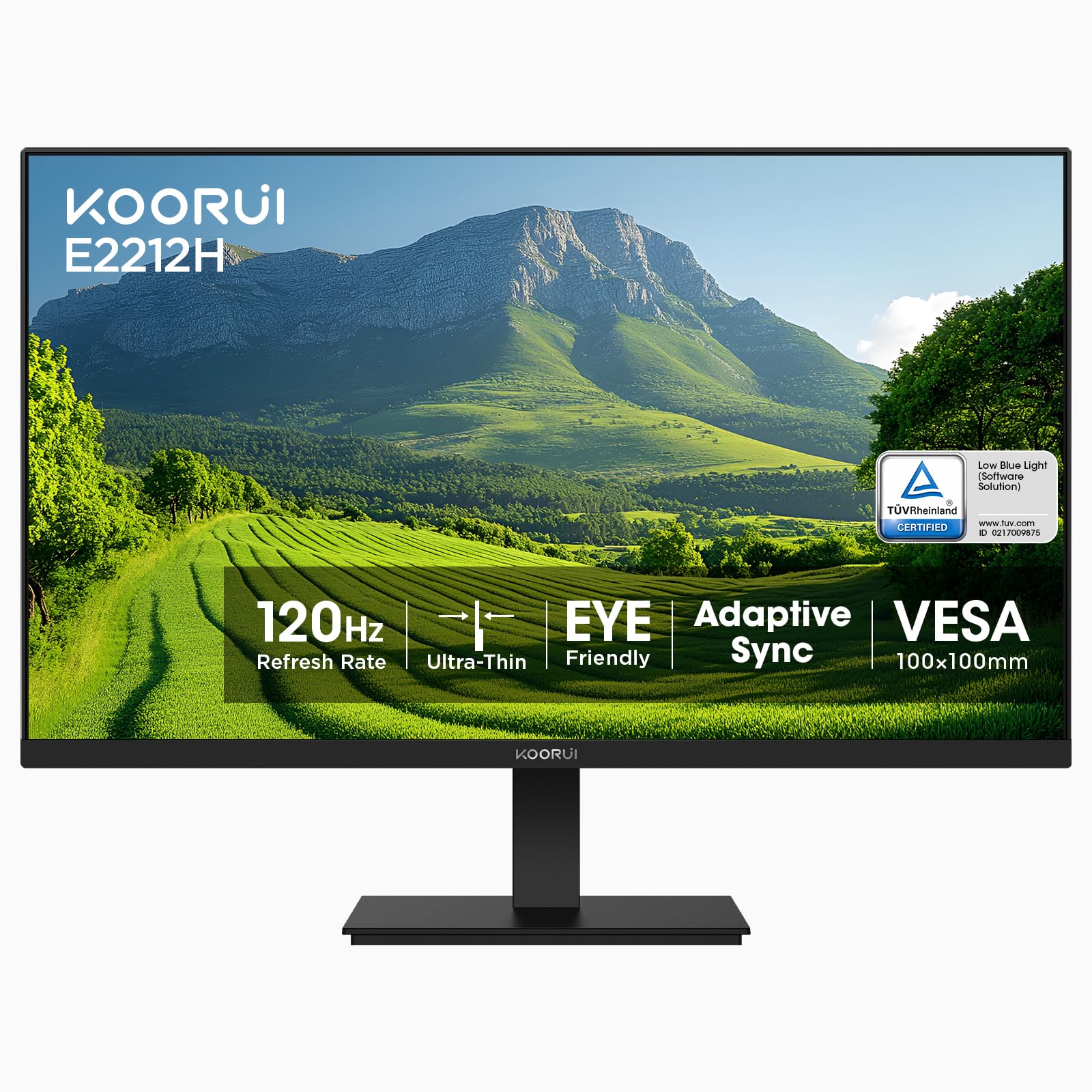
The KOORUI delivers a 120Hz VA panel and VESA mount support at one of the lowest prices in this lineup, and setup is genuinely plug-and-play for both gaming and coursework. The catch is durability: when it serves as the primary monitor for daily study, some units stop working within the first months, and the stand allows noticeable wobble on a desk that gets bumped. As a budget secondary screen the value holds; as a long-term primary, the risk outweighs the savings.

Bottom line: Only worth it when budget rules and the panel serves as a short-term or secondary screen — not the monitor you rely on for years.

#10

Samsung 22" S30GD

Samsung 22" S30GD

Compact desk spaces

Customer rating 4.5/5
Check Price

Worth Noting

  • Port set tops out at HDMI and VGA
  • Tilt-only stand feels flimsy and lacks height adjustment, limiting desk positioning for all-day study.
Panel Type
IPS
Screen Size
22 inch
Refresh Rate
100Hz
Adjustability
Tilt only
Read the full review

Compact 22-inch IPS panel renders crisp text and accurate color for note-taking and coursework on a small desk. Samsung's build shows in the clean picture and flicker-free backlight that eases long study sessions, and the minimal footprint fits tight dorm surfaces while 100Hz keeps scrolling smooth. But positioning options are limited: the tilt-only stand feels flimsy with no height adjustment, and the HDMI/VGA port set omits USB-C, so attaching a modern laptop requires adapters. Students who want an adjustable stand or single-cable USB-C connection will hit friction with this model.

Bottom line: Best for students who trust Samsung and need a compact, reliable 22-inch screen for basic productivity — provided a fixed tilt position and HDMI/VGA inputs work with their setup.

#11

ViewSonic 22-inch VS2247-MH

ViewSonic 22-inch VS2247-MH
Customer rating 4.4/5
Check Price

Worth Noting

  • Built-in speakers put out only weak volume
  • A unit can go dark within days of setup
Read the full review

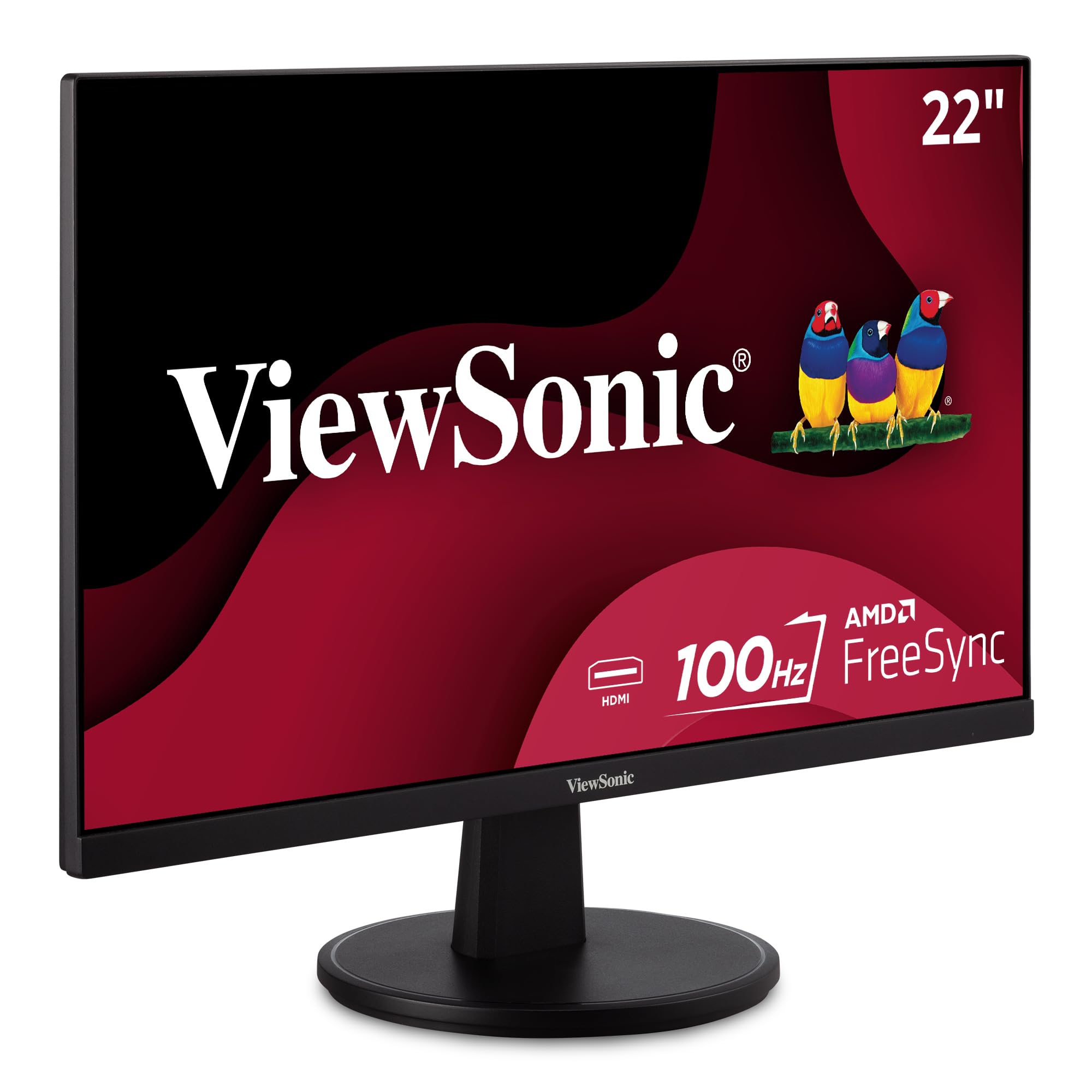
The ViewSonic VS2247-MH pairs a 100Hz refresh with flicker-free backlighting and a blue-light filter at a budget price — a real win for long reading sessions. The 22-inch picture is sharp and easy on the eyes, and it sets up in minutes. Longevity is the tradeoff: a budget panel can go dark within days of setup, and the built-in speakers are weak. That makes it a reasonable secondary display where a short life and headphone dependency are acceptable — not a primary workhorse.

Keep a power strip or extension cord on hand — the included power lead is short and limits desk placement.

Bottom line: With a power strip nearby and headphones on hand, it's a decent budget secondary display — for buyers who can accept the early-failure risk.

How to Choose

Screen Size

A 22-inch display fits easily on a cramped dorm desk and leaves room for textbooks or a laptop, while a 24-inch model adds valuable screen area for split-screen note-taking and video lectures. On a desk shallower than 24 inches, a 27-inch screen forces you to sit farther back to avoid neck strain, effectively making text smaller than on a 24-inch at the same distance.

Consider how you will position the monitor relative to your eye line. A 27-inch panel raised on a stand or mount can overwhelm a small workspace, so measure your desk depth before committing to the larger size.

Refresh Rate

Refresh rate determines how many times per second the display redraws the image, which directly affects motion smoothness in games and scroll speed when reading long documents. A 60Hz panel shows visible stutter during fast camera pans, while a 120Hz display cuts that judder in half, making everyday desktop navigation feel noticeably crisper.

Advertised rates deserve scrutiny. A monitor claiming 144Hz may top out at 120Hz over certain HDMI connections or on some units, so confirm the port's bandwidth before spending extra for a number the panel cannot sustain.

For most coursework, 75Hz to 120Hz is the practical sweet spot; the jump beyond 144Hz offers little benefit unless you are a competitive FPS player.

Panel Type

IPS panels produce the most accurate and consistent colors across viewing angles, so a 24-inch IPS monitor keeps text and images looking correct even when sharing a desk or watching from off-center. VA panels offer higher contrast and deeper blacks, which makes movies and games feel more dramatic, but colors shift when you view the screen from the side.

For essay writing, spreadsheets, and occasional photo editing, IPS is the safer choice. A VA panel is acceptable for a secondary monitor or a purely gaming-focused setup where contrast matters more than color uniformity.

Ergonomic Adjustability

A stand that offers only tilt limits how closely you can align the screen with your natural eye level, which can lead to neck and shoulder fatigue over long study sessions. Height-adjustable stands, pivot support, and swivel functions let you position the display for proper posture, but these features usually push the price above the budget tier.

If a monitor lacks height adjustment, a VESA-compatible mount can solve the problem for around $20 to $30. Verify the monitor's VESA pattern (typically 75x75mm or 100x100mm) before buying a mount, because this one spec determines whether your desk upgrade is possible at all.

A fixed stand is a real limitation, but it is also the most easily fixed compromise in this category.

Eye Care Features

Flicker-free backlights and low-blue-light modes reduce the luminance flicker and high-energy blue light that contribute to eye fatigue during hour-long reading sessions. These features are now common even on budget monitors, so there is little reason to buy a display without them.

The practical effect varies. A low-blue-light mode that removes 30 percent of blue light will help most students, but it cannot replace basic habits like taking regular breaks or adjusting brightness to match the room. For a dorm room where you work into the night, a flicker-free backlight does more for comfort than any color mode.

Frequently Asked Questions