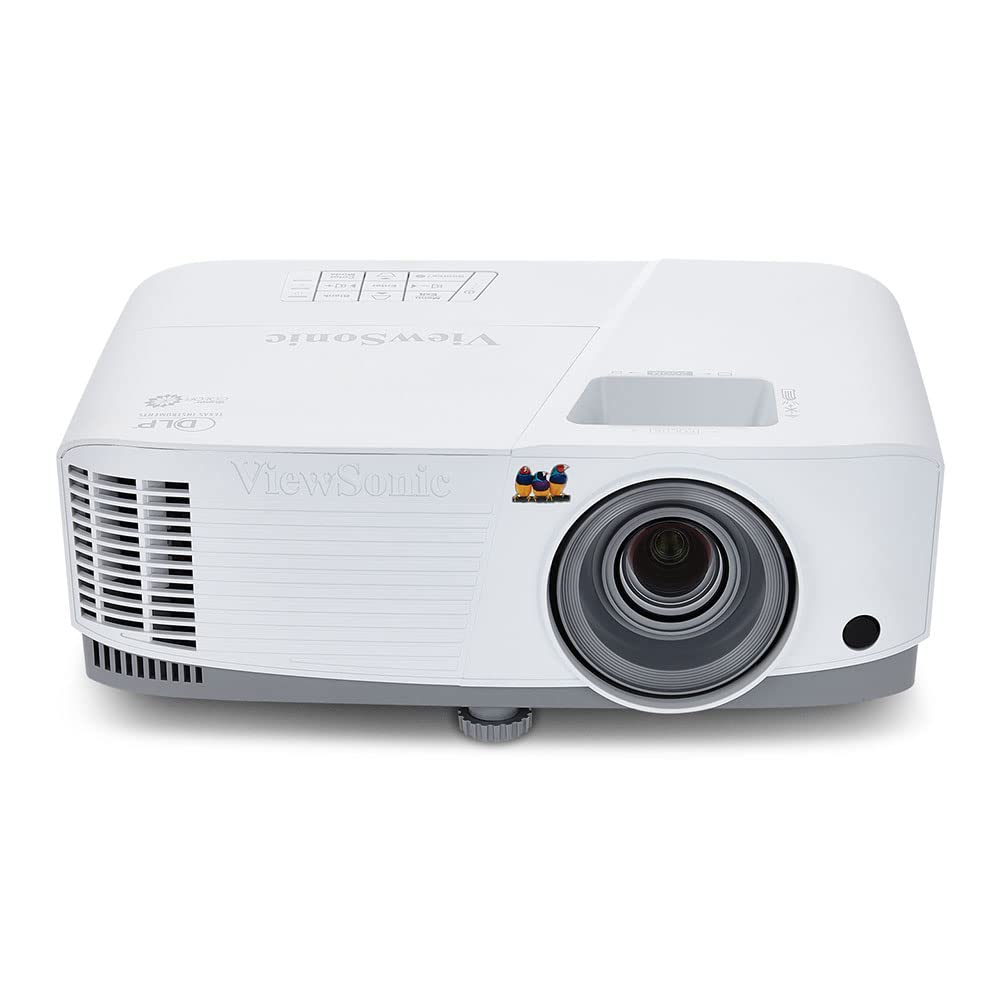
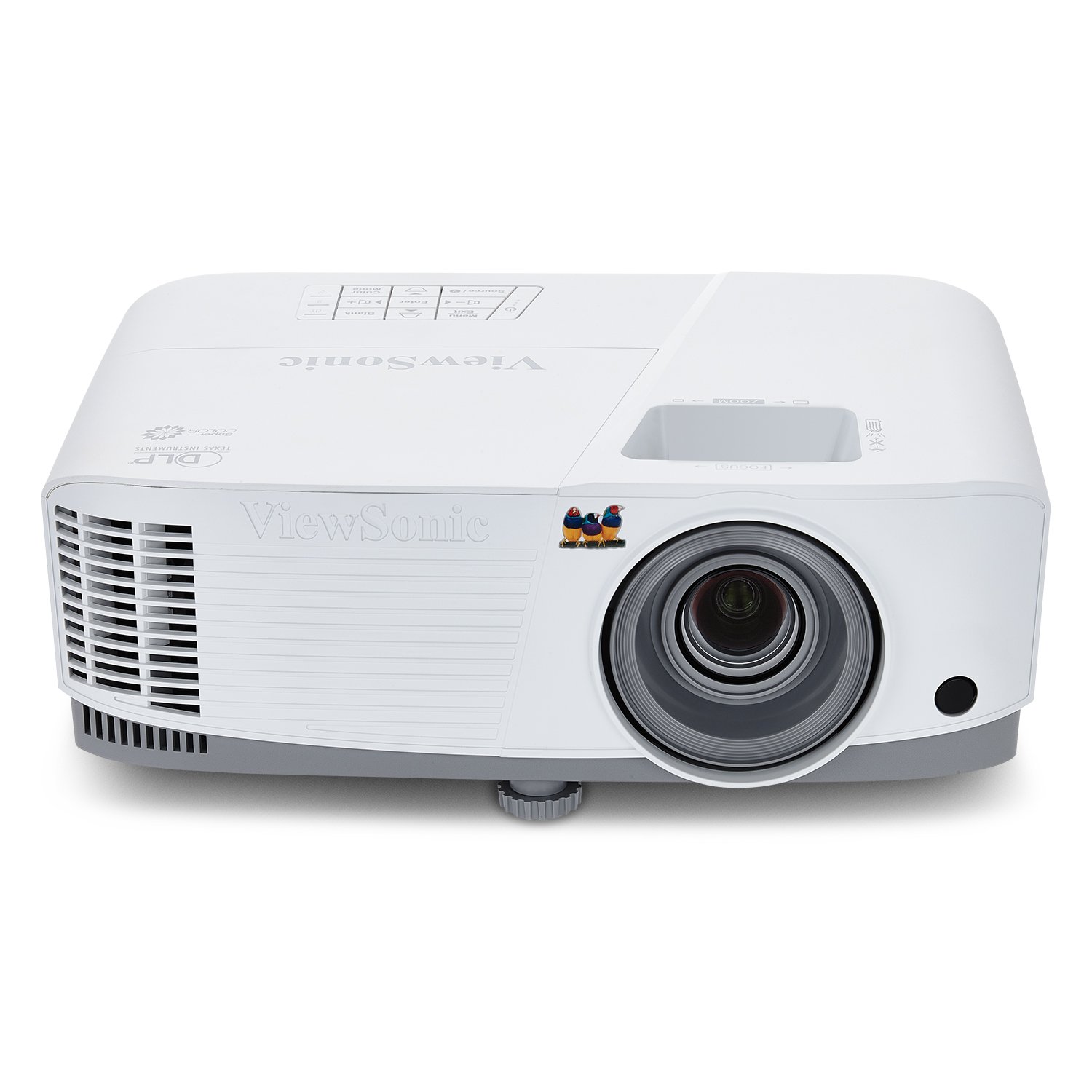
ViewSonic PA503X
What We Like
- Consistently sharp, high-quality output across repeated sessions.
- Crisp, clear image that stays readable even in moderately lit rooms.
- Very bright, holds clarity and color when room light is present.
- Strong value at a mid-range price for this brightness level.
- Steady daily performance for schools that use it every class period.
Worth Noting
- In a quiet classroom or small meeting room, the cooling fan gives off an audible hum during operation
- Lamp Life
- 5000 hours
- Brightness
- 4000 ANSI lumens
- Resolution
- XGA, 1024 x 768
- Connectivity
- HDMI, VGA, USB
Read the full review
Four thousand lumens of XGA output makes the PA503X the brightest value pick in this set, and that punch shows where it counts: it renders crisp lettering and clean slides even with overhead lights on, the moment lower-brightness units fall apart in a classroom. The built-in vertical keystone squares up a tilted projection angle without moving the desk, and SuperColor keeps chart colors from washing out on a whiteboard. At 1024x768 native resolution, standard 4:3 presentation decks stay readable from the back row.
The PA503X is steady on two fronts: image clarity and day-to-day consistency. The image stays sharp across moderately lit rooms in a range of setups, the lamp holds its brightness through repeated daily use, and the picture remains stable without drift during long sessions. HDMI and VGA inputs cover the two cable standards a training room is likely to have, and the menu lets a non-technical instructor switch sources or adjust keystone in seconds rather than calling IT — the unit keeps its focus and color balance across a full day of back-to-back classes.
The PA503X fits standard classrooms and meeting rooms where the content is mostly text and static slides — lecture decks, budget charts, training modules. The tradeoff sits at the edges: XGA resolution caps fine detail, so anyone projecting video or dense engineering drawings should look at the widescreen WXGA model in the same lineup, which adds 1280x800 output and a longer rated lamp. In a quiet room the cooling fan gives off an audible hum during operation, which matters more for a small conference room than for a busy classroom carrying its own ambient noise. Throw distance is standard for its class, so plan the mount to sit well back from the screen rather than beside the whiteboard.
Value-conscious departments get the most from this unit. The mid-range price undercuts typical 4000-lumen projectors, and the 5000-hour rated lamp plus three input options — HDMI, VGA, and USB — let a school standardize on one model across several rooms without rewiring or frequent bulb swaps. For a floor that shares a single projector on an AV cart, the chassis holds up to being moved between classes.
Set the projector at the back of the room rather than near the lectern — the fan hum carries less the farther it sits from the audience.
Bottom line: Standard classrooms running chart-and-text lessons get the clearest bright-room image per dollar in this lineup.